24 Hidden Premiere Pro Power-Ups Every Video Editor Should Know
Lesser-known Adobe Premiere Pro features and workflow hacks to enhance your editing efficiency.
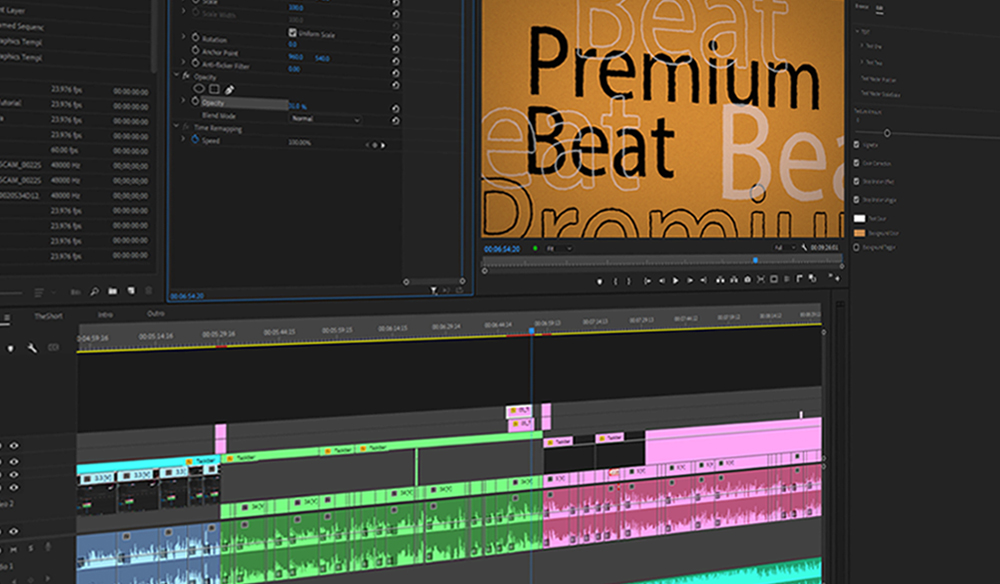
24 Hidden Premiere Pro Power-Ups
Editing and Workflow Hacks
Streamline your process through custom presets, automated Ken Burns effects, keyboard shortcuts, and Audio Gain normalization.
Hidden Features for Faster Editing
Scene Edit Detection for auto-locating cuts, auto-reframe for social media, Essential Graphics for professional titles, rulers, and single-click YouTube thumbnail exports.
Productivity Tips
Adjustment layers for non-destructive effects, master clip vs sequence effects, proxy workflows for resource management. Lock layers to prevent accidental edits.
Audio Management
Synchronize multiple audio layers simultaneously and create keyframes that adjust all following clips.
Project Optimization
Reduce file sizes by removing duplicate clips and incorporate VST plugins for expanded audio capabilities.