Remove Silent Gaps from a Zoom Recording — Free
Zoom recordings are 30–50% silence: people thinking, muting, multitasking. Auto-removing the gaps turns a 60-minute meeting into a 30-minute review-able clip.
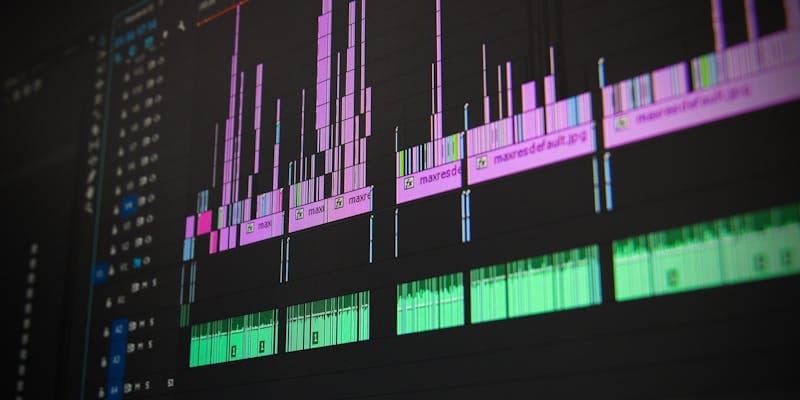
Step-by-step
Drop the Zoom MP4 into Silence Remover
The tool detects silence below a configurable threshold (default -40 dB for 0.6 s) and cuts those gaps.
Tune threshold and minimum gap
Tighten the threshold (-50 dB, 1 s gap) for casual chats; loosen (-30 dB, 0.4 s) for fast-paced standups.
Trim and normalize
Use Audio Normalizer to flatten volume swings between local and remote mics — makes the final clip much easier to listen to.
Recommended settings
| Default silence threshold | -40 dB for ≥ 0.6 s |
|---|---|
| Typical compression | 30–50% shorter |
| Output codec | H.264 + AAC, MP4 |
Quality check before publishing
- Play the first and last three seconds to catch bad trims, black frames, missing audio, or a visible jump at the end.
- Confirm the exported file matches the important settings above, especially duration, aspect ratio, resolution, codec, and file size.
- Preview once on the target platform or device before deleting the original source file.
- If the clip will be reposted publicly, strip metadata first and verify no private names, GPS data, or device fingerprints remain.
Tools you may also need
FAQ
Will the cut feel jumpy?
A small overlap (50–100 ms) at each cut point keeps speech natural. The default settings are tuned for that.
Can I do this on a 2-hour meeting?
Yes. Processing time is roughly 2x real-time on an M2 Mac for 1080p input. Expect 4 minutes to process a 2-hour meeting.
Does this run in my browser?
Yes — every step in this guide uses an in-browser FFmpeg WebAssembly tool. Your video never uploads to a server and never leaves your device.