Pr
Premiere Pro
27 篇教程
全部教程
音频进阶
In Sync at 0:00, Half a Second Late by 2:00
剪辑入门
Captioning a One-Hour Video After the Free Minutes Run Out
剪辑进阶
What Jev Can Actually Judge in a Video Edit
剪辑进阶
Joining AI Clips Into One Video Without a Broken Seam
特效与动效高级
You Blurred the Faces. Here's What Still Identifies Them.
画面进阶
Landscape to Vertical, With the Crop Following the Speaker
剪辑进阶
Slow-Motion Replays: Editing Dramatic Football Moments
特效与动效入门
关键帧动画入门:让静止元素动起来
音频入门
降噪处理:让嘈杂的音频变得专业
画面入门
调色基础:用色轮和曲线打造电影感
音频入门
Syncing External Audio with Video Footage
音频进阶
Using EQ (Equalizer) in Video Editing
音频进阶
Audio Mixing Fundamentals for Video
音频高级
Sound Design for Video
剪辑进阶
J-Cut 与 L-Cut:让画面过渡更自然
第 1 / 2 页
上一页下一页
What Premiere Pro is
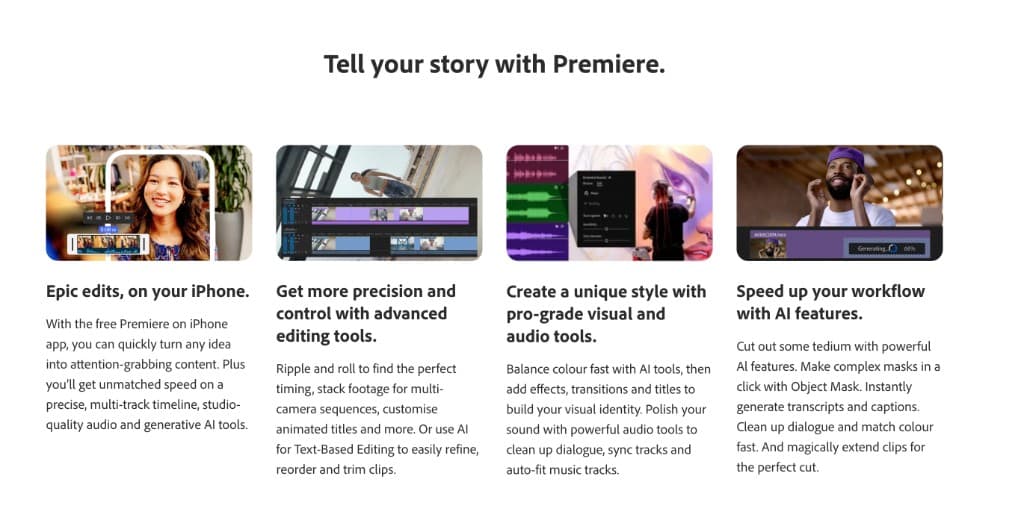
Premiere Pro is a non-linear editor built for long-form and commercial work. Its real advantage is not any single feature but the surrounding ecosystem: dynamic linking to After Effects for motion work, Audition for sound, and a project format most post houses and freelancers already know how to open. It edits a broad range of camera formats natively, which matters when footage arrives from several sources.
Runs on macOS, Windows.
Where it is the right choice
- Multi-camera and long-form projects with many sources and a real timeline structure
- Work that has to move between people or between applications mid-project
- Anyone already inside the Adobe ecosystem, where the round trips are the point
Where it stops fitting
- Subscription only, with no perpetual licence.
- Heavy on machine resources, particularly with 4K HEVC from a phone or a modern camera.
- Enormous overhead for a single operation like trimming a clip or changing its format.
Jobs you can do here instead, free and without uploading
Plenty of what sends people to Premiere Pro is a single operation rather than an edit. These run in your browser, so the file never leaves your device and there is nothing to install or subscribe to.