在线统一音频响度,免费
自动把音量调到一致的水平,采用 EBU R128 响度标准——播客、YouTube 视频和专业内容都适用。
把视频拖到这里,或点击选择文件
文件上限约 2 GB(取决于内存)
使用方法
Upload your video or audio
Drag and drop any video or audio file (MP4, WebM, MOV, MP3, WAV). The file stays local — nothing leaves your device.
Normalize
Click "Normalize Audio". FFmpeg loudnorm applies a -14 LUFS target with a -1 dBTP true-peak ceiling — the streaming-platform sweet spot.
Download
Download the volume-corrected file. The video track is stream-copied and untouched; only the audio is adjusted.
What the tool looks like
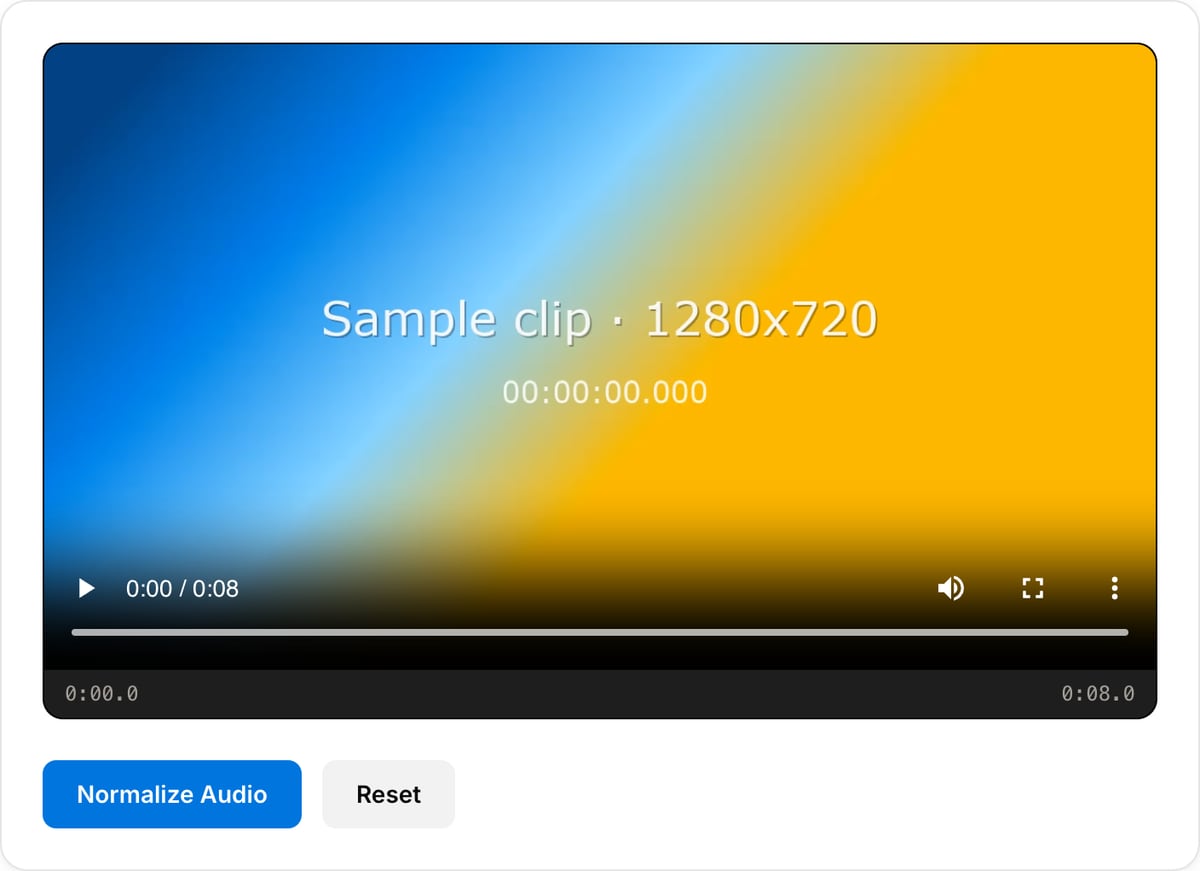
Popular task presets
Best for / not for
Best for
- Leveling speech, podcasts, interviews, meetings, lectures, voiceovers, and narration.
- Making quiet audio easier to hear without manually riding volume.
- Preparing audio before transcription, publishing, replacement, or sharing.
Not for
- Professional mastering with EQ, compression, limiting, and loudness metering decisions.
- Removing background noise or echo.
- Fixing clipped audio that was recorded too loud.
Best use cases for audio normalization
- Make uneven meeting, webinar, podcast, lecture, or interview audio easier to hear.
- Bring a quiet voiceover or extracted video audio up to a more practical listening level.
- Normalize a replacement audio track before attaching it back to a video.
Supported formats & limits
| Input formats | MP3, WAV, AAC/M4A, OGG, FLAC, Opus, WebM — any codec FFmpeg understands |
|---|---|
| Output formats | MP3 (192/320 kbps), AAC (192/256 kbps), WAV (lossless), OGG Vorbis, FLAC (lossless) |
| Max file size | Uploader limit: 2048 MiB (about 2 GB). Processing needs additional memory; smaller files may fail on low-memory devices. |
| Max duration | Depends on file size, the operation and available memory. Long files can fail or take a long time. |
| Cost | Free for any use. No signup. No watermark on output. |
Audio Normalizer vs. the usual alternatives
| Feature | This tool | VEED (free) | Kapwing (free) | CapCut Online |
|---|---|---|---|---|
| Processing model | Runs locally in your browser | Upload-based project editor | Upload-based project editor | Upload-based online editor |
| File limits | Tool-specific file limits apply; available memory can require smaller files | Free: up to 1 GB per uploaded file | Free: up to 250 MB per uploaded file; exports up to 4 minutes | Limits depend on the feature, account and selected assets |
| Watermark on output | No watermark added | Watermark on free or signed-out exports | Watermark on Free-plan exports | Standard edits can be watermark-free; template branding and Pro assets need checking |
| Signup / account | No account for tools | Workspace/account flow | Workspace/account flow | CapCut account flow |
| Connection | Initial page and processing-engine downloads require internet; offline use is not guaranteed | Online project editor | Online project editor | Online project editor |
| Best for | Private one-step file operations | Full editor, templates, AI tools | Collaboration, templates, AI tools | Social templates and timeline editing |
Comparison covers the web editors and the linked help pages. Plans, export settings and asset restrictions can change; check the source before starting a project.
Checked . Sources: VEED upload limits · VEED watermarks · Kapwing Free plan · CapCut watermarks · CapCut Pro assets
Why this normalizer is different
- The workflow is tuned for spoken audio, where consistency matters more than loudness hype.
- Pairs naturally with silence removal and video audio replacement.
- Runs locally, so interviews, classes, client calls, and legal recordings do not need to upload.
Tutorials covering this tool
常见问题
What is loudness normalization?
It adjusts perceived volume to a consistent level using psychoacoustic models — not just peak levels. Prevents quiet dialogue followed by blasting music.
What is EBU R128?
The European Broadcasting Union standard for loudness. Targets -23 LUFS with -1 dBTP peak limit. YouTube uses -14 LUFS, Spotify -14 LUFS, Apple Podcasts -16 LUFS.
What target does the tool use?
Fixed at -14 LUFS with a -1 dBTP ceiling — matches YouTube, Spotify, Apple Music, and most streaming platforms. Podcast (-16) and broadcast (-23) targets are not currently selectable.
Will it cause clipping?
The loudnorm true-peak limiter keeps output under -1 dBTP. The tool runs single-pass so results are slightly less precise than a two-pass broadcast-grade measurement, but stay safely within the ceiling without distortion.
Does normalization remove background noise?
No. Normalization changes loudness. Noise, echo, and room tone need separate cleanup tools.
Can normalization fix clipped audio?
No. If the source is clipped or distorted, normalization cannot restore the lost waveform.
Should I normalize before or after cutting silence?
Remove long silent gaps first, then normalize the final audio for a more predictable level.