视频元数据查看器——免费在线
查看任意视频文件的详细信息——分辨率、时长、帧率、编码格式、文件大小等等。不用上传,在浏览器里即时读取。
把视频拖到这里,或点击选择文件
文件上限约 2 GB(取决于内存)
使用方法
Upload or drop video
Drag and drop any video file (MP4, WebM, MOV, AVI, MKV) or click "Choose File" to browse. Metadata is read instantly.
View metadata
All metadata is displayed instantly: video codec, audio codec, resolution, bitrate, frame rate, duration, and file size.
Copy values
Click to copy any metadata value. Useful for sharing technical specs or configuring your export settings.
What the tool looks like
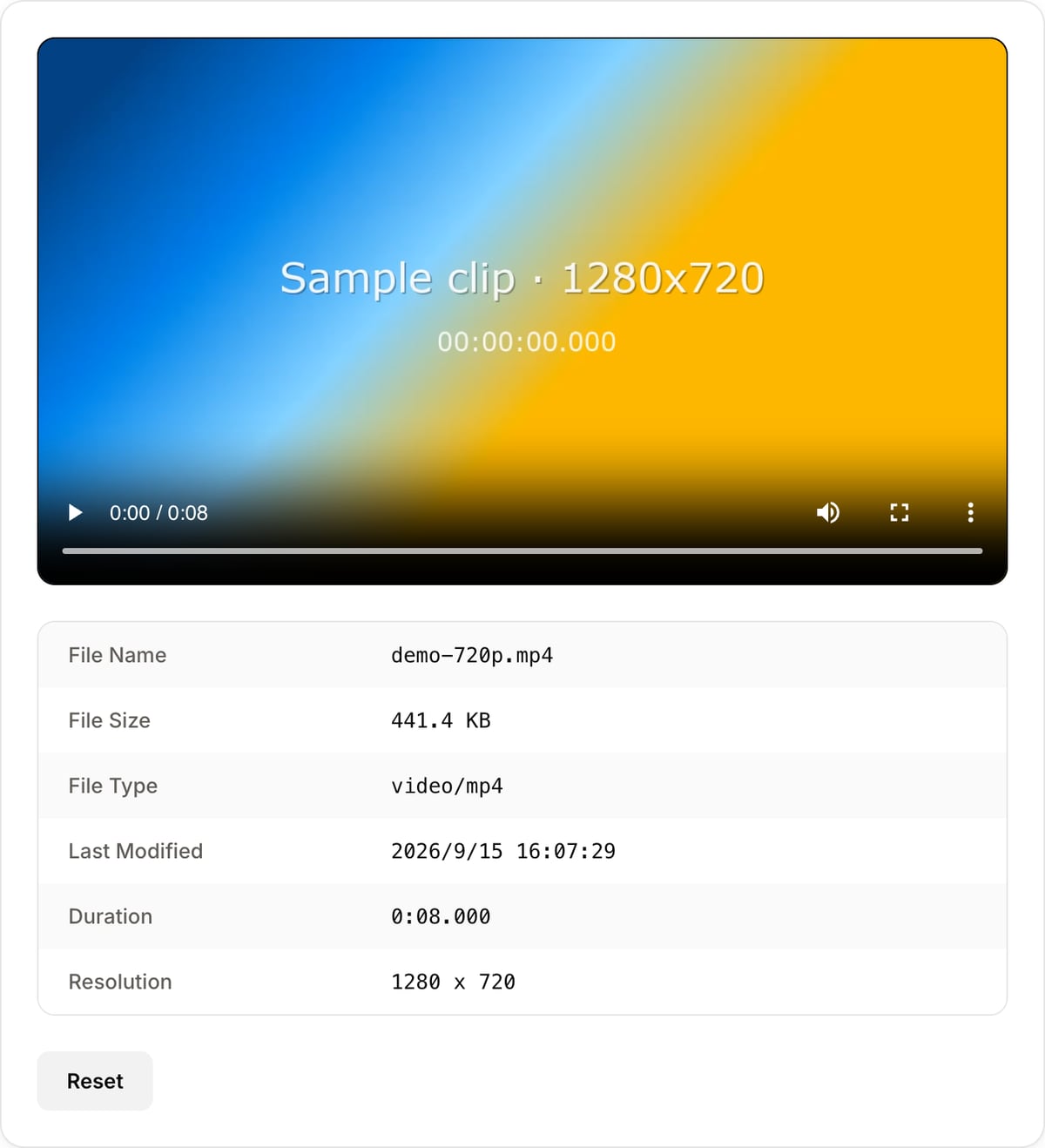
Popular task presets
Best for / not for
Best for
- Reading technical file details before conversion, compression, editing, or upload troubleshooting.
- Checking codec, container, resolution, frame rate, duration, audio streams, and file size locally.
- Verifying whether a file is HEVC, variable frame rate, unusually high bitrate, or missing audio.
Not for
- Removing metadata. Use Metadata Cleaner when you need privacy cleanup.
- Forensic certification or legal chain-of-custody reports.
- Repairing broken media files or changing their codec/container.
Best use cases for viewing video metadata
- Diagnose why a file will not upload, why it plays poorly, or why an editor rejects it.
- Check whether a phone video is HEVC/H.265 before converting it to a more compatible MP4.
- Read duration, resolution, frame rate, and codec details before choosing compression or export settings.
Viewer behavior
| Reads only | This page inspects the file. It does not modify, upload, clean, or transcode it. |
|---|---|
| Privacy | Metadata is parsed locally in the browser, useful for client footage and private phone videos. |
| Best next step | Use Converter for codec/container problems, Compressor for file size, and Metadata Cleaner for privacy. |
| Verification | For legal or newsroom workflows, verify with a dedicated tool such as MediaInfo or ExifTool as well. |
Why this metadata viewer is different
- It is a diagnostic page for editors: the fields shown are the ones that explain upload, playback, and export problems.
- No upload is important because metadata can expose device, project, and location-like information.
- The viewer points to the right next tool instead of leaving you with raw technical data.
Tutorials covering this tool
常见问题
What metadata can I see?
You can view video codec, audio codec, resolution, duration, frame rate, bitrate, file size, container format, and more.
Is my video uploaded to a server?
No. The metadata is read entirely in your browser. Your video file never leaves your device, ensuring complete privacy.
What is a video codec?
A video codec (like H.264, H.265/HEVC, VP9, AV1) is the compression method used to encode the video. It determines file size, quality, and compatibility.
How do I check a video's resolution?
Upload or drop your video file into the tool. The resolution (e.g., 1920x1080) is displayed instantly along with all other metadata.
Is viewing metadata the same as removing it?
No. This page reads metadata only. Use Metadata Cleaner to strip hidden fields from a file.
Can metadata explain upload failures?
Often yes. Unsupported codec, odd frame rate, huge bitrate, or missing audio can all cause upload or playback issues.
Does this upload my video?
No. The file is inspected locally in the browser.