The Best Way to Shrink Video for WhatsApp in 2026
Need the best way to shrink video for WhatsApp? Cut files under 16MB in minutes with browser tools, HandBrake, or FFmpeg. Try the fastest method now.
The best way to shrink video for WhatsApp is to re-encode it to H.264 at 720p with a bitrate near 1,500 kbps, which reliably pulls most clips under WhatsApp's 16MB chat attachment ceiling. Use a browser compressor for one-off sends, HandBrake for repeat batches, or FFmpeg if you want precise control. This guide walks through each path so you can pick the fastest route for your clip.
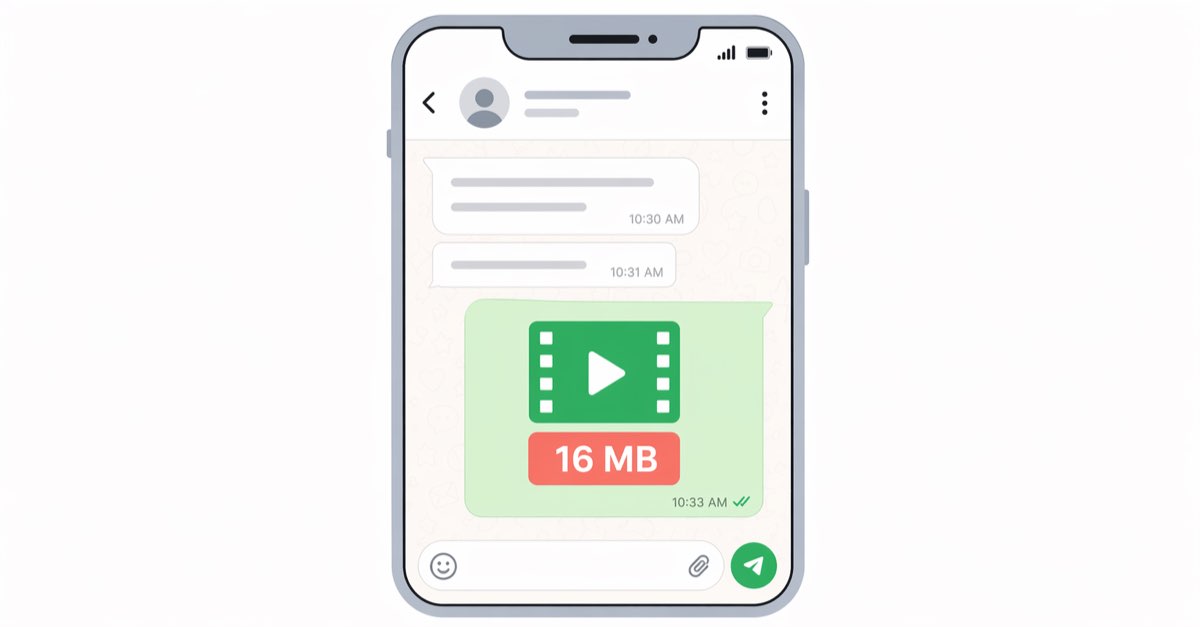
Why WhatsApp Rejects Your Video
WhatsApp enforces a strict 16MB limit on video files sent through chats, a cap that has stayed the same for years despite rising phone camera resolutions. A 30-second 4K clip from a modern iPhone or Pixel can easily hit 150MB, roughly 9x over the limit. Status updates cap video length at 30 seconds and re-encode aggressively server-side, while video calls stream in real time and are a separate system entirely — they do not share the attachment cap.
There's also a platform split worth knowing. iOS exports HEVC (H.265) by default, which WhatsApp converts on upload, sometimes bloating the file before compression kicks in. Android devices typically shoot H.264 already, so they sail through with less quality loss. If you share a lot from iPhone, converting to H.264 first almost always produces a smaller, cleaner result.
The Fastest Solution: Browser-Based Compressors
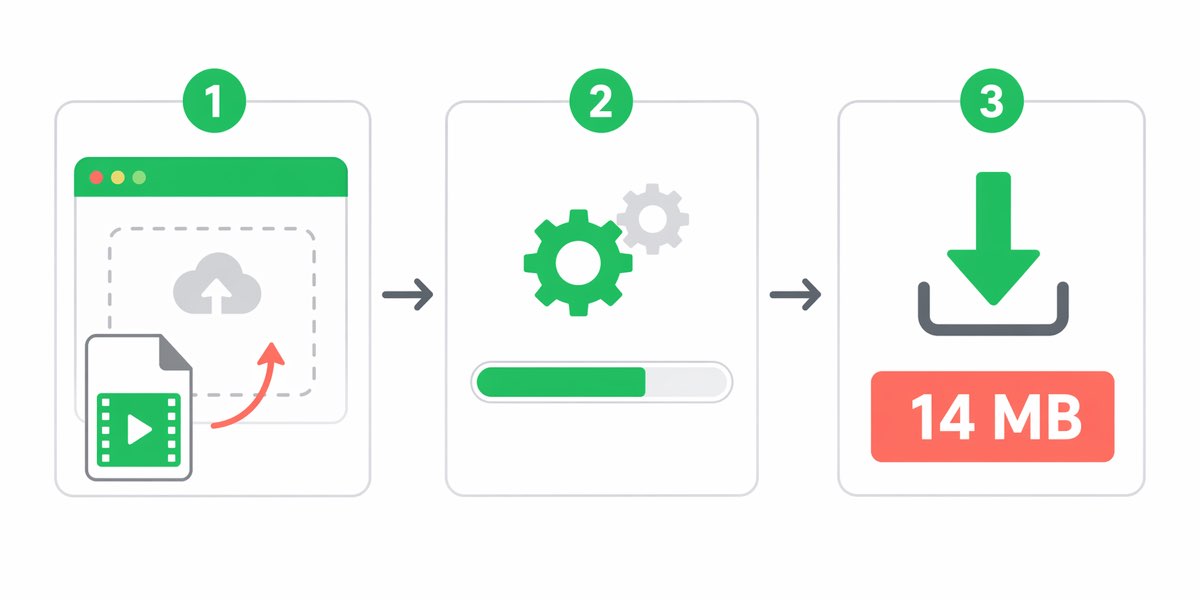
For a single clip you need to send in the next two minutes, a browser tool is the best way to shrink video for WhatsApp without installing anything. Upload, pick a target size, download, and send.
- VEED.io — drag-and-drop, preset for "WhatsApp (16MB)", handles files up to 1GB on the free tier [verify].
- Clideo — similar workflow, adds a small watermark on free exports unless you sign in.
- Video Shrinker — a lightweight single-purpose tool that defaults to WhatsApp-safe output.
- FreeConvert — lets you cap output size directly in MB, which is handy when you're dancing near the limit.
[TOOL: video-compressor]
Most of these tools run H.264 encoding in the cloud and return a downloadable MP4 in under a minute for clips under 5 minutes. Downsides: you're uploading personal footage to a third party, and free tiers often cap daily usage.
Manual Methods That Give You More Control
If you compress videos for WhatsApp weekly — for a client, a family group, a newsletter — investing ten minutes in a local tool pays off.
WhatsApp's Built-in Compression
Tap the attachment icon, pick the video, and WhatsApp will auto-compress anything over its limit. It works, but the output often looks mushy because the app targets a conservative bitrate around 800 kbps regardless of source quality. Fine for a quick text-chat clip. Not fine if you want the recipient to actually see detail.
HandBrake: The Free Desktop Workhorse
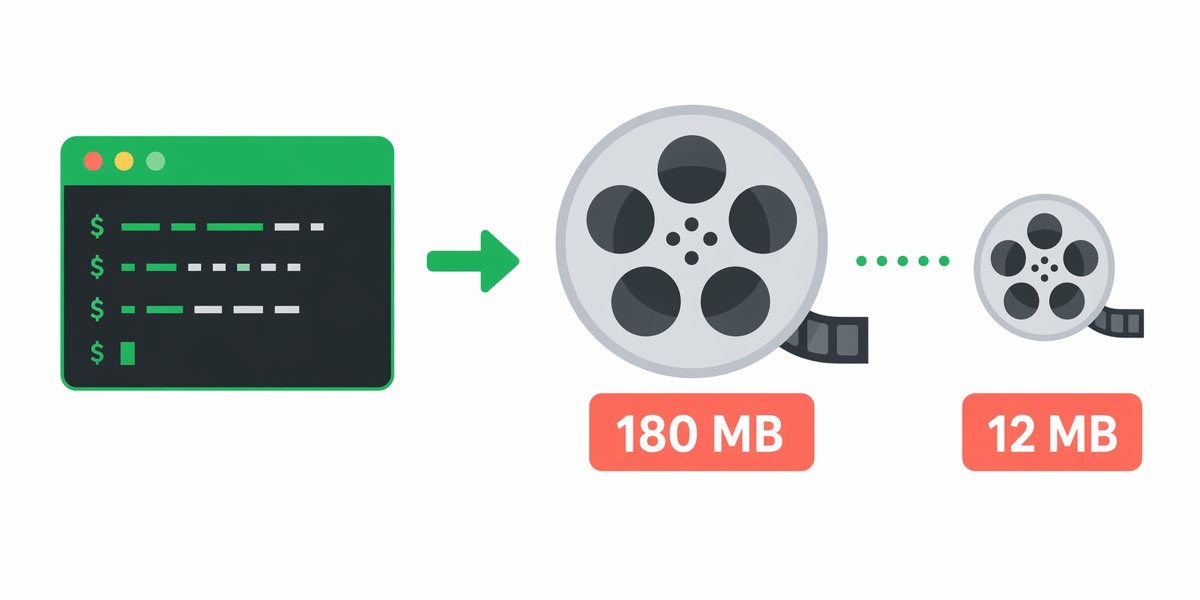
HandBrake is open-source, runs on Windows, macOS, and Linux, and ships with a preset called "Fast 720p30" that works as a strong WhatsApp starting point. Load the source, pick the preset, set the quality slider (RF) to 24, and export. A 200MB 1080p clip typically lands around 12-15MB after this treatment.
[TOOL: handbrake-guide]
For even smaller files, drop resolution to 480p and RF to 26. Quality holds up surprisingly well on a phone screen, where most WhatsApp videos are watched anyway.
FFmpeg: Surgical Precision
One command does it:
ffmpeg -i input.mp4 -vcodec libx264 -crf 28 -preset fast -vf scale=1280:-2 -acodec aac -b:a 96k output.mp4
This targets 720p, a CRF of 28 for strong compression, and a 96 kbps audio track — plenty for voice and most music. Tweak CRF up to 30 if you need to squeeze harder; each point up roughly halves file size but shows visible artifacts past 32.
Real Scenarios and What Actually Works
The 15-second story clip — Kid's first steps, shot in 4K. Use a browser tool with the "WhatsApp" preset. You'll be done in 90 seconds and the result will easily slot under 16MB.
The 5-minute vlog — Travel recap for a group chat. Browser tools start timing out here. Switch to HandBrake with Fast 720p30 and RF 25. Expect a final file around 14MB and processing time of roughly 2 minutes on a mid-range laptop.
The 1-minute piano performance — Audio quality matters, so don't strip it to 64 kbps. FFmpeg with CRF 26 and 128 kbps AAC audio preserves the performance while landing near 10MB. Keep the resolution at 720p; piano details don't need 1080p to read.
The business demo screen recording — Text must stay legible. Compress to 720p but keep the frame rate at the source (usually 30 fps) and set CRF to 23. Slightly larger file, but the UI stays sharp. If you're still over 16MB, trim the clip instead of compressing harder.
[TOOL: screen-recorder-compression]
The status update — WhatsApp will re-encode anyway, so export at 1080p, 30fps, H.264, and let their servers do the final pass. Anything fancier is wasted effort.
FAQ
What is the maximum video size for WhatsApp in 2026? WhatsApp still enforces a 16MB cap on video attachments in regular chats. WhatsApp Business and some channel features allow larger files up to 2GB [verify], but standard 1-to-1 and group chats remain capped at 16MB.
Does compressing video for WhatsApp lower the quality? Yes, but not always noticeably. H.264 at 720p and RF 24 looks almost identical to the source on a phone screen. Quality loss only becomes obvious when you push CRF above 30 or drop below 480p.
Can I send longer videos without compressing? Upload to Google Drive, iCloud, or WeTransfer and paste the link into the chat. This avoids compression entirely and bypasses the 16MB ceiling, though recipients need to tap out of WhatsApp to view.
Is there a best way to shrink video for WhatsApp on iPhone without an app? The Photos app's built-in Trim feature cuts length, which often does the job for slightly oversized clips. For real compression without an app, use a browser tool in Safari.
Why does my compressed video still get re-encoded by WhatsApp? WhatsApp always runs a final pass to standardize format. Supplying an already-compliant H.264 MP4 under 16MB minimizes the damage from that pass — that's the whole reason pre-compression wins.
The Bottom Line
The best way to shrink video for WhatsApp depends on how often you do it. One-off clip tonight? Browser tool, five minutes, done. Weekly workflow? Install HandBrake and save a preset. Technical user who wants exact control? FFmpeg with the command above. Whichever path you take, aim for H.264 at 720p and a bitrate around 1,500 kbps — that's the sweet spot where WhatsApp's own servers stop fighting you and your recipient actually sees what you filmed.
Try it yourself — free in your browser
No upload, no signup, no watermark — these tools run on FFmpeg WebAssembly locally.