免费在线屏幕录制——免安装、不上传(含麦克风和系统声音)
录制整个屏幕、单个窗口或浏览器标签页,可同时录麦克风和系统声音。文件存在本地。免安装,不上传。
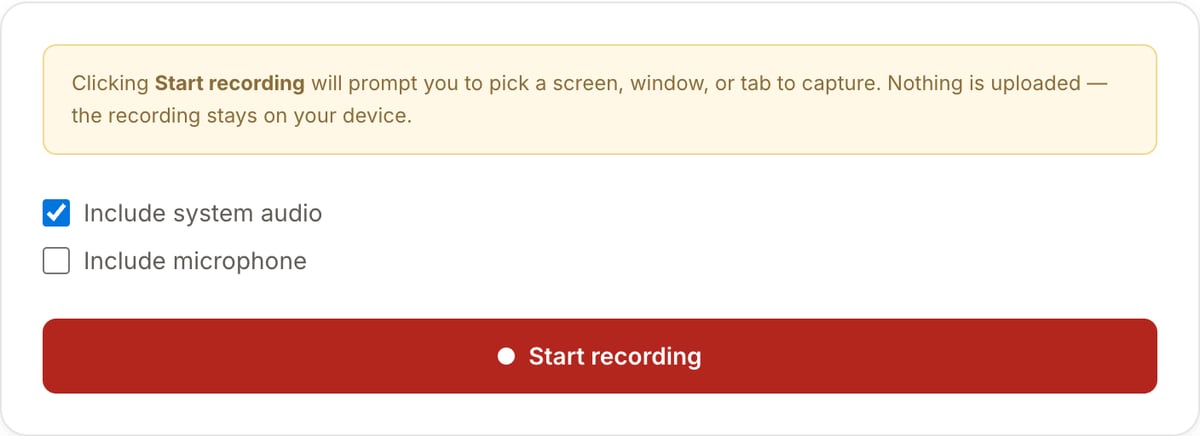
What the tool looks like
Popular task presets
Best for / not for
Best for
- Browser, window, or full-screen recordings for product demos, bug reports, tutorials, and walkthroughs.
- Local capture when you do not want to install a desktop recorder or upload raw footage.
- Quick recordings with optional microphone/system audio depending on browser support.
Not for
- Studio-grade recording with scene switching, overlays, virtual cameras, and live streaming.
- DRM-protected video or apps that block screen capture.
- Long multi-hour capture on low-memory browsers.
Best use cases for screen recording
- Record a product walkthrough, support bug, onboarding flow, lecture snippet, or browser-based tutorial.
- Capture a window or tab with narration for docs, changelogs, training, and async feedback.
- Create a local draft recording before trimming, compressing, or converting it.
Recording details
| Output | Browser-native recording format, commonly WebM. Convert to MP4 afterward if needed. |
|---|---|
| Audio | Microphone capture works in modern browsers; system/tab audio depends on browser and OS. |
| Privacy | Recording is created locally in the browser. Nothing uploads unless you upload the file yourself. |
| Best workflow | Record first, trim mistakes, then compress the review copy. |
Screen Recorder vs. the usual alternatives
| Feature | This tool | VEED (free) | Kapwing (free) | CapCut Online |
|---|---|---|---|---|
| Processing model | Runs locally in your browser | Upload-based project editor | Upload-based project editor | Upload-based online editor |
| File limits | Tool-specific file limits apply; available memory can require smaller files | Free: up to 1 GB per uploaded file | Free: up to 250 MB per uploaded file; exports up to 4 minutes | Limits depend on the feature, account and selected assets |
| Watermark on output | No watermark added | Watermark on free or signed-out exports | Watermark on Free-plan exports | Standard edits can be watermark-free; template branding and Pro assets need checking |
| Signup / account | No account for tools | Workspace/account flow | Workspace/account flow | CapCut account flow |
| Connection | Initial page and processing-engine downloads require internet; offline use is not guaranteed | Online project editor | Online project editor | Online project editor |
| Best for | Private one-step file operations | Full editor, templates, AI tools | Collaboration, templates, AI tools | Social templates and timeline editing |
Comparison covers the web editors and the linked help pages. Plans, export settings and asset restrictions can change; check the source before starting a project.
Checked . Sources: VEED upload limits · VEED watermarks · Kapwing Free plan · CapCut watermarks · CapCut Pro assets
Why this recorder is different
- Built for fast local capture rather than account-based cloud recording.
- Pairs with the trimmer, compressor, GIF maker, and audio extractor for common post-recording tasks.
- Useful for private bugs, internal tools, and unreleased product demos because raw capture stays local.
常见问题
Do you keep a copy of my recording?
No. Recording happens entirely on your device using the browser’s MediaRecorder API. The file is written to your downloads folder only when you click Download.
Why is output WebM, not MP4?
Browsers can encode WebM (VP9 + Opus) natively. MP4 H.264 in-browser recording is not widely supported. Use our Video Converter to turn the WebM into MP4 — locally too.
Can I record a specific tab or window?
Yes. When you click Start, the browser shows a picker where you choose an entire screen, an app window, or a single Chrome/Edge tab. Tab capture also offers to include that tab’s audio.
Why does my microphone sound out of sync?
Microphone latency depends on your audio driver. If you notice drift, record the mic separately and sync in a timeline. Or narrate while the recording is in progress to keep both tracks on the same clock.
What is the max recording length?
Chunks are flushed every second so the file size grows gradually. Practical cap is browser memory, typically an hour or more at 1080p.
Can it record system audio?
Tab or system audio depends on browser and OS support. Chrome tab audio is usually the most reliable browser path.
Why is the output WebM?
Browsers commonly record WebM natively. Use Video Converter if you need an MP4 copy.
Should I compress screen recordings?
Often yes. Screen recordings can be large, especially at high resolution, so trim first and compress the final clip.