视频转 MP3——本地提取 MP4/MOV/WebM 音频
把视频转成 MP3,用于播客、语音笔记、课程录音或音乐小样。MP3 默认 192 kbps,也可选 AAC 和 WAV。
把视频拖到这里,或点击选择文件
文件上限约 2 GB(取决于内存)
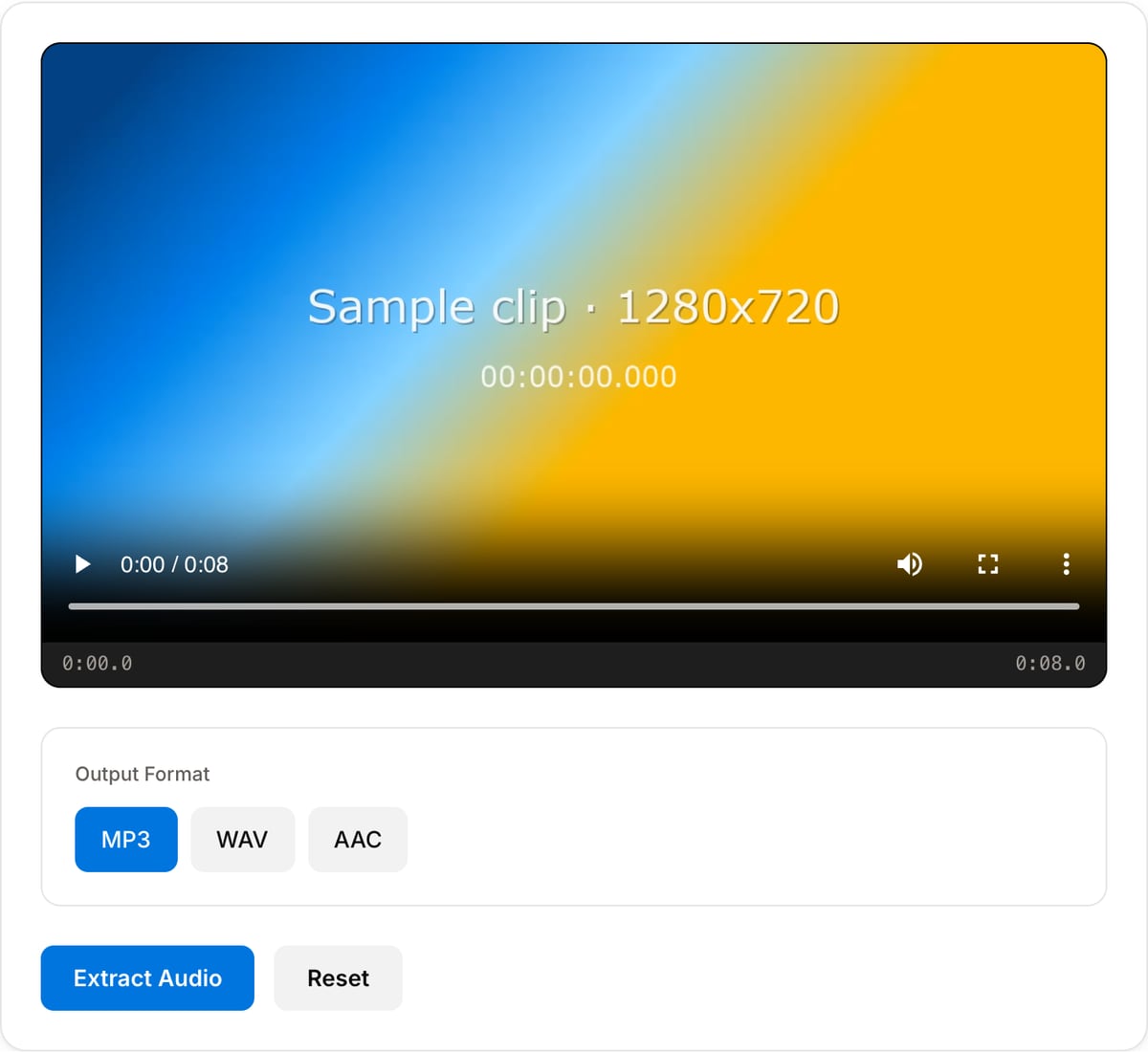
What the tool looks like
Popular task presets
Best for / not for
Best for
- Turning video podcasts, lectures, webinars, sermons, meetings, and interviews into MP3 audio.
- Creating smaller listening files for transcription, notes, sharing, or offline playback.
- Recordings that should not be uploaded to a cloud converter.
Not for
- Keeping uncompressed audio for mixing; use WAV via Extract Audio instead.
- Separating vocals from music or creating stems.
- Downloading audio from a URL directly.
Best use cases for video to MP3
- Convert a video podcast, interview, webinar, sermon, lecture, or meeting recording into a smaller MP3 for listening and sharing.
- Pull speech audio from MP4, MOV, WebM, or MKV before sending it to transcription, translation, or note-taking tools.
- Extract a rough music or sound reference from a video edit without opening a desktop NLE.
MP3 conversion details
| Default MP3 quality | 192 kbps, a practical default for speech, podcasts, screen recordings, and casual music references. |
|---|---|
| Use AAC/M4A | Good for Apple-centric workflows and smaller high-quality voice files. |
| Use WAV | Best when the result will be edited, cleaned, mixed, or mastered later. |
| Best input | Videos with a single primary audio track. Multi-track containers may export the default selected audio stream. |
Video to MP3 Converter vs. the usual alternatives
| Feature | This tool | VEED (free) | Kapwing (free) | CapCut Online |
|---|---|---|---|---|
| Processing model | Runs locally in your browser | Upload-based project editor | Upload-based project editor | Upload-based online editor |
| File limits | Tool-specific file limits apply; available memory can require smaller files | Free: up to 1 GB per uploaded file | Free: up to 250 MB per uploaded file; exports up to 4 minutes | Limits depend on the feature, account and selected assets |
| Watermark on output | No watermark added | Watermark on free or signed-out exports | Watermark on Free-plan exports | Standard edits can be watermark-free; template branding and Pro assets need checking |
| Signup / account | No account for tools | Workspace/account flow | Workspace/account flow | CapCut account flow |
| Connection | Initial page and processing-engine downloads require internet; offline use is not guaranteed | Online project editor | Online project editor | Online project editor |
| Best for | Private one-step file operations | Full editor, templates, AI tools | Collaboration, templates, AI tools | Social templates and timeline editing |
Comparison covers the web editors and the linked help pages. Plans, export settings and asset restrictions can change; check the source before starting a project.
Checked . Sources: VEED upload limits · VEED watermarks · Kapwing Free plan · CapCut watermarks · CapCut Pro assets
Why this video to MP3 converter is different
- The page is tuned for audio extraction, not generic file conversion, so the default settings favor listenable speech and manageable file size.
- No upload is important for interviews, classes, legal calls, and client recordings.
- You can keep a compressed MP3 for sharing and switch to WAV if the next step is audio editing.
Made for one job
常见问题
Can I convert MP4 to MP3 online without uploading?
Yes. This tool runs FFmpeg WASM inside your browser. Drop in an MP4, WebM, MOV, or MKV — the audio is extracted and encoded to MP3 locally. Open DevTools → Network tab to verify zero uploads.
What bitrate does the output MP3 use?
Default is 192 kbps CBR — a good balance between file size and quality. For voice-only recordings, 128 kbps is enough; for music, 320 kbps is transparent.
Why extract audio instead of using a YouTube converter?
Most "YouTube-to-MP3" sites are sketchy ad-laden services that require uploads and sometimes violate platform terms. This tool converts video files you already have (from a phone, camera, or download) — it does not touch YouTube or any streaming service.
Can I choose WAV or AAC instead of MP3?
Yes. Use the format dropdown above to switch between MP3 (192 kbps), AAC (M4A, 192 kbps), or WAV (uncompressed, best for editing).
What is the max file size?
Limited by browser memory — typically up to 2 GB. For long podcast or lecture recordings over 2 GB, trim them in the Trimmer tool first.
Is 192 kbps enough for speech?
Yes. For lectures, interviews, meetings, and podcasts, 192 kbps stereo is more than enough; mono speech can be even smaller.
Can I use the MP3 for transcription?
Yes. Most transcription tools accept MP3, and the smaller file uploads faster than the original video.
When should I choose WAV instead?
Choose WAV if you will denoise, edit, mix, or master the audio before final export.