在线旋转视频,免费
把视频旋转 90°、180° 或 270°,也能水平或垂直翻转。修正手机拍歪的视频,或做镜像效果——都在浏览器里完成。
把视频拖到这里,或点击选择文件
文件上限约 2 GB(取决于内存)
使用方法
Upload your video
Drag and drop any video file (MP4, WebM, MOV, AVI, MKV) or click "Choose File" to browse. Works with files up to ~2 GB (memory permitting).
Select rotation
Choose the rotation angle — 90° clockwise, 90° counter-clockwise, or 180°. You can also flip the video horizontally or vertically.
Rotate the video
Click "Rotate" — processing happens in your browser using FFmpeg WebAssembly. No server upload required.
Download
Download your rotated video instantly. No watermarks, no signup needed.
What the tool looks like
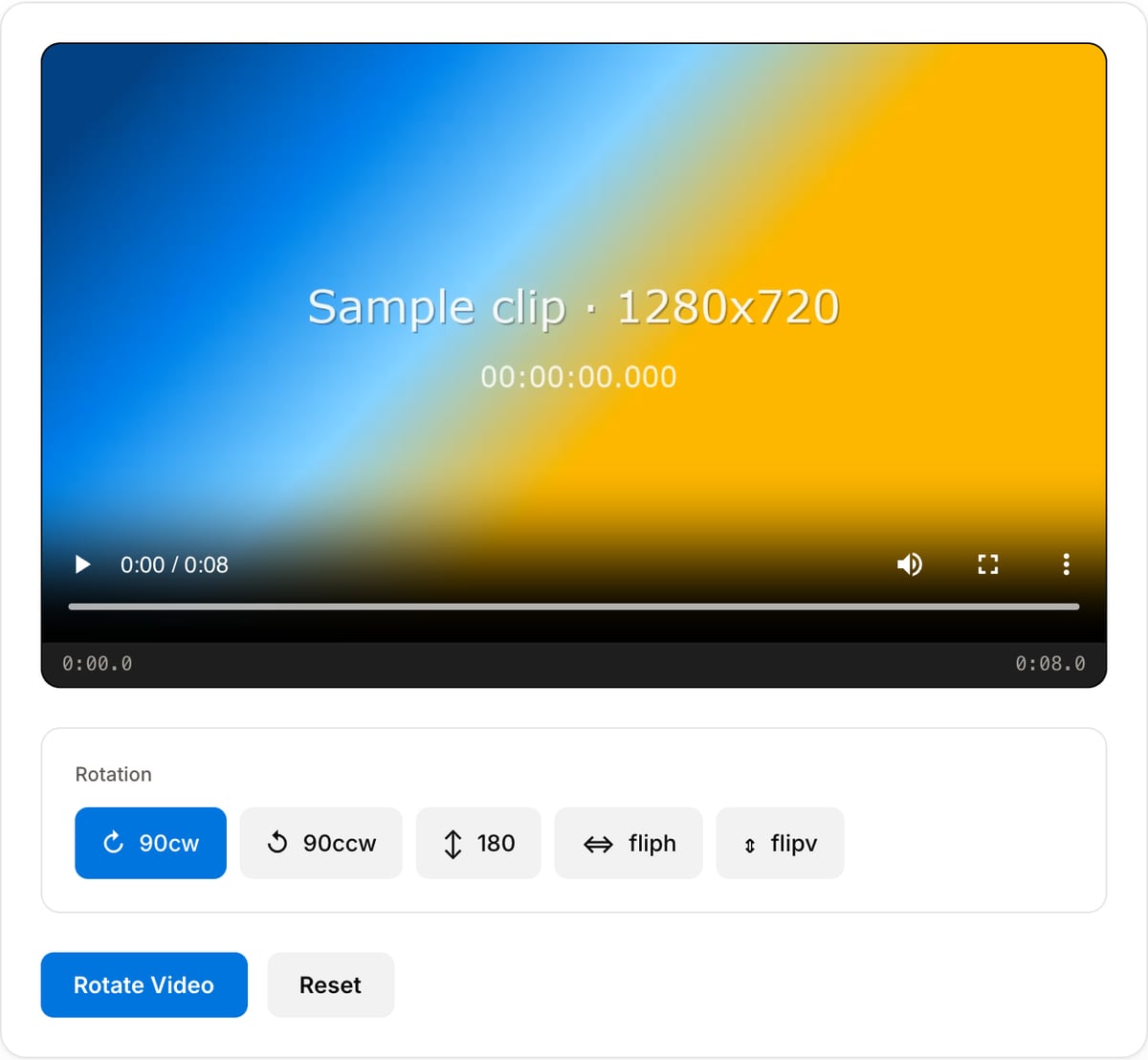
Popular task presets
Best for / not for
Best for
- Correcting phone, drone, webcam, or action-cam footage recorded sideways or upside down.
- Creating a real pixel-rotated export that plays correctly in apps that ignore orientation metadata.
- Quick 90, 180, or 270 degree fixes before resizing, cropping, or publishing.
Not for
- Mirrored footage where left and right are reversed. Use Video Flip for that.
- Changing aspect ratio for social platforms. Rotate first, then use Video Resizer or Crop.
- Stabilizing tilted handheld footage or correcting perspective distortion.
When to rotate a video
- Fix a phone video recorded sideways because the orientation lock was off.
- Rotate a drone or action-cam clip that came out upside down.
- Flip an exported clip 90° to fit a vertical or horizontal placement.
Supported formats & limits
| Input containers | MP4, MOV, WebM, MKV, AVI, FLV, WMV, M4V |
|---|---|
| Input codecs | H.264, H.265, VP8, VP9, MPEG-4, MJPEG. Not AV1 — this WebAssembly build has no software AV1 decoder. |
| Output container | MP4 (default) — interoperable with iOS, Android, YouTube, Instagram, X |
| Output codec | H.264 video + AAC audio |
| Max file size | Uploader limit: 2048 MiB (about 2 GB). Processing needs additional memory; smaller files may fail on low-memory devices. |
| Max duration | Depends on file size, the operation and available memory. Long files can fail or take a long time. |
| Cost | Free for any use. No signup. No watermark. |
Video Rotator vs. the usual alternatives
| Feature | This tool | VEED (free) | Kapwing (free) | CapCut Online |
|---|---|---|---|---|
| Processing model | Runs locally in your browser | Upload-based project editor | Upload-based project editor | Upload-based online editor |
| File limits | Tool-specific file limits apply; available memory can require smaller files | Free: up to 1 GB per uploaded file | Free: up to 250 MB per uploaded file; exports up to 4 minutes | Limits depend on the feature, account and selected assets |
| Watermark on output | No watermark added | Watermark on free or signed-out exports | Watermark on Free-plan exports | Standard edits can be watermark-free; template branding and Pro assets need checking |
| Signup / account | No account for tools | Workspace/account flow | Workspace/account flow | CapCut account flow |
| Connection | Initial page and processing-engine downloads require internet; offline use is not guaranteed | Online project editor | Online project editor | Online project editor |
| Best for | Private one-step file operations | Full editor, templates, AI tools | Collaboration, templates, AI tools | Social templates and timeline editing |
Comparison covers the web editors and the linked help pages. Plans, export settings and asset restrictions can change; check the source before starting a project.
Checked . Sources: VEED upload limits · VEED watermarks · Kapwing Free plan · CapCut watermarks · CapCut Pro assets
Why rotate online
- True pixel rotation — not just a metadata flag, so the fix works everywhere, including players that ignore orientation tags.
- Preserves original audio and resolution.
- No upload — works offline after first load.
常见问题
How do I fix a sideways video?
Upload your sideways video and select the rotation angle (90°, 180°, or 270°). Click Rotate and download the corrected video.
What is the difference between rotate and flip?
Rotate turns the video by a set angle (90°, 180°, 270°). Flip mirrors the video horizontally or vertically. Both operations can be combined.
Can I rotate a video by 90 or 180 degrees?
Yes. You can rotate by 90° clockwise, 90° counter-clockwise (270°), or 180°. Select the desired angle before processing.
Will rotating cause quality loss?
Rotation requires re-encoding, but high-quality settings are used to minimize any quality difference. Resolution and bitrate remain close to the original.
Why not just change the orientation metadata?
Some players ignore metadata rotation. This tool exports a real rotated video so the fix is visible everywhere.
Will rotation change the resolution?
A 90 or 270 degree rotation swaps width and height. A 1920x1080 clip becomes 1080x1920.
Should I rotate before cropping?
Yes. Correct orientation first, then crop or resize based on the final frame.