在线替换视频音轨,免费
用新的音频文件替换视频原来的声音。换配乐、配音或音效,画质完全不受影响。
Drop your video here, or click to browse
Drop the replacement audio here, or click to browse
使用方法
Upload your video
Drag and drop any video file (MP4, WebM, MOV, AVI) or click to browse. Your video stays on your device.
Add replacement audio
Upload your new audio file — MP3, WAV, AAC, OGG, or FLAC. This will replace the existing audio track entirely.
Replace and download
Click "Replace Audio" to swap tracks. Video quality is preserved (stream copy). Download the result when done.
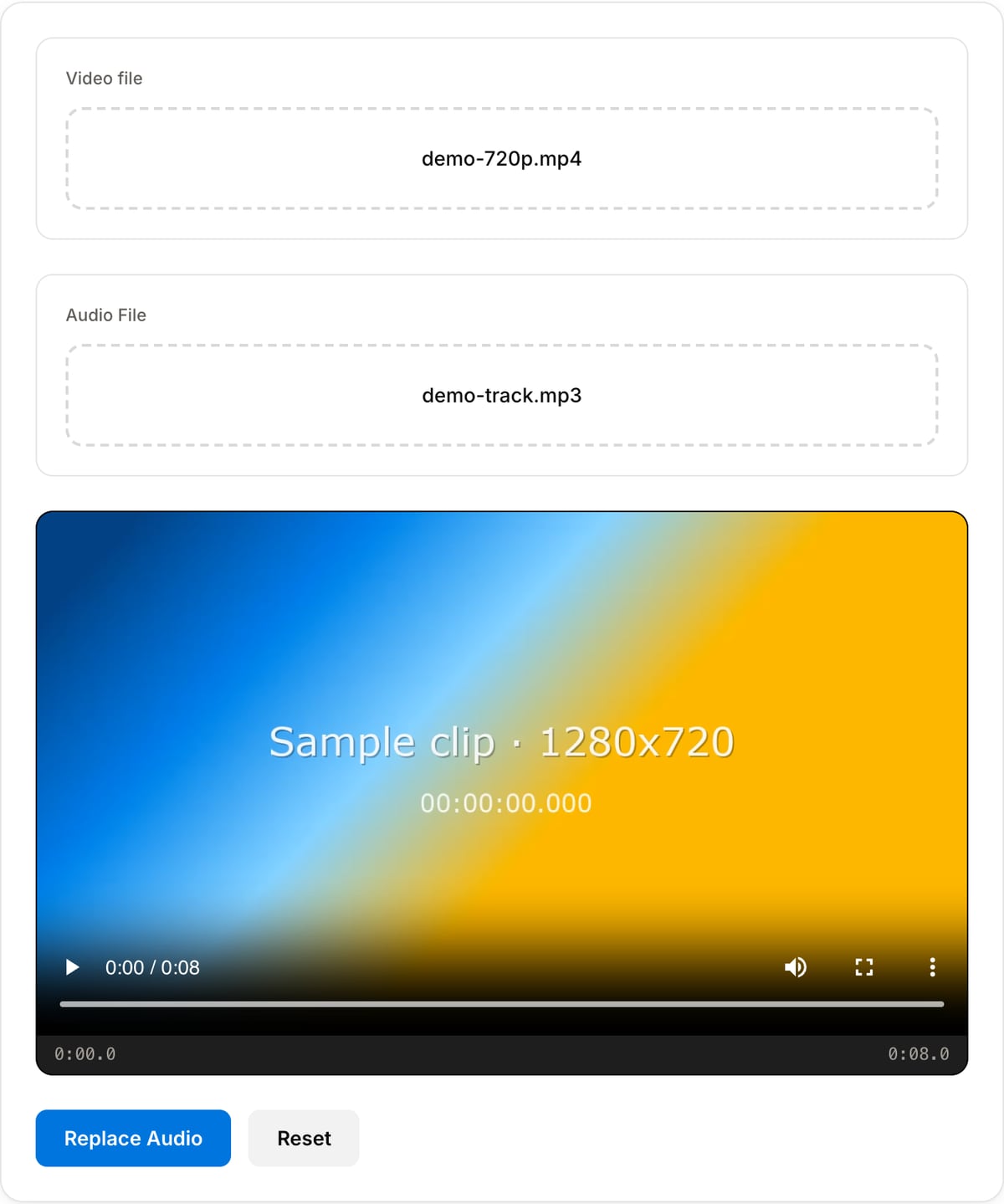
What the tool looks like
Popular task presets
Best for / not for
Best for
- Replacing noisy camera audio with a clean voiceover, podcast mix, music bed, or translated track.
- Adding finished audio to slideshows, demos, ads, course videos, and social clips.
- Simple one-track replacement where the new audio should start at the beginning.
Not for
- Multi-track mixing, ducking, fades, keyframes, or precise music editing.
- Automatic lip-sync repair or transcript-based dubbing.
- Fixing an audio track that is out of sync before replacement.
Best use cases for replacing video audio
- Swap a noisy camera mic for a cleaned voiceover, podcast track, or recorded narration.
- Add background music to a silent product demo, slideshow, tutorial, or social clip.
- Replace the original language track with a dubbed or translated audio file.
Supported formats & limits
| Input formats | MP3, WAV, AAC/M4A, OGG, FLAC, Opus, WebM — any codec FFmpeg understands |
|---|---|
| Output formats | MP3 (192/320 kbps), AAC (192/256 kbps), WAV (lossless), OGG Vorbis, FLAC (lossless) |
| Max file size | Uploader limit: 2048 MiB (about 2 GB). Processing needs additional memory; smaller files may fail on low-memory devices. |
| Max duration | Depends on file size, the operation and available memory. Long files can fail or take a long time. |
| Cost | Free for any use. No signup. No watermark on output. |
Audio Replacer vs. the usual alternatives
| Feature | This tool | VEED (free) | Kapwing (free) | CapCut Online |
|---|---|---|---|---|
| Processing model | Runs locally in your browser | Upload-based project editor | Upload-based project editor | Upload-based online editor |
| File limits | Tool-specific file limits apply; available memory can require smaller files | Free: up to 1 GB per uploaded file | Free: up to 250 MB per uploaded file; exports up to 4 minutes | Limits depend on the feature, account and selected assets |
| Watermark on output | No watermark added | Watermark on free or signed-out exports | Watermark on Free-plan exports | Standard edits can be watermark-free; template branding and Pro assets need checking |
| Signup / account | No account for tools | Workspace/account flow | Workspace/account flow | CapCut account flow |
| Connection | Initial page and processing-engine downloads require internet; offline use is not guaranteed | Online project editor | Online project editor | Online project editor |
| Best for | Private one-step file operations | Full editor, templates, AI tools | Collaboration, templates, AI tools | Social templates and timeline editing |
Comparison covers the web editors and the linked help pages. Plans, export settings and asset restrictions can change; check the source before starting a project.
Checked . Sources: VEED upload limits · VEED watermarks · Kapwing Free plan · CapCut watermarks · CapCut Pro assets
Why this audio replacer is different
- Focused on one job: attach the chosen audio track to the video without timeline setup.
- Works well with the muter and normalizer, so you can remove the original sound and level the replacement first.
- Private browser processing keeps unreleased demos, lessons, and client footage local.
Tutorials covering this tool
常见问题
What audio formats can I use?
MP3, WAV, AAC, OGG, FLAC, and M4A. MP3 and AAC are the most common and compatible with all video containers.
Will video quality change?
No. The tool uses stream copy for the video track — no re-encoding. Your video quality remains pixel-perfect; only the audio track is swapped.
Can I sync audio timing?
The replacement audio starts at the beginning of the video. If audio is longer, it gets trimmed. If shorter, remaining video has silence. Pre-trim your audio for precise timing.
What formats are supported?
Video: MP4, WebM, MOV, AVI. Audio: MP3, WAV, AAC, OGG, FLAC, M4A. All processing happens in your browser.
What happens if the audio is longer than the video?
The output is typically limited to the video duration so extra audio does not continue after the picture ends.
Should I normalize audio before replacing it?
Yes when the new track is too quiet, too loud, or inconsistent. Normalize first, then replace the video audio.