在线从视频抽取画面帧,免费
把视频里的单帧导出成 PNG。拖到任意时间点,抓下最合适的那一帧——用 Canvas API 实现,不经服务器。
把视频拖到这里,或点击选择文件
文件上限约 2 GB(取决于内存)
使用方法
Upload video
Drag and drop any video file (MP4, WebM, MOV, AVI, MKV) or click "Choose File" to browse.
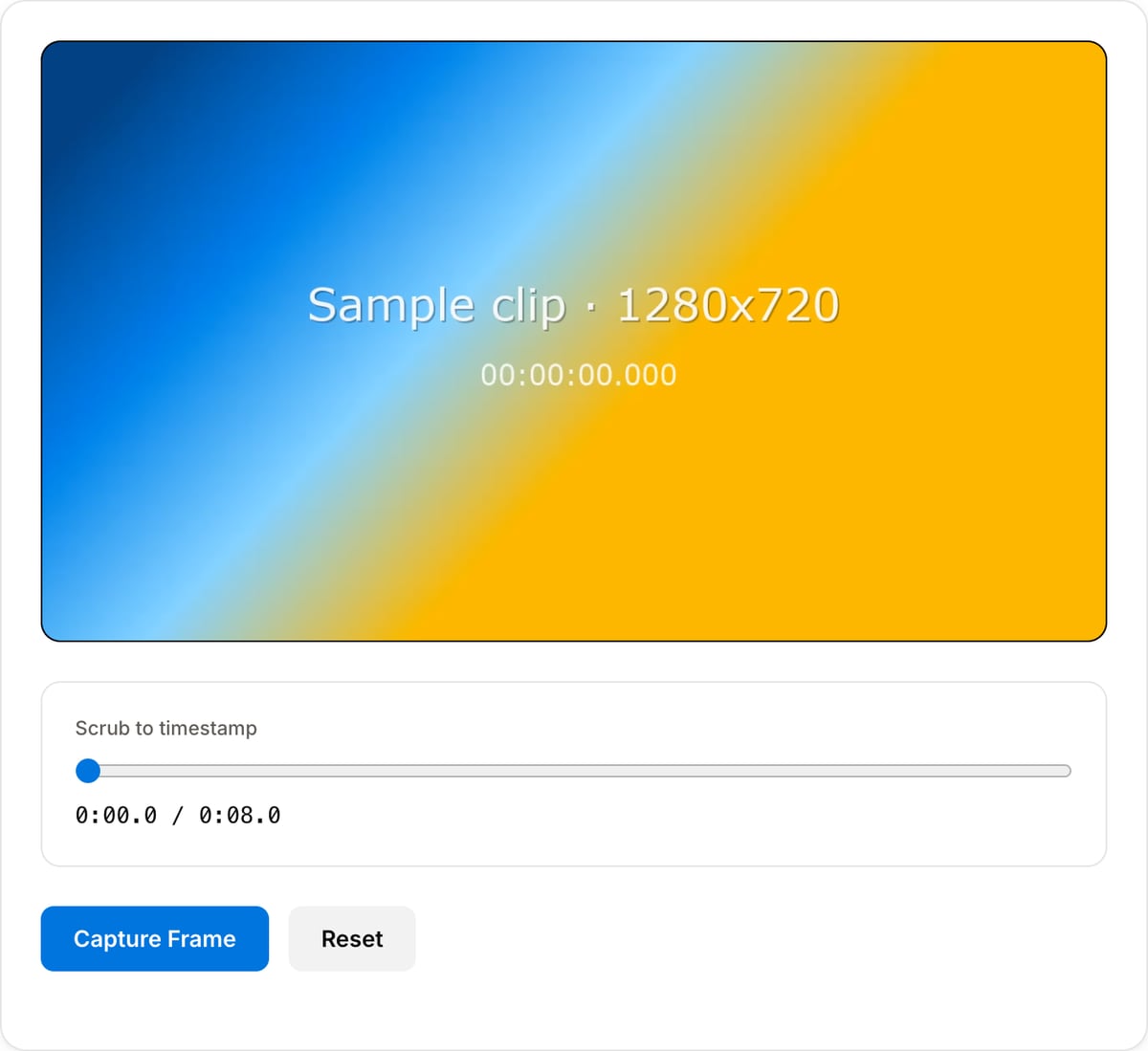
Scrub to timestamp
Use the video player to seek to the exact frame you want to capture. Scrub frame-by-frame for precision.
Capture frame
Click "Capture Frame" to extract the current frame as a high-quality PNG image. Capture as many frames as you need.
Download PNG
Download your captured frames as PNG files. Full original resolution, no quality loss, no watermarks.
What the tool looks like
Popular task presets
Best for / not for
Best for
- Saving exact still frames from video for thumbnails, documentation, bug reports, review notes, and visual references.
- Pulling frames from product demos, lectures, security clips, film analysis, and social videos.
- Private footage where screenshots should not be uploaded to a cloud editor.
Not for
- Batch extracting thousands of frames from long videos.
- Color-managed still export for professional grading workflows.
- Designing a complete thumbnail with text and graphics.
Best use cases for frame extraction
- Grab a clean still from a product demo, screen recording, tutorial, lecture, or camera clip.
- Create visual QA evidence for bug reports, editorial notes, legal review, or client feedback.
- Export reference frames for AI image prompts, storyboard boards, thumbnails, and documentation.
Supported formats & limits
| Input containers | MP4, MOV, WebM, MKV, AVI, FLV, WMV, M4V |
|---|---|
| Input codecs | H.264, H.265, VP8, VP9, MPEG-4, MJPEG. Not AV1 — this WebAssembly build has no software AV1 decoder. |
| Output container | MP4 (default) — interoperable with iOS, Android, YouTube, Instagram, X |
| Output codec | H.264 video + AAC audio |
| Max file size | Uploader limit: 2048 MiB (about 2 GB). Processing needs additional memory; smaller files may fail on low-memory devices. |
| Max duration | Depends on file size, the operation and available memory. Long files can fail or take a long time. |
| Cost | Free for any use. No signup. No watermark. |
Frame Extractor vs. the usual alternatives
| Feature | This tool | VEED (free) | Kapwing (free) | CapCut Online |
|---|---|---|---|---|
| Processing model | Runs locally in your browser | Upload-based project editor | Upload-based project editor | Upload-based online editor |
| File limits | Tool-specific file limits apply; available memory can require smaller files | Free: up to 1 GB per uploaded file | Free: up to 250 MB per uploaded file; exports up to 4 minutes | Limits depend on the feature, account and selected assets |
| Watermark on output | No watermark added | Watermark on free or signed-out exports | Watermark on Free-plan exports | Standard edits can be watermark-free; template branding and Pro assets need checking |
| Signup / account | No account for tools | Workspace/account flow | Workspace/account flow | CapCut account flow |
| Connection | Initial page and processing-engine downloads require internet; offline use is not guaranteed | Online project editor | Online project editor | Online project editor |
| Best for | Private one-step file operations | Full editor, templates, AI tools | Collaboration, templates, AI tools | Social templates and timeline editing |
Comparison covers the web editors and the linked help pages. Plans, export settings and asset restrictions can change; check the source before starting a project.
Checked . Sources: VEED upload limits · VEED watermarks · Kapwing Free plan · CapCut watermarks · CapCut Pro assets
Why this frame extractor is different
- Built around picking the exact moment, not around a full editing timeline.
- Exports stills locally so sensitive footage, product launches, and client videos stay private.
- Pairs with the thumbnail generator when the extracted frame needs a platform-ready canvas.
Tutorials covering this tool
常见问题
How do I extract frames from a video?
Upload your video, scrub to the desired timestamp, and click Capture Frame. The frame is saved as a high-quality PNG image.
What image format are frames saved as?
Frames are saved as PNG images, which provide lossless quality. Every pixel is preserved exactly as it appears in the video.
Can I extract multiple frames?
Yes. Scrub to different timestamps and capture as many frames as you need. All captured frames are listed for individual download.
What is the maximum resolution?
The extracted frame matches the original video resolution. A 4K video produces a 4K PNG. No downscaling is applied.
What format are extracted frames saved in?
Use PNG when sharp UI details matter, or JPEG/WebP when smaller files are more important.
Can I extract a frame from a private video?
Yes. The video is decoded in the browser and does not need to upload to a server.
Should I use Frame Extractor or Thumbnail Generator?
Use Frame Extractor for an exact still. Use Thumbnail Generator when you need a thumbnail-sized output for publishing.