MP3 剪切与音频裁剪——免费在线,不上传
在浏览器里裁剪 MP3、WAV、AAC、OGG、FLAC。无损流复制。不上传。
Drop your audio file here
文件上限约 2 GB(取决于内存)
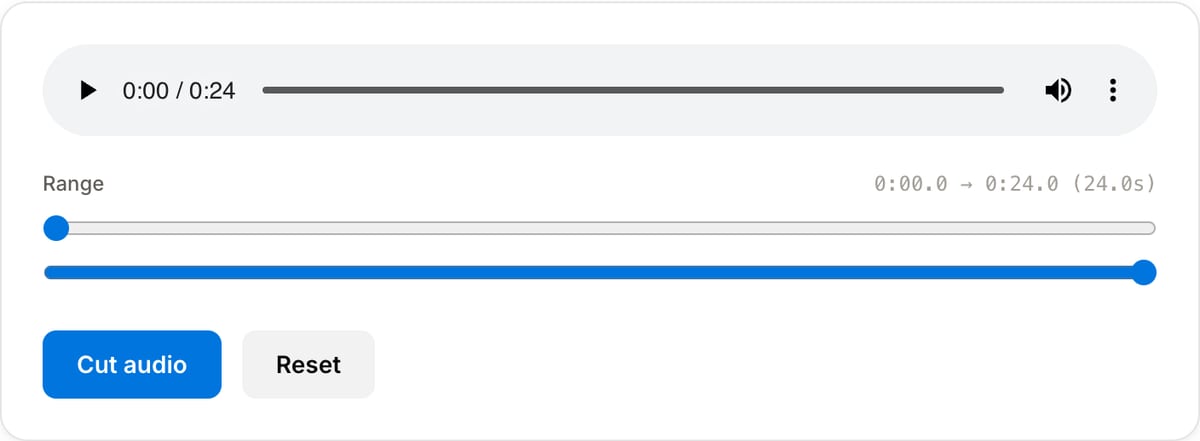
What the tool looks like
Popular task presets
Best for / not for
Best for
- Cutting a single audio range from podcasts, voice notes, interviews, lectures, songs, and extracted video audio.
- Removing intros, outros, false starts, and off-topic sections before sharing.
- Quick browser trimming without uploading sensitive recordings.
Not for
- Multi-track podcast editing with fades, music beds, and effects.
- Removing silent pauses automatically. Use Silence Remover for that.
- Mastering or repairing noisy/clipped audio.
Best use cases for audio cutting
- Trim an MP3, WAV, AAC, OGG, or FLAC file down to the exact section you need.
- Cut a lecture, meeting, interview, or voice memo before transcription or sharing.
- Create a short ringtone, sample, narration clip, or podcast excerpt from a longer recording.
Supported formats & limits
| Input formats | MP3, WAV, AAC/M4A, OGG, FLAC, Opus, WebM — any codec FFmpeg understands |
|---|---|
| Output formats | MP3 (192/320 kbps), AAC (192/256 kbps), WAV (lossless), OGG Vorbis, FLAC (lossless) |
| Max file size | Uploader limit: 2048 MiB (about 2 GB). Processing needs additional memory; smaller files may fail on low-memory devices. |
| Max duration | Depends on file size, the operation and available memory. Long files can fail or take a long time. |
| Cost | Free for any use. No signup. No watermark on output. |
MP3 Cutter vs. the usual alternatives
| Feature | This tool | VEED (free) | Kapwing (free) | CapCut Online |
|---|---|---|---|---|
| Processing model | Runs locally in your browser | Upload-based project editor | Upload-based project editor | Upload-based online editor |
| File limits | Tool-specific file limits apply; available memory can require smaller files | Free: up to 1 GB per uploaded file | Free: up to 250 MB per uploaded file; exports up to 4 minutes | Limits depend on the feature, account and selected assets |
| Watermark on output | No watermark added | Watermark on free or signed-out exports | Watermark on Free-plan exports | Standard edits can be watermark-free; template branding and Pro assets need checking |
| Signup / account | No account for tools | Workspace/account flow | Workspace/account flow | CapCut account flow |
| Connection | Initial page and processing-engine downloads require internet; offline use is not guaranteed | Online project editor | Online project editor | Online project editor |
| Best for | Private one-step file operations | Full editor, templates, AI tools | Collaboration, templates, AI tools | Social templates and timeline editing |
Comparison covers the web editors and the linked help pages. Plans, export settings and asset restrictions can change; check the source before starting a project.
Checked . Sources: VEED upload limits · VEED watermarks · Kapwing Free plan · CapCut watermarks · CapCut Pro assets
Why this audio cutter is different
- Focused on a clean in/out trim rather than a full DAW interface.
- Works well after audio extraction, before silence removal, or before normalization.
- Local processing keeps interviews, calls, classes, and voice notes on your device.
Tutorials covering this tool
Made for one job
常见问题
Is the cut lossless?
Yes — stream-copy (-c copy) means no re-encoding. The output is bit-identical to the original within the chosen range. Start/end may snap to the nearest keyframe or frame boundary depending on codec.
Which formats are supported?
MP3, WAV, AAC/M4A, OGG, FLAC, Opus, and most other common audio formats. The output format matches the input — converting between formats is handled by the Audio Converter tool.
Does my audio upload anywhere?
No. The file stays in your browser tab — open DevTools → Network tab while cutting to verify zero requests leave your machine.
Should I cut before normalizing?
Yes. Trim the final section first, then normalize the audio that will actually be used.
Can I cut MP3 without quality loss?
Fast lossless cuts are possible around frame boundaries; exact edits may require re-encoding.
Can I remove several sections at once?
This page is best for one clean range. Use a timeline editor for complex multi-section edits.