在线倒放视频,免费
立刻让视频倒着播。做倒带效果、回旋镖循环或艺术化的倒放素材——全程在浏览器里,不用上传。
把视频拖到这里,或点击选择文件
文件上限约 2 GB(取决于内存)
使用方法
Upload your video
Drag and drop any video file (MP4, WebM, MOV, AVI, MKV) or click "Choose File" to browse. Works with files up to ~2 GB (memory permitting).
Click Reverse
Click the "Reverse" button. Processing happens entirely in your browser using FFmpeg WebAssembly — no server upload.
Download
Download your reversed video instantly. Perfect for boomerang effects, creative reels, and unique social media content.
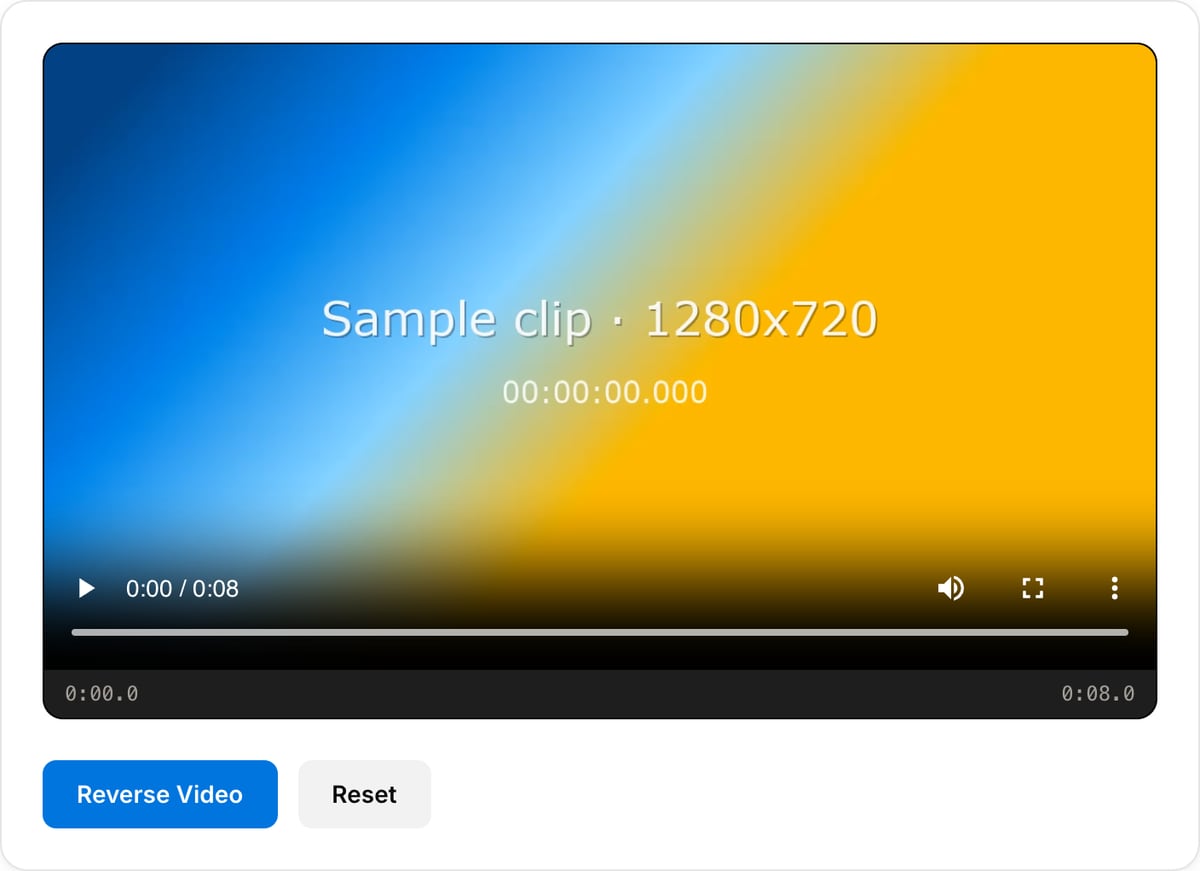
What the tool looks like
Popular task presets
Best for / not for
Best for
- Short visual effects, boomerang-style moments, reveals, product shots, sports clips, and social edits.
- Creating a backward copy of one clip without a timeline editor.
- Silent or music-backed clips where reversed audio is not a problem.
Not for
- Long videos where reversing takes significant browser memory and processing time.
- Dialogue-heavy clips, because reversed speech is usually unusable.
- Advanced retiming, speed ramps, or frame interpolation.
Best use cases for reversing video
- Reverse a pour, jump, throw, reveal, product motion, skate trick, or reaction shot for a quick social effect.
- Build a forward-and-back boomerang by reversing the clip and joining it to the original.
- Create a reversed background or visual accent for a reel, ad, intro, or meme.
Supported formats & limits
| Input containers | MP4, MOV, WebM, MKV, AVI, FLV, WMV, M4V |
|---|---|
| Input codecs | H.264, H.265, VP8, VP9, MPEG-4, MJPEG. Not AV1 — this WebAssembly build has no software AV1 decoder. |
| Output container | MP4 (default) — interoperable with iOS, Android, YouTube, Instagram, X |
| Output codec | H.264 video + AAC audio |
| Max file size | Uploader limit: 2048 MiB (about 2 GB). Processing needs additional memory; smaller files may fail on low-memory devices. |
| Max duration | Depends on file size, the operation and available memory. Long files can fail or take a long time. |
| Cost | Free for any use. No signup. No watermark. |
Video Reverse vs. the usual alternatives
| Feature | This tool | VEED (free) | Kapwing (free) | CapCut Online |
|---|---|---|---|---|
| Processing model | Runs locally in your browser | Upload-based project editor | Upload-based project editor | Upload-based online editor |
| File limits | Tool-specific file limits apply; available memory can require smaller files | Free: up to 1 GB per uploaded file | Free: up to 250 MB per uploaded file; exports up to 4 minutes | Limits depend on the feature, account and selected assets |
| Watermark on output | No watermark added | Watermark on free or signed-out exports | Watermark on Free-plan exports | Standard edits can be watermark-free; template branding and Pro assets need checking |
| Signup / account | No account for tools | Workspace/account flow | Workspace/account flow | CapCut account flow |
| Connection | Initial page and processing-engine downloads require internet; offline use is not guaranteed | Online project editor | Online project editor | Online project editor |
| Best for | Private one-step file operations | Full editor, templates, AI tools | Collaboration, templates, AI tools | Social templates and timeline editing |
Comparison covers the web editors and the linked help pages. Plans, export settings and asset restrictions can change; check the source before starting a project.
Checked . Sources: VEED upload limits · VEED watermarks · Kapwing Free plan · CapCut watermarks · CapCut Pro assets
Why this reverse tool is different
- Built for a direct reverse export instead of making you set up a timeline effect.
- Pairs naturally with the trimmer, looper, and merger for short social effects.
- The file stays on your device, which matters for unreleased product or client footage.
常见问题
How do I reverse a video?
Upload your video, click the Reverse button, and download the result. All processing happens in your browser — no server upload needed.
Does the audio reverse too?
Yes, by default the audio track is also reversed along with the video. This creates the full reverse playback effect.
Can I create a boomerang effect?
Yes. The reverse tool is perfect for creating boomerang-style videos. Combine the original and reversed clips for a seamless back-and-forth loop.
Will reversing cause quality loss?
The video needs to be re-encoded when reversing, so there may be a very slight quality difference. However, high-quality encoding settings are used to minimize any loss.
Does reversing keep audio?
Reversed audio usually sounds unnatural. For most edits, mute the clip or replace the audio afterward.
How long should a reverse clip be?
Short clips work best. Trim to the exact moment first so processing is faster and the effect is cleaner.
Can I make a forward-backward boomerang?
Yes. Export the reversed version, then use Video Merger to join original plus reversed copy.