在线录音——免费的浏览器麦克风录音工具
用麦克风录音,带实时电平表,默认开启回声消除。免安装,不上传。
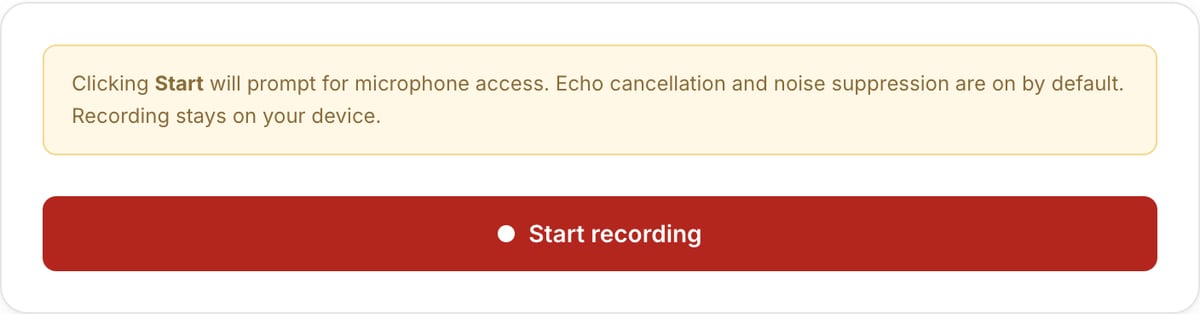
What the tool looks like
Popular task presets
Best for / not for
Best for
- Quick microphone recordings for voice notes, narration, podcasts, feedback, language practice, and scratch audio.
- Local capture without installing recorder software or uploading raw speech.
- Recording first drafts before trimming, normalizing, or converting.
Not for
- Studio recording with multi-track monitoring, plugins, punch-in, or live effects.
- Transcription by itself. Export the audio and send it to a transcription workflow.
- Recording system audio or remote calls without OS/browser support.
Best use cases for voice recording
- Record narration, a podcast draft, a meeting note, a pronunciation sample, or quick client feedback.
- Capture scratch voiceover for a slideshow, product demo, course video, or tutorial.
- Make a local audio note before trimming, normalizing, or converting it to MP3.
Recording settings
| Microphone access | Requires browser permission. The site cannot record until you approve the microphone prompt. |
|---|---|
| Best environment | Use headphones and a quiet room to reduce echo and background noise. |
| Post-processing | Trim mistakes first, then normalize the final take. |
| Privacy | Recording happens locally in the browser; raw audio is not uploaded. |
Voice Recorder vs. the usual alternatives
| Feature | This tool | VEED (free) | Kapwing (free) | CapCut Online |
|---|---|---|---|---|
| Processing model | Runs locally in your browser | Upload-based project editor | Upload-based project editor | Upload-based online editor |
| File limits | Tool-specific file limits apply; available memory can require smaller files | Free: up to 1 GB per uploaded file | Free: up to 250 MB per uploaded file; exports up to 4 minutes | Limits depend on the feature, account and selected assets |
| Watermark on output | No watermark added | Watermark on free or signed-out exports | Watermark on Free-plan exports | Standard edits can be watermark-free; template branding and Pro assets need checking |
| Signup / account | No account for tools | Workspace/account flow | Workspace/account flow | CapCut account flow |
| Connection | Initial page and processing-engine downloads require internet; offline use is not guaranteed | Online project editor | Online project editor | Online project editor |
| Best for | Private one-step file operations | Full editor, templates, AI tools | Collaboration, templates, AI tools | Social templates and timeline editing |
Comparison covers the web editors and the linked help pages. Plans, export settings and asset restrictions can change; check the source before starting a project.
Checked . Sources: VEED upload limits · VEED watermarks · Kapwing Free plan · CapCut watermarks · CapCut Pro assets
Why this voice recorder is different
- Designed for quick capture plus practical next steps, not a cluttered DAW.
- Local recording is useful for sensitive notes, client feedback, and unpublished narration.
- The recording can move directly into trimming, normalization, and conversion tools.
常见问题
Do you store my recording?
No. Recording happens in your browser via the MediaRecorder API. The file only reaches disk when you click Download. Nothing is sent to a server.
Why is the output WebM and not MP3?
Browsers can natively encode WebM/Opus at high quality; MP3 encoding in-browser is not universally supported. Use the Audio Converter to turn WebM into MP3 — also runs locally.
How good is the audio?
Opus is a modern codec that sounds excellent for voice at 96-128 kbps — as good or better than 192 kbps MP3. It’s the codec used by Discord, WhatsApp, and Zoom.
Does the site start recording immediately?
No. Browser microphone permission is required before recording can begin.
How do I make speech sound more even?
Record in a quiet space, trim mistakes, then run Audio Normalizer on the final take.
Can I record system audio?
This page is for microphone recording. Use Screen Recorder when you need supported tab or system audio capture.