Pr
Premiere Pro
27 tutorials
All Tutorials
VFX & MotionIntermediate
Creating 3D Text Effects in Video Editing
VFX & MotionBeginner
Green Screen and Chroma Key Technique
VFX & MotionIntermediate
Motion Tracking in Video Editing
VisualsIntermediate
Mask and Shape Animations in Video Editing
VisualsIntermediate
Overlay Blending Modes in Video Editing
EditingBeginner
Cutaway Shot: Using B-Roll to Elevate Your Story
EditingBeginner
Jump Cut: Master the Art of Seamless Edits
EditingBeginner
Match Cut: Seamless Shot Transitions
EditingIntermediate
Montage Editing: Compressing Time and Building Meaning
EditingIntermediate
Rhythmic Editing: Cutting to the Beat
VisualsBeginner
LUT Application: Transform Your Footage with Color Looks
VisualsBeginner
Transition Effects: From Cuts to Creative Visual Flow
Page 2 / 2
PreviousNext
What Premiere Pro is
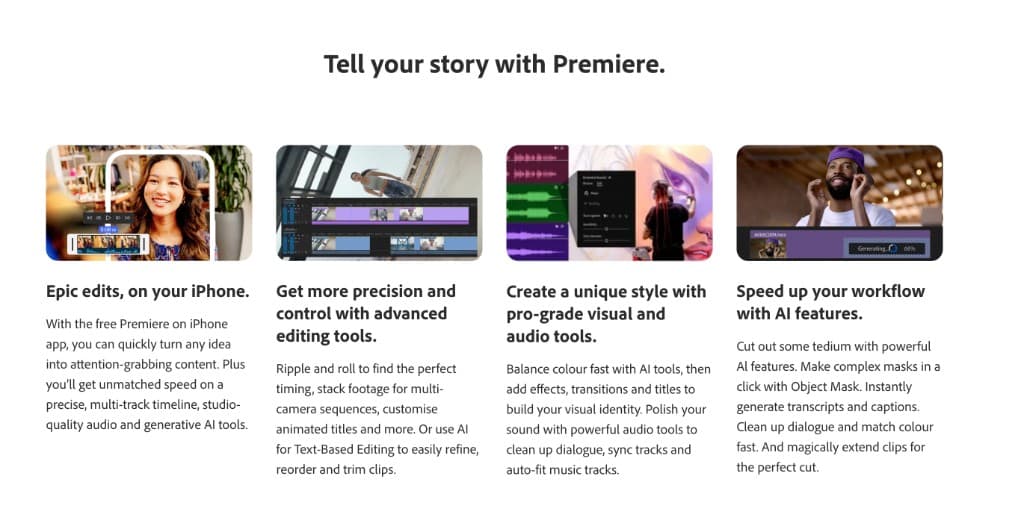
Premiere Pro is a non-linear editor built for long-form and commercial work. Its real advantage is not any single feature but the surrounding ecosystem: dynamic linking to After Effects for motion work, Audition for sound, and a project format most post houses and freelancers already know how to open. It edits a broad range of camera formats natively, which matters when footage arrives from several sources.
Runs on macOS, Windows.
Where it is the right choice
- Multi-camera and long-form projects with many sources and a real timeline structure
- Work that has to move between people or between applications mid-project
- Anyone already inside the Adobe ecosystem, where the round trips are the point
Where it stops fitting
- Subscription only, with no perpetual licence.
- Heavy on machine resources, particularly with 4K HEVC from a phone or a modern camera.
- Enormous overhead for a single operation like trimming a clip or changing its format.
Jobs you can do here instead, free and without uploading
Plenty of what sends people to Premiere Pro is a single operation rather than an edit. These run in your browser, so the file never leaves your device and there is nothing to install or subscribe to.