GIF to MP4 Converter — Free, No Upload
Turn an animated GIF into an MP4 or WebM that is several times smaller and uploads cleanly to any platform. The conversion runs in your browser.
Drag & drop your video here, or click to browse
Max file size: ~2 GB (memory permitting)
How to Use — GIF to MP4 Converter — Free, No Upload
Drop in your GIF
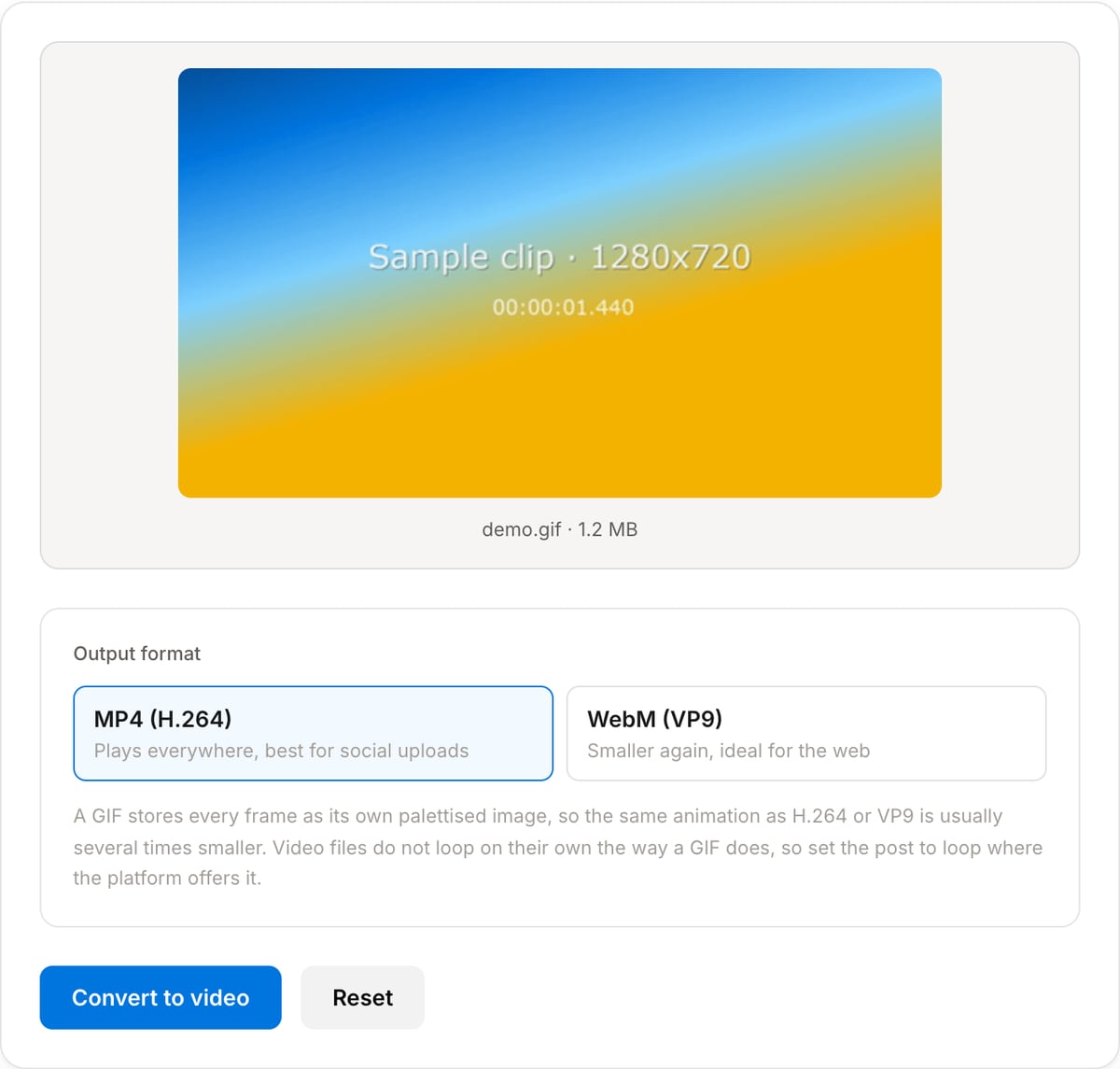
The animation previews at its original size so you can confirm it is the right one.
Pick MP4 or WebM
MP4 for maximum compatibility, WebM when you want the smallest file for the web.
Convert and download
The tool reports the new size next to the original so you can see what you saved.
What the tool looks like
Popular task presets
Best for / not for
Best for
- Large GIFs that need to go somewhere with an upload limit, or onto a page where they hurt load time.
- Turning a GIF into something a social platform will actually accept as a video post.
- Getting a GIF into an editing timeline, which usually will not import one directly.
Not for
- Keeping transparency — MP4 and VP9 in this tool are opaque, and transparent pixels become black.
- GIFs that need to stay GIFs, such as email signatures and older chat clients.
- Improving the source quality; a 64-colour GIF stays a 64-colour image once converted.
When to convert a GIF to video
- A GIF that is tens of megabytes for a few seconds — the same motion as H.264 is usually a small fraction of the size.
- Posting to a platform that rejects GIFs or silently converts them badly; uploading an MP4 gives a predictable result.
- Speeding up a page that loads several GIFs, where each one blocks bandwidth that an MP4 would not.
- Bringing a GIF into an edit, since most editors will not import one as footage.
Supported formats & limits
| Input containers | MP4, MOV, WebM, MKV, AVI, FLV, WMV, M4V |
|---|---|
| Input codecs | H.264, H.265, VP8, VP9, MPEG-4, MJPEG. Not AV1 — this WebAssembly build has no software AV1 decoder. |
| Output container | MP4 (default) — interoperable with iOS, Android, YouTube, Instagram, X |
| Output codec | H.264 video + AAC audio |
| Max file size | Up to ~2 GB (limited by browser memory) |
| Max duration | No hard limit — depends on file size |
| Cost | Free for any use. No signup. No watermark. |
GIF to Video Converter vs. the usual alternatives
| Feature | This tool | VEED (free) | Kapwing (free) | CapCut Online |
|---|---|---|---|---|
| Processing model | Runs locally in your browser | Upload-based project editor | Upload-based project editor | Upload-based online editor |
| File limits | No upload cap; practical limit is browser memory | Plan-specific upload limits | Plan-specific upload and export limits | Feature- and account-specific limits |
| Watermark on output | No watermark added | Free exports include a VEED watermark | Free exports include a Kapwing watermark | Standard edits can be watermark-free; templates/assets may add branding |
| Signup / account | No account for tools | Workspace/account flow | Workspace/account flow | CapCut account flow |
| Works offline | Yes after cache, subject to browser support | No | No | No |
| Best for | Private one-step file operations | Full editor, templates, AI tools | Collaboration, templates, AI tools | Social templates and timeline editing |
Vendor plan limits were checked on April 29, 2026 and can change by region, account state, and export option. Verify critical limits on the vendor pricing/help page before relying on them.
Why use this GIF to video converter
- Both outputs in one place: MP4 when it has to play everywhere, WebM when the target is a web page and size matters most.
- The result is usually several times smaller than the GIF for the same motion, because video codecs encode differences between frames and GIF does not.
- The frame timing of the GIF is preserved, so the motion runs at the speed it was authored at.
- Nothing is uploaded, which also means no queue and no size cap beyond your own browser memory.
Task-focused FAQ
Will the video loop like the GIF did?
Looping is a player setting, not part of the file. On the web add the loop attribute to the video tag; most social platforms loop short videos automatically.
What happens to transparency?
It is lost. Transparent pixels become black. If transparency is essential, the file has to stay a GIF or move to a format like animated WebP.
MP4 or WebM?
MP4 if it will be uploaded or shared, because it plays everywhere including iOS. WebM if you control the page it appears on and want the smallest file.
Frequently Asked Questions
Why convert a GIF to MP4 at all?
A GIF stores every frame as a separate palettised image with no compression between frames, so a few seconds of motion can run to tens of megabytes. H.264 and VP9 compress the differences between frames instead, which typically cuts the same animation to a fraction of the size at better colour depth. Most social platforms silently convert uploaded GIFs to video anyway, so doing it yourself gives you control over the quality.
Which should I pick, MP4 or WebM?
MP4 with H.264 plays on essentially everything, including older phones, and is the safe choice for uploads and messaging. WebM with VP9 usually comes out smaller again and is ideal when you control the page it sits on. If in doubt, choose MP4.
Will the video still loop like the GIF did?
Not by itself. Looping is a property the GIF format carries, while a video file simply ends. Every social platform loops short videos automatically, and in your own HTML you add the loop attribute to the video tag. The frames and timing are preserved either way.
Does the animation lose quality?
Video codecs use a different colour model than GIF, so flat graphics with hard edges can pick up slight softening, while photographic content usually looks better than the GIF did because it is no longer limited to 256 colours. The converter keeps the original frame rate and dimensions, rounding the size to even numbers because H.264 and VP9 require it.
Is there a size limit?
The uploader accepts GIFs up to 50 MB, which is far beyond any GIF you would realistically post. Everything is processed in this tab, so very large files are limited by how much memory your browser will give the page.
Does my GIF get uploaded?
No. The conversion runs through FFmpeg WebAssembly inside this tab. You can watch the Network panel in DevTools while you convert and see that the file never leaves your device.