Video Looper — Loop Video Online Free
Loop your video any number of times. Create seamless repeating clips for social media, presentations, or background visuals — all processed in your browser.
Drag & drop your video here, or click to browse
Max file size: ~2 GB (memory permitting)
How to Use — Video Looper — Loop Video Online Free
Upload your video
Drag and drop any video file (MP4, WebM, MOV, AVI, MKV) or click "Choose File" to browse. Works with files up to ~2 GB (memory permitting).
Set loop count
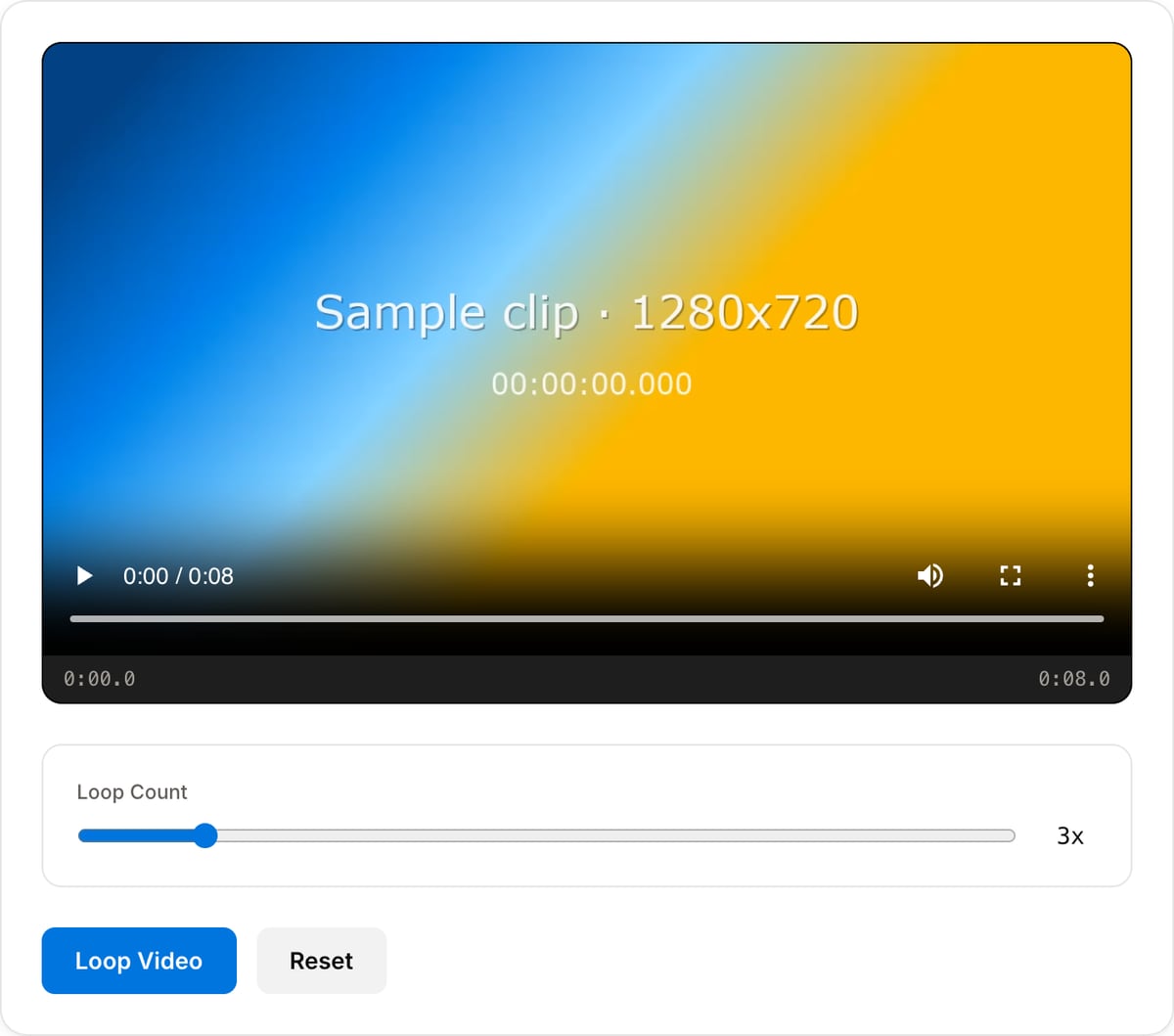
Choose how many times you want the video to repeat — the slider goes from 2× to 10×.
Loop the video
Click "Loop" — processing happens in your browser using FFmpeg WebAssembly. No server upload required.
Download
Download your looped video instantly. No quality loss, no watermarks added.
What the tool looks like
Popular task presets
Best for / not for
Best for
- Repeating a short clip multiple times for social posts, displays, backgrounds, memes, or product demos.
- Making a short motion asset long enough for music, ads, or platform minimum durations.
- Simple loop count exports where the same clip should repeat exactly.
Not for
- Creating a perfect seamless loop when the source start and end do not match.
- Complex loop transitions, crossfades, or motion-graphics loops.
- Long playlist-style concatenation. Use Video Merger for different clips.
Best use cases for looping video
- Repeat a short product spin, UI animation, reaction, meme, or background clip into a longer MP4.
- Extend a trimmed moment so it feels intentional on TikTok, Reels, Shorts, Discord, or event screens.
- Create a quick boomerang workflow by reversing a copy and combining it with the original.
Supported formats & limits
| Input containers | MP4, MOV, WebM, MKV, AVI, FLV, WMV, M4V |
|---|---|
| Input codecs | H.264, H.265, VP8, VP9, MPEG-4, MJPEG. Not AV1 — this WebAssembly build has no software AV1 decoder. |
| Output container | MP4 (default) — interoperable with iOS, Android, YouTube, Instagram, X |
| Output codec | H.264 video + AAC audio |
| Max file size | Up to ~2 GB (limited by browser memory) |
| Max duration | No hard limit — depends on file size |
| Cost | Free for any use. No signup. No watermark. |
Video Looper vs. the usual alternatives
| Feature | This tool | VEED (free) | Kapwing (free) | CapCut Online |
|---|---|---|---|---|
| Processing model | Runs locally in your browser | Upload-based project editor | Upload-based project editor | Upload-based online editor |
| File limits | No upload cap; practical limit is browser memory | Plan-specific upload limits | Plan-specific upload and export limits | Feature- and account-specific limits |
| Watermark on output | No watermark added | Free exports include a VEED watermark | Free exports include a Kapwing watermark | Standard edits can be watermark-free; templates/assets may add branding |
| Signup / account | No account for tools | Workspace/account flow | Workspace/account flow | CapCut account flow |
| Works offline | Yes after cache, subject to browser support | No | No | No |
| Best for | Private one-step file operations | Full editor, templates, AI tools | Collaboration, templates, AI tools | Social templates and timeline editing |
Vendor plan limits were checked on April 29, 2026 and can change by region, account state, and export option. Verify critical limits on the vendor pricing/help page before relying on them.
Why this looper is different
- Loop count is the main control, so you can make a 3-second clip into a predictable 9, 12, or 15-second export.
- Works well after trimming because clean loop points matter more than any export preset.
- Runs locally and exports without a watermark or account gate.
Task-focused FAQ
How do I make a seamless loop?
Trim the clip so the first and last frames match closely, then loop it. If motion jumps, adjust the trim points first.
Can I make a boomerang loop?
Use Video Reverse to create the backward half, then merge the forward and reverse clips.
Does looping re-encode the video?
The output is encoded as a new file so the repeated sequence plays as one continuous clip.
Frequently Asked Questions
Is looping lossless?
Yes. The looper concatenates copies of your video without re-encoding, so there is no quality loss. The output keeps the same codec, resolution, and bitrate.
How many times can I loop a video?
The slider supports 2× to 10×. The practical ceiling is set by your device memory and the original file size.
What video formats are supported?
MP4, WebM, MOV, AVI, MKV, and most other common video formats. The output matches your input format.
What is the maximum file size?
No hard cap beyond browser memory (~2 GB). Files above roughly 500 MB may be slow on low-end devices.