Reverse Video Online Free
Play your video backwards instantly. Create rewind effects, boomerang loops, or artistic reversed footage — processed entirely in your browser, no upload needed.
Drag & drop your video here, or click to browse
Max file size: ~2 GB (memory permitting)
How to Use — Reverse Video Online Free
Upload your video
Drag and drop any video file (MP4, WebM, MOV, AVI, MKV) or click "Choose File" to browse. Works with files up to ~2 GB (memory permitting).
Click Reverse
Click the "Reverse" button. Processing happens entirely in your browser using FFmpeg WebAssembly — no server upload.
Download
Download your reversed video instantly. Perfect for boomerang effects, creative reels, and unique social media content.
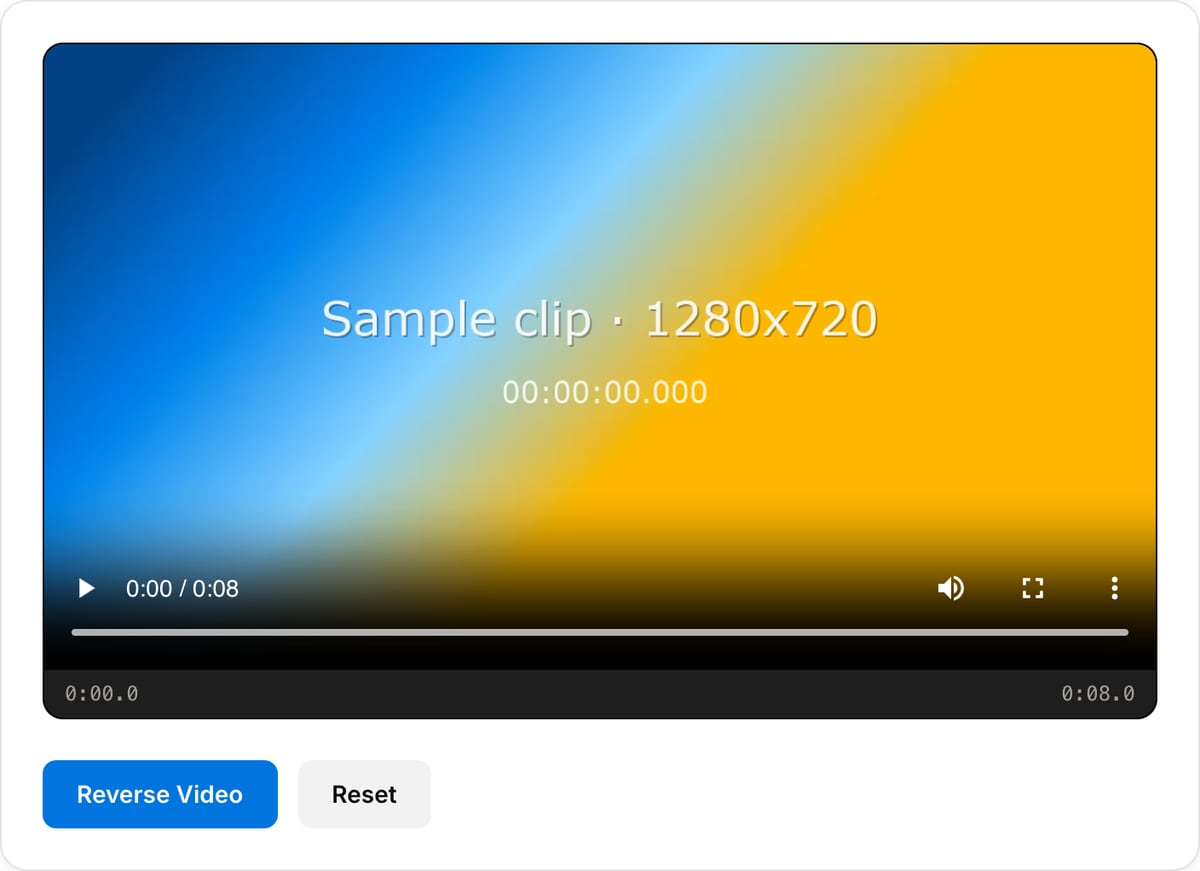
What the tool looks like
Popular task presets
Best for / not for
Best for
- Short visual effects, boomerang-style moments, reveals, product shots, sports clips, and social edits.
- Creating a backward copy of one clip without a timeline editor.
- Silent or music-backed clips where reversed audio is not a problem.
Not for
- Long videos where reversing takes significant browser memory and processing time.
- Dialogue-heavy clips, because reversed speech is usually unusable.
- Advanced retiming, speed ramps, or frame interpolation.
Best use cases for reversing video
- Reverse a pour, jump, throw, reveal, product motion, skate trick, or reaction shot for a quick social effect.
- Build a forward-and-back boomerang by reversing the clip and joining it to the original.
- Create a reversed background or visual accent for a reel, ad, intro, or meme.
Supported formats & limits
| Input containers | MP4, MOV, WebM, MKV, AVI, FLV, WMV, M4V |
|---|---|
| Input codecs | H.264, H.265, VP8, VP9, MPEG-4, MJPEG. Not AV1 — this WebAssembly build has no software AV1 decoder. |
| Output container | MP4 (default) — interoperable with iOS, Android, YouTube, Instagram, X |
| Output codec | H.264 video + AAC audio |
| Max file size | Up to ~2 GB (limited by browser memory) |
| Max duration | No hard limit — depends on file size |
| Cost | Free for any use. No signup. No watermark. |
Video Reverse vs. the usual alternatives
| Feature | This tool | VEED (free) | Kapwing (free) | CapCut Online |
|---|---|---|---|---|
| Processing model | Runs locally in your browser | Upload-based project editor | Upload-based project editor | Upload-based online editor |
| File limits | No upload cap; practical limit is browser memory | Plan-specific upload limits | Plan-specific upload and export limits | Feature- and account-specific limits |
| Watermark on output | No watermark added | Free exports include a VEED watermark | Free exports include a Kapwing watermark | Standard edits can be watermark-free; templates/assets may add branding |
| Signup / account | No account for tools | Workspace/account flow | Workspace/account flow | CapCut account flow |
| Works offline | Yes after cache, subject to browser support | No | No | No |
| Best for | Private one-step file operations | Full editor, templates, AI tools | Collaboration, templates, AI tools | Social templates and timeline editing |
Vendor plan limits were checked on April 29, 2026 and can change by region, account state, and export option. Verify critical limits on the vendor pricing/help page before relying on them.
Why this reverse tool is different
- Built for a direct reverse export instead of making you set up a timeline effect.
- Pairs naturally with the trimmer, looper, and merger for short social effects.
- The file stays on your device, which matters for unreleased product or client footage.
Task-focused FAQ
Does reversing keep audio?
Reversed audio usually sounds unnatural. For most edits, mute the clip or replace the audio afterward.
How long should a reverse clip be?
Short clips work best. Trim to the exact moment first so processing is faster and the effect is cleaner.
Can I make a forward-backward boomerang?
Yes. Export the reversed version, then use Video Merger to join original plus reversed copy.
Frequently Asked Questions
How do I reverse a video?
Upload your video, click the Reverse button, and download the result. All processing happens in your browser — no server upload needed.
Does the audio reverse too?
Yes, by default the audio track is also reversed along with the video. This creates the full reverse playback effect.
Can I create a boomerang effect?
Yes. The reverse tool is perfect for creating boomerang-style videos. Combine the original and reversed clips for a seamless back-and-forth loop.
Will reversing cause quality loss?
The video needs to be re-encoded when reversing, so there may be a very slight quality difference. However, high-quality encoding settings are used to minimize any loss.