Video Storage Calculator
Plan your shoot by estimating how much storage you need. Enter resolution, frame rate, codec, and recording duration to get an accurate disk space calculation.
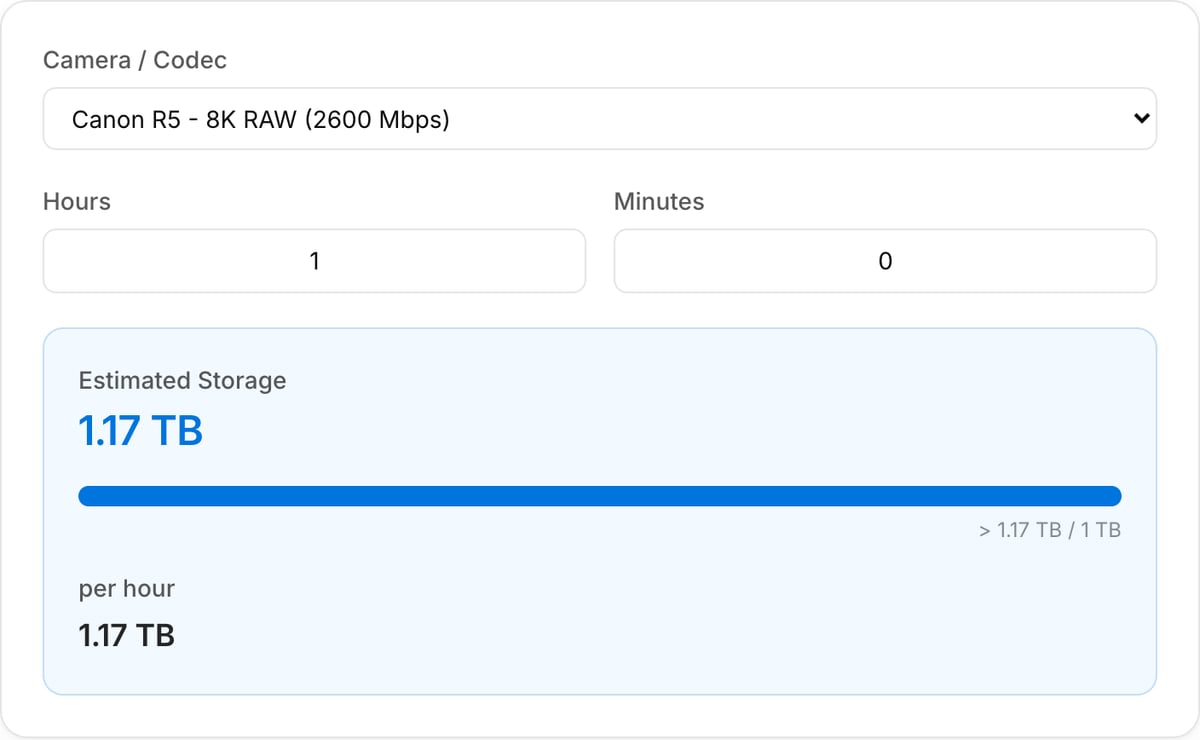
Estimated Storage
1.17 TB
> 1.17 TB / 1 TB
per hour
1.17 TB
How to Use — Video Storage Calculator
Select resolution
Choose your recording resolution — 1080p, 4K, 6K, 8K, or enter a custom resolution to match your camera.
Choose codec/preset
Select your recording codec or camera preset — H.264, H.265, ProRes, DNxHR, RAW, and more.
Enter duration
Enter the total recording duration in hours and minutes. Plan for your entire shoot day or individual sessions.
View storage needed
See the estimated storage requirement instantly in GB or TB. Compare different codecs and resolutions to optimize your setup.
What the tool looks like
Popular task presets
Best for / not for
Best for
- Planning how much storage a shoot, screen-recording batch, course, or project archive will need.
- Comparing camera codecs, ProRes/H.264/H.265, frame rates, and durations before recording.
- Estimating working-drive, backup, and handoff capacity for video projects.
Not for
- Exact camera-card calculations for every proprietary raw format and compression mode.
- Predicting final export size from CRF encoding. Use Bitrate Calculator for delivery estimates.
- Backup policy design or RAID failure-risk modeling.
Best use cases for storage estimation
- Plan whether a laptop, SD card, SSD, or shared drive can hold a shoot before production day.
- Compare storage impact between 1080p/4K, 30/60 fps, ProRes, H.264, H.265, and camera recording modes.
- Estimate how much space rough footage, proxies, cache, exports, and backups may require.
Storage planning notes
| Source footage | Camera originals often dominate project storage, especially ProRes, raw, or high-frame-rate footage. |
|---|---|
| Working buffer | Leave extra room for proxies, render cache, audio exports, thumbnails, and revision copies. |
| Backups | A real project often needs at least two copies; multiply the estimate before buying drives. |
| Delivery files | Use Bitrate Calculator for final export size, because delivery bitrate may differ from source bitrate. |
Why this storage estimator is different
- It is built around project planning, not just one file size formula.
- It calls out working media and backups, which are often missed until the drive is already full.
- It complements bitrate and pricing tools for pre-production estimates.
Task-focused FAQ
Should I include backups in the estimate?
Yes. Multiply source and project storage by the number of copies you need, usually at least two.
Why do camera files use more space than exports?
Camera codecs often preserve more data for editing, while delivery exports are compressed for playback.
How much free space should I leave on a working drive?
Leave a meaningful buffer for cache and renders; filling a drive to the limit slows editing and increases risk.
Frequently Asked Questions
How much storage do I need for 1 hour of 4K video?
It depends on the codec. With H.264 at standard bitrate, expect 20-30 GB. ProRes 422 uses around 110 GB per hour. RAW formats can use 50-200+ GB per hour depending on compression.
Does the codec affect file size?
Yes, significantly. H.265/HEVC is roughly twice as efficient as H.264. ProRes and DNxHR are designed for editing and produce much larger files. RAW formats are the largest but offer maximum post-production flexibility.
How do I calculate storage for a full shoot day?
Multiply your per-hour estimate by total recording hours and add a 20-30% buffer. For example, 25 GB/hour for 4 hours = 100 GB, ideally 130 GB with buffer. This tool does the math for you.
How does RAW compare to compressed storage?
RAW video files are 3-10x larger than compressed H.264 at the same resolution. 1 hour of 4K RAW can be 200+ GB vs 20-30 GB for H.264. The tradeoff is maximum quality and color grading flexibility.