SMPTE Timecode Calculator
Add, subtract, and convert SMPTE timecodes at any frame rate. Essential for editing, post-production logging, and syncing multi-camera shoots.
Result
00:00:00:00
How to Use — SMPTE Timecode Calculator
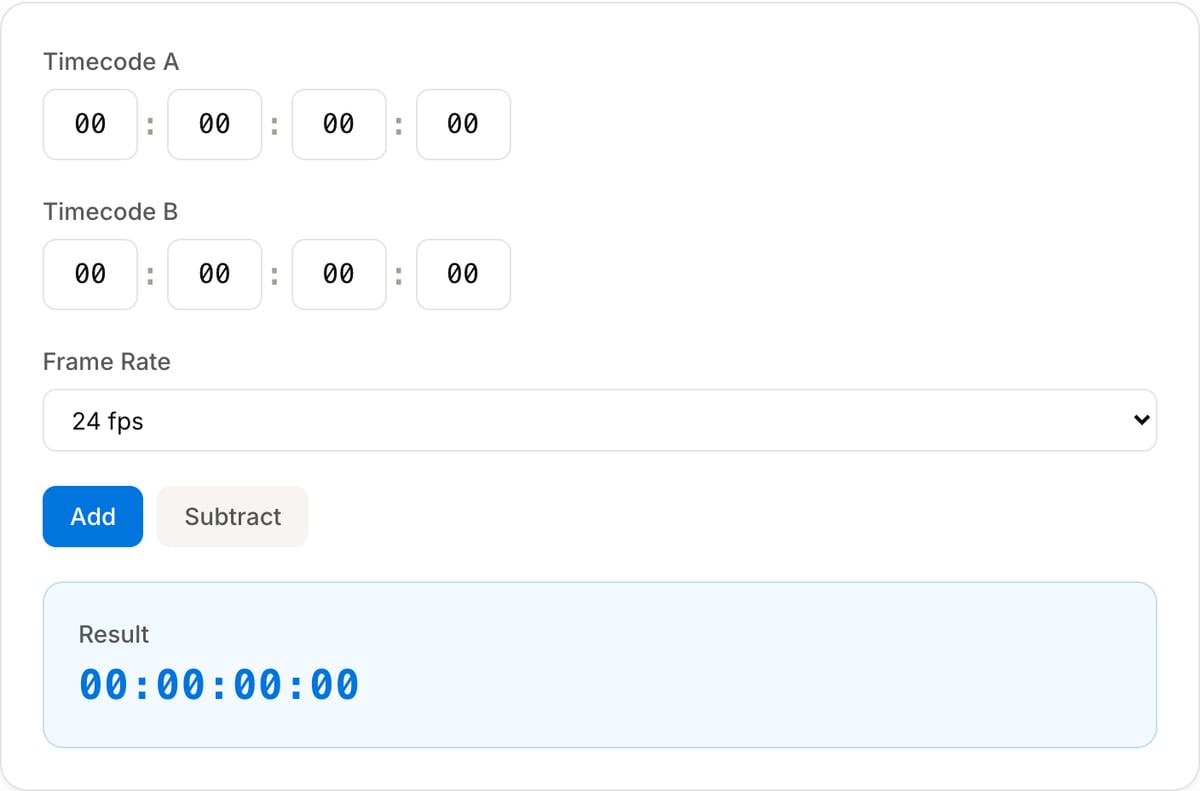
Enter timecode A
Type the first SMPTE timecode in HH:MM:SS:FF format. This is your starting point or base timecode.
Enter timecode B
Enter the second timecode you want to add to or subtract from the first value.
Select frame rate
Choose your project frame rate — 24 fps (cinema), 25 fps (PAL), 29.97 fps (NTSC), 30 fps (web), or others.
Get result
Click Add or Subtract to see the calculated timecode result instantly. Frame overflow is handled automatically.
What the tool looks like
Popular task presets
Best for / not for
Best for
- Adding, subtracting, and comparing SMPTE-style timecodes for edit notes and post workflows.
- Calculating durations, offsets, sync points, and frame counts at a chosen frame rate.
- Handling common rates such as 23.976, 24, 25, 29.97 drop-frame, 30, and 60 fps.
Not for
- Replacing a professional EDL/XML conform workflow.
- Fixing variable-frame-rate footage by math alone.
- Guessing the right frame rate when the source file has not been inspected.
Best use cases for timecode calculation
- Add or subtract edit notes like 01:02:14:12 plus 00:00:08:05 at the project frame rate.
- Calculate how long a scene, subtitle drift, music cue, or sync offset lasts in frames and timecode.
- Translate editor notes, client feedback, and timeline markers into exact offsets.
Frame-rate details
| 23.976 / 29.97 | Use the exact project rate. Rounding 23.976 to 24 can create drift over long timelines. |
|---|---|
| Drop-frame | 29.97 drop-frame keeps timecode aligned with clock time; non-drop-frame counts frames continuously. |
| Variable frame rate | Phone and screen recordings can be VFR. Confirm metadata before relying on frame-accurate math. |
| Next step | Use SRT Offset for subtitle drift or Metadata Viewer to confirm source FPS. |
Why this timecode calculator is different
- It keeps frame-rate choice visible because that is where most timecode mistakes happen.
- It is useful for editors, captioners, producers, and reviewers who need exact notes without opening an NLE.
- It points to metadata and subtitle tools when timecode math is part of a larger fix.
Task-focused FAQ
Why does frame rate matter for timecode math?
The same timecode numbers represent different frame counts at different frame rates.
What is drop-frame timecode?
Drop-frame timecode skips certain frame numbers so 29.97 fps timecode stays aligned with real clock time.
Can I use this for subtitle drift?
Yes for calculating the offset. Use SRT Offset to apply the shift to the subtitle file.
Frequently Asked Questions
What is SMPTE timecode?
SMPTE timecode is a standard format for labeling individual frames of video, expressed as HH:MM:SS:FF (hours, minutes, seconds, frames). It is used universally in professional video production.
How do I add two timecodes together?
Enter the first timecode in the A field and the second in the B field, select your frame rate, and click Add. The calculator handles frame overflow automatically.
What frame rate should I use?
Use the frame rate matching your project: 24 fps for cinema, 25 fps for PAL, 29.97 fps for NTSC broadcast, or 30 fps for web video. Check your NLE project settings if unsure.
What is the difference between drop frame and non-drop frame?
Drop frame (29.97 fps) skips certain frame numbers to stay aligned with real clock time. Non-drop frame counts every frame sequentially but drifts from real time. Drop frame is standard for NTSC broadcast.