Video to MP3 Converter — Local MP4/MOV/WebM Audio
Convert video files to MP3 for podcasts, voice notes, lectures, or music drafts. MP3 defaults to 192 kbps, with AAC and WAV options.
Drag & drop your video here, or click to browse
Max file size: ~2 GB (memory permitting)
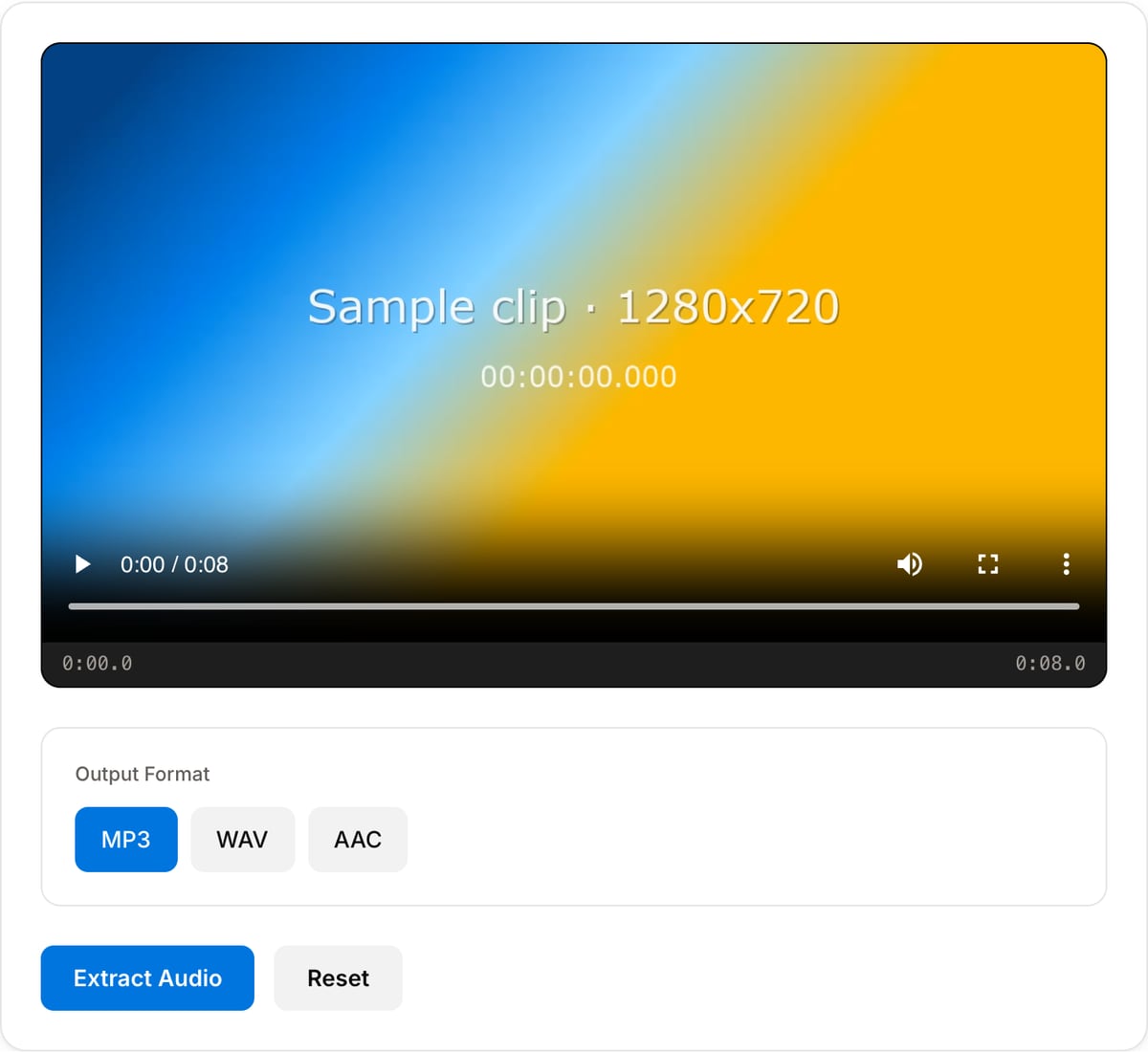
What the tool looks like
Popular task presets
Best for / not for
Best for
- Turning video podcasts, lectures, webinars, sermons, meetings, and interviews into MP3 audio.
- Creating smaller listening files for transcription, notes, sharing, or offline playback.
- Recordings that should not be uploaded to a cloud converter.
Not for
- Keeping uncompressed audio for mixing; use WAV via Extract Audio instead.
- Separating vocals from music or creating stems.
- Downloading audio from a URL directly.
Best use cases for video to MP3
- Convert a video podcast, interview, webinar, sermon, lecture, or meeting recording into a smaller MP3 for listening and sharing.
- Pull speech audio from MP4, MOV, WebM, or MKV before sending it to transcription, translation, or note-taking tools.
- Extract a rough music or sound reference from a video edit without opening a desktop NLE.
MP3 conversion details
| Default MP3 quality | 192 kbps, a practical default for speech, podcasts, screen recordings, and casual music references. |
|---|---|
| Use AAC/M4A | Good for Apple-centric workflows and smaller high-quality voice files. |
| Use WAV | Best when the result will be edited, cleaned, mixed, or mastered later. |
| Best input | Videos with a single primary audio track. Multi-track containers may export the default selected audio stream. |
Video to MP3 Converter vs. the usual alternatives
| Feature | This tool | VEED (free) | Kapwing (free) | CapCut Online |
|---|---|---|---|---|
| Processing model | Runs locally in your browser | Upload-based project editor | Upload-based project editor | Upload-based online editor |
| File limits | No upload cap; practical limit is browser memory | Plan-specific upload limits | Plan-specific upload and export limits | Feature- and account-specific limits |
| Watermark on output | No watermark added | Free exports include a VEED watermark | Free exports include a Kapwing watermark | Standard edits can be watermark-free; templates/assets may add branding |
| Signup / account | No account for tools | Workspace/account flow | Workspace/account flow | CapCut account flow |
| Works offline | Yes after cache, subject to browser support | No | No | No |
| Best for | Private one-step file operations | Full editor, templates, AI tools | Collaboration, templates, AI tools | Social templates and timeline editing |
Vendor plan limits were checked on April 29, 2026 and can change by region, account state, and export option. Verify critical limits on the vendor pricing/help page before relying on them.
Why this video to MP3 converter is different
- The page is tuned for audio extraction, not generic file conversion, so the default settings favor listenable speech and manageable file size.
- No upload is important for interviews, classes, legal calls, and client recordings.
- You can keep a compressed MP3 for sharing and switch to WAV if the next step is audio editing.
Task-focused FAQ
Is 192 kbps enough for speech?
Yes. For lectures, interviews, meetings, and podcasts, 192 kbps stereo is more than enough; mono speech can be even smaller.
Can I use the MP3 for transcription?
Yes. Most transcription tools accept MP3, and the smaller file uploads faster than the original video.
When should I choose WAV instead?
Choose WAV if you will denoise, edit, mix, or master the audio before final export.
Made for one job
Frequently Asked Questions
Can I convert MP4 to MP3 online without uploading?
Yes. This tool runs FFmpeg WASM inside your browser. Drop in an MP4, WebM, MOV, or MKV — the audio is extracted and encoded to MP3 locally. Open DevTools → Network tab to verify zero uploads.
What bitrate does the output MP3 use?
Default is 192 kbps CBR — a good balance between file size and quality. For voice-only recordings, 128 kbps is enough; for music, 320 kbps is transparent.
Why extract audio instead of using a YouTube converter?
Most "YouTube-to-MP3" sites are sketchy ad-laden services that require uploads and sometimes violate platform terms. This tool converts video files you already have (from a phone, camera, or download) — it does not touch YouTube or any streaming service.
Can I choose WAV or AAC instead of MP3?
Yes. Use the format dropdown above to switch between MP3 (192 kbps), AAC (M4A, 192 kbps), or WAV (uncompressed, best for editing).
What is the max file size?
Limited by browser memory — typically up to 2 GB. For long podcast or lecture recordings over 2 GB, trim them in the Trimmer tool first.