Extract Audio from Video — MP3, WAV, AAC
Pull music, voice, dialogue, or podcast audio from MP4, MOV, WebM, and MKV. Export MP3, WAV, or AAC without uploading the file.
Drag & drop your video here, or click to browse
Max file size: ~2 GB (memory permitting)
How to Use — Extract Audio from Video — MP3, WAV, AAC
Upload video
Drag and drop any video file (MP4, WebM, MOV, AVI, MKV) or click "Choose File" to browse. Works with files up to ~2 GB (memory permitting).
Select output format
Choose your desired audio format — MP3 for small files, WAV or FLAC for lossless quality, AAC for Apple devices, OGG for open source.
Extract audio
Click "Extract" — processing happens in your browser using FFmpeg WebAssembly. No server upload required.
Download audio
Download your extracted audio file instantly. No watermarks, no signup needed.
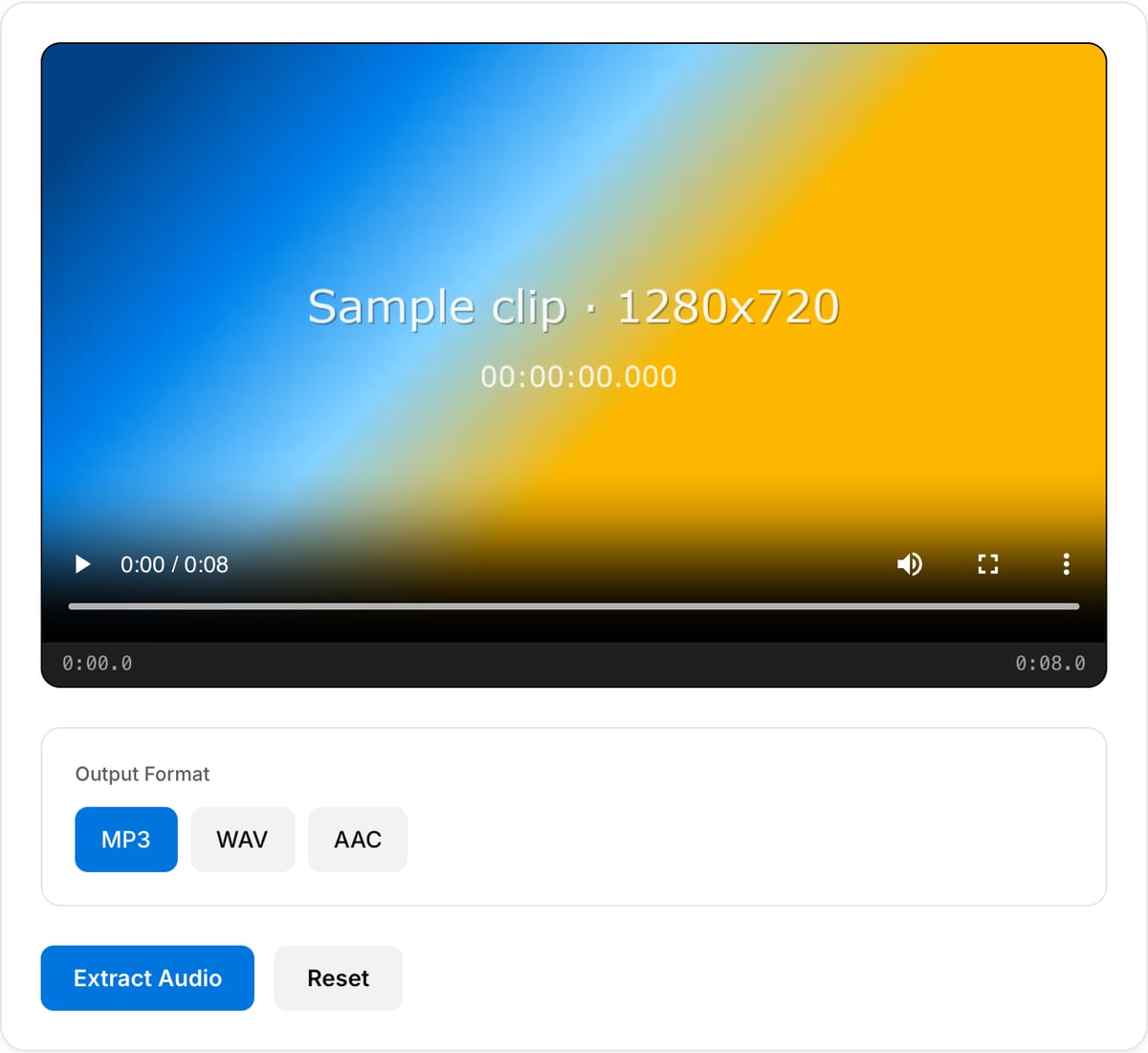
What the tool looks like
Popular task presets
Best for / not for
Best for
- Pulling voice, dialogue, lecture, podcast, meeting, or music audio out of video files.
- Creating MP3/AAC sharing copies or WAV files for editing in a DAW.
- Sensitive recordings that should stay local.
Not for
- Separating vocals from background music or splitting stems.
- Improving noisy audio by itself; use denoise/normalization tools after extraction.
- Downloading audio from a remote URL directly.
Best use cases for extracting audio
- Turn a video podcast, webinar, lecture, meeting, or interview into an MP3 for publishing or transcription.
- Pull clean dialogue from screen recordings, phone videos, or camera footage before editing audio separately.
- Save music, ambience, or reference sound from a video clip for a remix, rough cut, or sound-design pass.
Audio extraction choices
| MP3 output | Best for podcasts, voice notes, transcription tools, email attachments, and quick sharing. |
|---|---|
| WAV output | Best when the audio will be edited, cleaned, or mixed in a DAW. |
| AAC/M4A output | Best for Apple devices and smaller high-quality speech/music files. |
| Privacy | Useful for interviews, legal recordings, classes, and client calls because the source video stays local. |
Audio Extractor vs. the usual alternatives
| Feature | This tool | VEED (free) | Kapwing (free) | CapCut Online |
|---|---|---|---|---|
| Processing model | Runs locally in your browser | Upload-based project editor | Upload-based project editor | Upload-based online editor |
| File limits | No upload cap; practical limit is browser memory | Plan-specific upload limits | Plan-specific upload and export limits | Feature- and account-specific limits |
| Watermark on output | No watermark added | Free exports include a VEED watermark | Free exports include a Kapwing watermark | Standard edits can be watermark-free; templates/assets may add branding |
| Signup / account | No account for tools | Workspace/account flow | Workspace/account flow | CapCut account flow |
| Works offline | Yes after cache, subject to browser support | No | No | No |
| Best for | Private one-step file operations | Full editor, templates, AI tools | Collaboration, templates, AI tools | Social templates and timeline editing |
Vendor plan limits were checked on April 29, 2026 and can change by region, account state, and export option. Verify critical limits on the vendor pricing/help page before relying on them.
Why this audio extractor is different
- Focused on audio extraction rather than full video conversion, so the path from video to usable audio is shorter.
- Lets you choose an output format that matches the next step: edit, transcribe, publish, or archive.
- Runs in-browser for private recordings that should not be uploaded to a generic converter.
Task-focused FAQ
Is extracting audio the same as converting video to MP3?
Usually yes for sharing workflows. Extract Audio gives more output choices, while Video to MP3 is a faster default path for MP3 specifically.
Should I export MP3 or WAV?
Use MP3 for sharing and transcription. Use WAV if you plan to edit, clean, or mix the audio afterward.
Can this extract multiple audio tracks?
The browser tool targets the primary/default audio track. Complex multi-track extraction is better handled with desktop FFmpeg.
Tutorials covering this tool
Frequently Asked Questions
What audio formats can I extract to?
You can extract audio as MP3, WAV, AAC, OGG, or FLAC. Choose the format that best suits your needs — MP3 for small files, WAV/FLAC for lossless quality.
How do I extract audio from a video?
Upload your video, select the desired output format, click Extract, and download the audio file. All processing happens in your browser.
Is the audio quality preserved?
Yes. When extracting to lossless formats (WAV, FLAC), the original quality is fully preserved. For lossy formats (MP3, AAC), high bitrate settings are used.
Does it work with all video formats?
Yes. MP4, WebM, MOV, AVI, MKV, and most other common video formats are supported. The tool extracts the audio track regardless of the container.