Normalize Audio Volume Online Free
Automatically adjust audio levels to a consistent volume. Uses EBU R128 loudness normalization — perfect for podcasts, YouTube videos, and professional content.
Drag & drop your video here, or click to browse
Max file size: ~2 GB (memory permitting)
How to Use — Normalize Audio Volume Online Free
Upload your video or audio
Drag and drop any video or audio file (MP4, WebM, MOV, MP3, WAV). The file stays local — nothing leaves your device.
Normalize
Click "Normalize Audio". FFmpeg loudnorm applies a -14 LUFS target with a -1 dBTP true-peak ceiling — the streaming-platform sweet spot.
Download
Download the volume-corrected file. The video track is stream-copied and untouched; only the audio is adjusted.
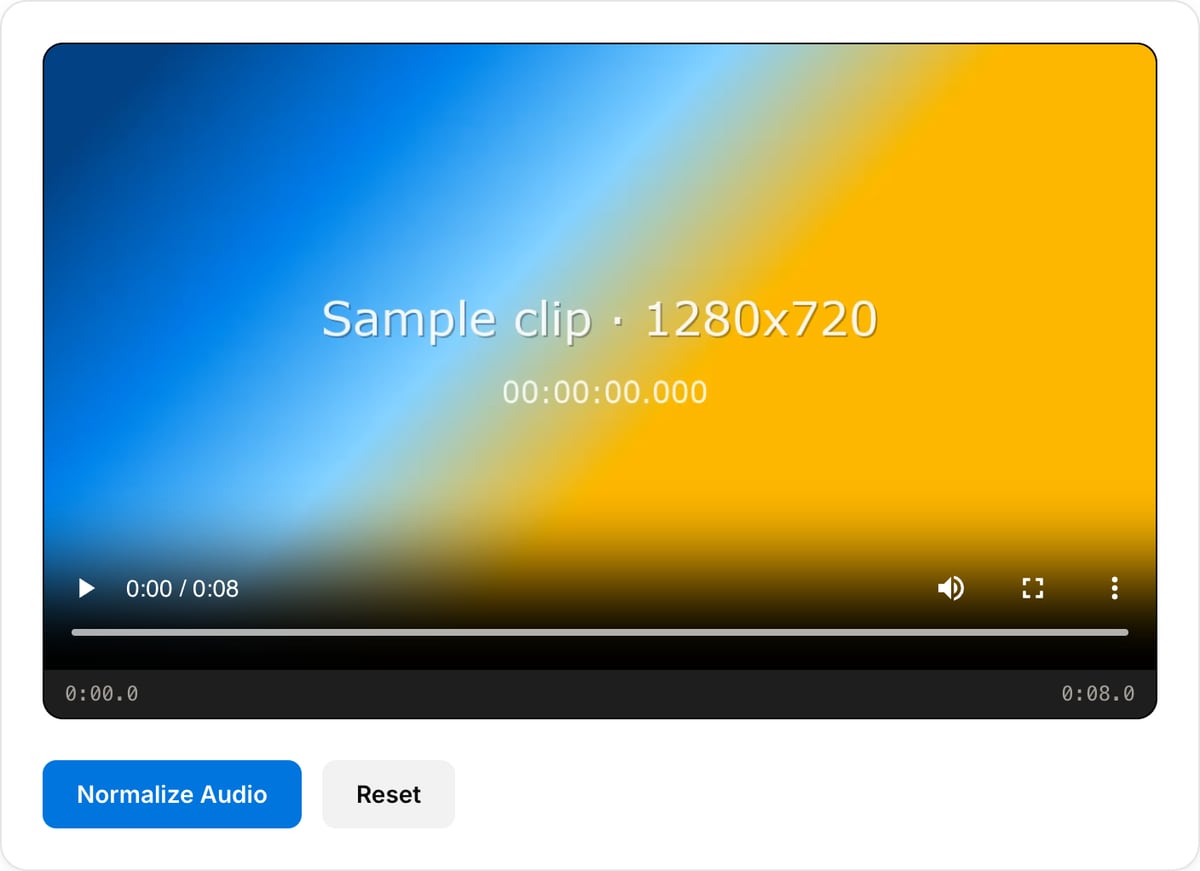
What the tool looks like
Popular task presets
Best for / not for
Best for
- Leveling speech, podcasts, interviews, meetings, lectures, voiceovers, and narration.
- Making quiet audio easier to hear without manually riding volume.
- Preparing audio before transcription, publishing, replacement, or sharing.
Not for
- Professional mastering with EQ, compression, limiting, and loudness metering decisions.
- Removing background noise or echo.
- Fixing clipped audio that was recorded too loud.
Best use cases for audio normalization
- Make uneven meeting, webinar, podcast, lecture, or interview audio easier to hear.
- Bring a quiet voiceover or extracted video audio up to a more practical listening level.
- Normalize a replacement audio track before attaching it back to a video.
Supported formats & limits
| Input formats | MP3, WAV, AAC/M4A, OGG, FLAC, Opus, WebM — any codec FFmpeg understands |
|---|---|
| Output formats | MP3 (192/320 kbps), AAC (192/256 kbps), WAV (lossless), OGG Vorbis, FLAC (lossless) |
| Max file size | Up to ~2 GB (limited by browser memory) |
| Max duration | No hard limit — multi-hour files work fine |
| Cost | Free for any use. No signup. No watermark on output. |
Audio Normalizer vs. the usual alternatives
| Feature | This tool | VEED (free) | Kapwing (free) | CapCut Online |
|---|---|---|---|---|
| Processing model | Runs locally in your browser | Upload-based project editor | Upload-based project editor | Upload-based online editor |
| File limits | No upload cap; practical limit is browser memory | Plan-specific upload limits | Plan-specific upload and export limits | Feature- and account-specific limits |
| Watermark on output | No watermark added | Free exports include a VEED watermark | Free exports include a Kapwing watermark | Standard edits can be watermark-free; templates/assets may add branding |
| Signup / account | No account for tools | Workspace/account flow | Workspace/account flow | CapCut account flow |
| Works offline | Yes after cache, subject to browser support | No | No | No |
| Best for | Private one-step file operations | Full editor, templates, AI tools | Collaboration, templates, AI tools | Social templates and timeline editing |
Vendor plan limits were checked on April 29, 2026 and can change by region, account state, and export option. Verify critical limits on the vendor pricing/help page before relying on them.
Why this normalizer is different
- The workflow is tuned for spoken audio, where consistency matters more than loudness hype.
- Pairs naturally with silence removal and video audio replacement.
- Runs locally, so interviews, classes, client calls, and legal recordings do not need to upload.
Task-focused FAQ
Does normalization remove background noise?
No. Normalization changes loudness. Noise, echo, and room tone need separate cleanup tools.
Can normalization fix clipped audio?
No. If the source is clipped or distorted, normalization cannot restore the lost waveform.
Should I normalize before or after cutting silence?
Remove long silent gaps first, then normalize the final audio for a more predictable level.
Tutorials covering this tool
Frequently Asked Questions
What is loudness normalization?
It adjusts perceived volume to a consistent level using psychoacoustic models — not just peak levels. Prevents quiet dialogue followed by blasting music.
What is EBU R128?
The European Broadcasting Union standard for loudness. Targets -23 LUFS with -1 dBTP peak limit. YouTube uses -14 LUFS, Spotify -14 LUFS, Apple Podcasts -16 LUFS.
What target does the tool use?
Fixed at -14 LUFS with a -1 dBTP ceiling — matches YouTube, Spotify, Apple Music, and most streaming platforms. Podcast (-16) and broadcast (-23) targets are not currently selectable.
Will it cause clipping?
The loudnorm true-peak limiter keeps output under -1 dBTP. The tool runs single-pass so results are slightly less precise than a two-pass broadcast-grade measurement, but stay safely within the ceiling without distortion.