Auto Reframe — Landscape to Vertical, Following the Subject
Turn a landscape video into a 9:16, 4:5 or square cut where the crop pans to keep the person in frame. Detection and rendering both run in your browser.
Drag & drop your video here, or click to browse
Max file size: ~2 GB (memory permitting)
What the tool looks like
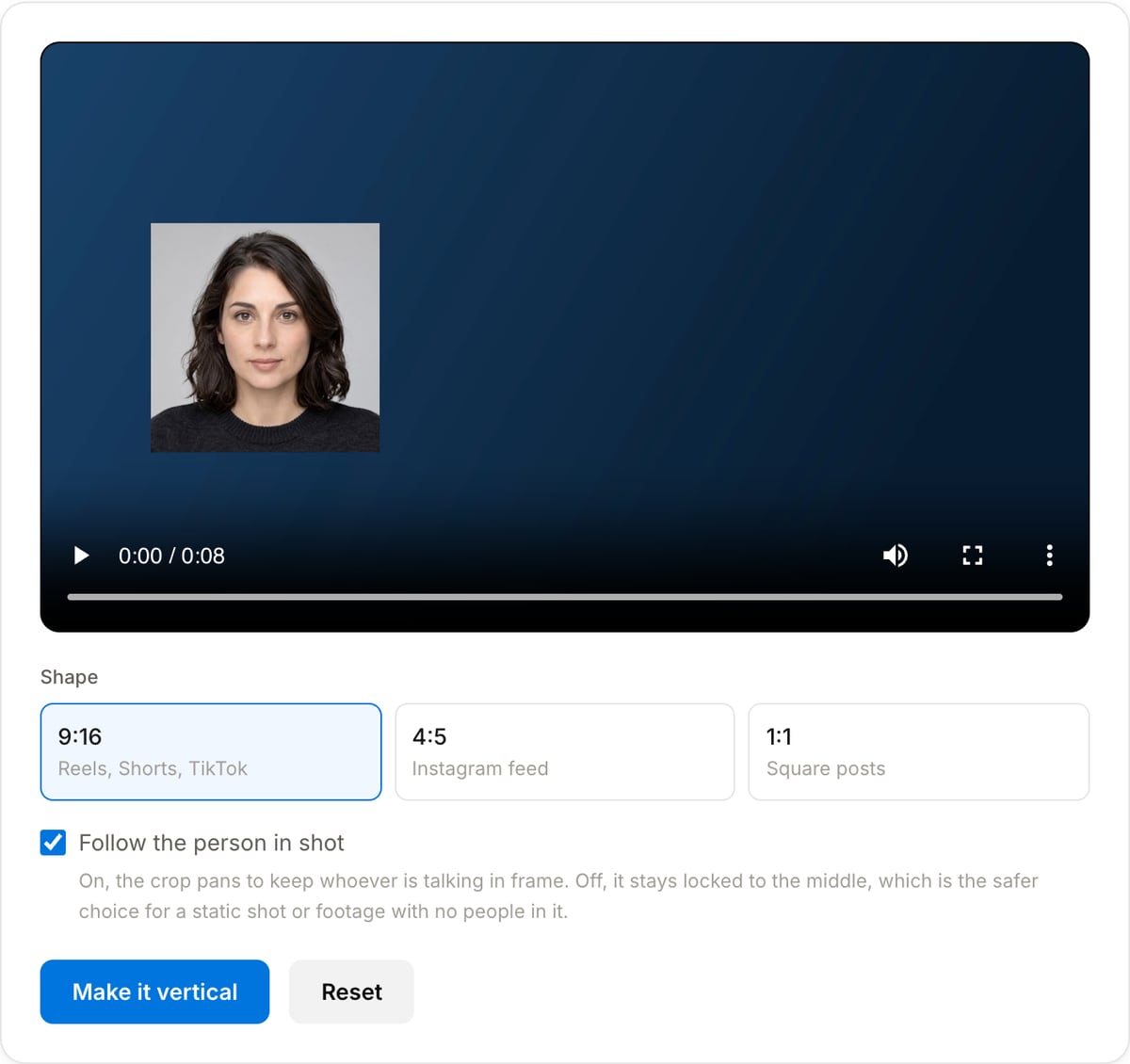
How it works
- 1Drop the landscape clip in
Any common format. Nothing is uploaded — the detection and the render both happen on your own machine.
- 2Press Make it vertical
Four frames a second are checked for faces, the path is smoothed into a move a camera operator would make, and FFmpeg crops along it.
- 3Try another shape if you want
The tracking is kept, so switching between 9:16, 4:5 and square only re-renders. That is seconds rather than scanning the clip again.
What you are trading away
Reframing is not a free conversion. A 9:16 window cut from a 16:9 frame keeps about a third of the width, and the rest is gone — including anything happening at the edges. Knowing that up front is the difference between a clip that works vertically and one that is missing half its content.
| How much survives | 9:16 keeps roughly a third of a 16:9 width. 4:5 keeps about half, which is why it often suits talking heads better. |
|---|---|
| Sharpness | The output keeps the crop’s own size rather than being upscaled to 1080 wide, so no pixels are invented — but a 9:16 cut from 1080p is only about 600 wide. Shoot in 4K if the vertical cut matters and the crop still has real 1080p detail in it. |
| Movement | The crop is speed-limited and has a dead zone, so it holds still through small movements and pans through real ones. |
| No people in shot | Turn the follow option off. A locked centre crop is the correct result for a landscape, a product shot or a screen recording. |
| Audio | Copied through untouched. Only the picture is re-encoded. |
Popular task presets
Best for / not for
Best for
- Talking-head footage shot landscape that has to go out as a Reel, a Short or a TikTok.
- Interviews and podcast video where the speaker moves around within a static wide shot.
- Anything where a fixed centre crop would leave the person half out of frame.
Not for
- Footage with no people in it. The tracker follows faces; for a landscape, a product shot or a screen recording, a locked centre crop is the right answer and the option is there.
- Scenes with several people who each need to be on screen. It follows the largest face, not all of them.
- Cuts between very different framings. The path is smoothed for a pan, so a hard cut mid-clip makes it swing rather than jump.
When to auto reframe
- Repurposing a landscape recording for vertical platforms, which is the single most common thing asked of an editor now and the slowest to do by hand.
- Cutting a podcast or webinar into short clips, where the speaker drifts around a static wide frame.
- Reusing old 16:9 footage that predates vertical being the default.
- Producing 4:5 for an Instagram feed post, which takes more of the frame than 9:16 and often reads better for talking heads.
Supported formats & limits
| Input containers | MP4, MOV, WebM, MKV, AVI, FLV, WMV, M4V |
|---|---|
| Input codecs | H.264, H.265, VP8, VP9, MPEG-4, MJPEG. Not AV1 — this WebAssembly build has no software AV1 decoder. |
| Output container | MP4 (default) — interoperable with iOS, Android, YouTube, Instagram, X |
| Output codec | H.264 video + AAC audio |
| Max file size | Up to ~2 GB (limited by browser memory) |
| Max duration | No hard limit — depends on file size |
| Cost | Free for any use. No signup. No watermark. |
Auto Reframe vs. the usual alternatives
| Feature | This tool | VEED (free) | Kapwing (free) | CapCut Online |
|---|---|---|---|---|
| Processing model | Runs locally in your browser | Upload-based project editor | Upload-based project editor | Upload-based online editor |
| File limits | No upload cap; practical limit is browser memory | Plan-specific upload limits | Plan-specific upload and export limits | Feature- and account-specific limits |
| Watermark on output | No watermark added | Free exports include a VEED watermark | Free exports include a Kapwing watermark | Standard edits can be watermark-free; templates/assets may add branding |
| Signup / account | No account for tools | Workspace/account flow | Workspace/account flow | CapCut account flow |
| Works offline | Yes after cache, subject to browser support | No | No | No |
| Best for | Private one-step file operations | Full editor, templates, AI tools | Collaboration, templates, AI tools | Social templates and timeline editing |
Vendor plan limits were checked on April 29, 2026 and can change by region, account state, and export option. Verify critical limits on the vendor pricing/help page before relying on them.
Why use this reframer
- Two actions: drop the file, press the button. The tracking, the smoothing and the render all happen without another decision.
- The crop pans rather than jumps. The raw detections are averaged, held inside a dead zone so a talking head does not make the frame wobble, and speed-limited so it moves like a camera operator rather than a cursor.
- Changing the shape afterwards reuses the tracking and only re-renders, so trying 9:16 and 4:5 costs one pass, not two.
- Nothing is uploaded. Face detection runs on your device and so does the encode — which matters, because this is usually applied to footage of people.
Task-focused FAQ
Is my video uploaded?
No. The face detector runs in your browser and the crop is FFmpeg compiled to WebAssembly. The file never leaves the device.
What if there is more than one person?
It follows the largest face in each sampled frame, which is normally whoever is closest to camera. For a two-shot where both need to stay visible, crop by hand or use a 4:5 shape, which keeps more of the width.
Why is the output blurrier than the source?
A 9:16 window cut from a 16:9 frame is only about a third as wide as the original, so filling a 1080-wide vertical frame means scaling up. There is no way around it — those pixels were never recorded. Shooting wider or in 4K gives the crop more to work with.
How many frames does it check?
Four a second. A face does not move far in a quarter of a second, and checking every frame would multiply the wait for no visible benefit.
It did not find anyone. What now?
It falls back to a centred crop and says so. Turn the follow option off for footage with no people in it — a locked crop is the right result there, not a failure.
Can I pick which part of the frame it keeps?
Not in this tool; it decides from the faces it finds. The Video Crop tool gives you the window to place yourself.
Tutorials covering this tool
Frequently Asked Questions
Is my video uploaded?
No. The face detector runs in your browser and the crop is FFmpeg compiled to WebAssembly. The file never leaves the device.
What if there is more than one person?
It follows the largest face in each sampled frame, which is normally whoever is closest to camera. For a two-shot where both need to stay visible, crop by hand or use a 4:5 shape, which keeps more of the width.
Why is the output blurrier than the source?
A 9:16 window cut from a 16:9 frame is only about a third as wide as the original, so filling a 1080-wide vertical frame means scaling up. There is no way around it — those pixels were never recorded. Shooting wider or in 4K gives the crop more to work with.
How many frames does it check?
Four a second. A face does not move far in a quarter of a second, and checking every frame would multiply the wait for no visible benefit.
It did not find anyone. What now?
It falls back to a centred crop and says so. Turn the follow option off for footage with no people in it — a locked crop is the right result there, not a failure.
Can I pick which part of the frame it keeps?
Not in this tool; it decides from the faces it finds. The Video Crop tool gives you the window to place yourself.