Strip EXIF, GPS, C2PA & AI Prompt Metadata from Image — Free, No Upload
Remove EXIF, XMP, IPTC, ICC, and PNG text chunks (GPT Image / DALL-E / Midjourney prompt metadata + C2PA signatures). Runs locally.
Drop image (PNG/JPG/WebP/AVIF)
Up to 50 MB
What the tool looks like
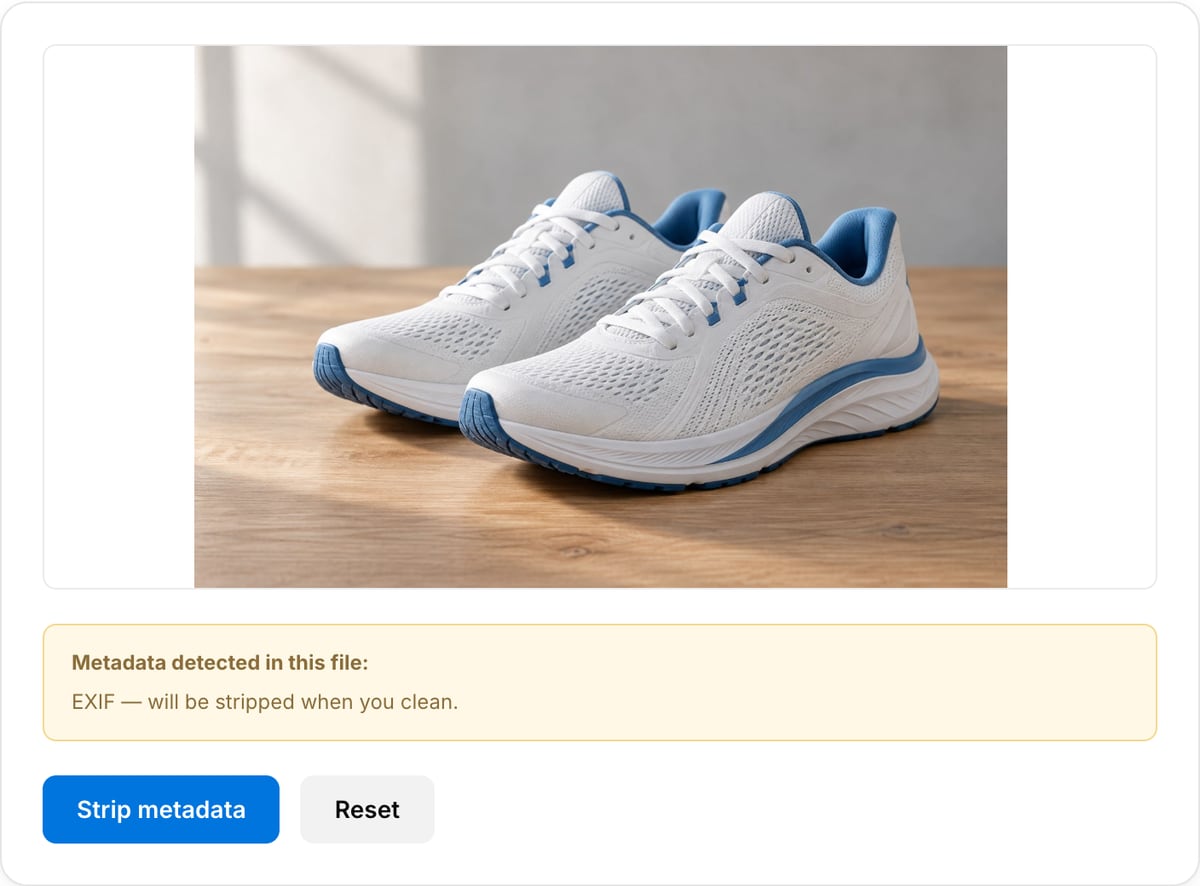
Popular task presets
Best for / not for
Best for
- Removing EXIF, GPS, XMP, IPTC, C2PA/provenance, prompt text, and camera fields from image files.
- Phone photos, AI-generated images, client previews, journalism, legal review, and public uploads.
- Privacy cleanup that happens before the file leaves your device.
Not for
- Removing visible faces, license plates, watermarks, screens, or background clues inside the pixels.
- Forensic chain-of-custody workflows that require formal metadata reports.
- Keeping ICC profiles for exact print color. Metadata cleaning can drop color/profile data depending on browser export.
When to strip image metadata
- Publishing AI-generated art — GPT Image 2 and DALL-E embed C2PA provenance signatures and generation prompts inside PNG text chunks. Strip them before uploading to a portfolio site.
- Sharing phone photos without exposing GPS coordinates, device model, or the account that took them.
- Journalism / legal workflows where even container-level metadata can identify a source.
Supported formats & limits
| Input formats | PNG, JPG/JPEG, WebP, AVIF, GIF, BMP, HEIC (Safari), TIFF — anything your browser can decode |
|---|---|
| Output formats | PNG (lossless), JPEG (quality 10-100), WebP (quality 10-100), AVIF on Chrome/Edge 122+ and Safari 16.4+ |
| AI-generator native sizes | 1024×1024 (GPT Image / DALL-E square), 1024×1792 (portrait), 1792×1024 (landscape), 2048×2048 (Midjourney upscale) |
| Max file size | Up to 50 MB per image |
| Privacy | Zero uploads — Canvas API runs fully on-device. Open DevTools Network tab to verify. |
| Cost | Free for any use. No signup, no watermark. |
Image Metadata Cleaner vs. the usual alternatives
| Feature | This tool | VEED (free) | Kapwing (free) | CapCut Online |
|---|---|---|---|---|
| Processing model | Runs locally in your browser | Upload-based project editor | Upload-based project editor | Upload-based online editor |
| File limits | No upload cap; practical limit is browser memory | Plan-specific upload limits | Plan-specific upload and export limits | Feature- and account-specific limits |
| Watermark on output | No watermark added | Free exports include a VEED watermark | Free exports include a Kapwing watermark | Standard edits can be watermark-free; templates/assets may add branding |
| Signup / account | No account for tools | Workspace/account flow | Workspace/account flow | CapCut account flow |
| Works offline | Yes after cache, subject to browser support | No | No | No |
| Best for | Private one-step file operations | Full editor, templates, AI tools | Collaboration, templates, AI tools | Social templates and timeline editing |
Vendor plan limits were checked on April 29, 2026 and can change by region, account state, and export option. Verify critical limits on the vendor pricing/help page before relying on them.
Why strip metadata here
- Canvas re-encode naturally drops EXIF, XMP, IPTC, ICC, and PNG text chunks in one pass — nothing to configure.
- Shows what metadata it found before cleaning (EXIF / XMP / C2PA / prompt text) so you know what you're removing.
- Fully offline — the whole point of cleaning metadata is privacy, so we don't ship the file to a server to do it.
Task-focused FAQ
Does cleaning image metadata change the pixels?
The exported image is re-encoded by the browser, but the goal is to preserve the visible image while dropping hidden metadata.
Does this remove GPS from photos?
Yes for common EXIF/GPS fields when the browser can decode and re-export the image. Verify sensitive files with a metadata viewer.
Does this remove AI provenance?
It can remove common PNG text chunks and provenance metadata during re-export, but you should verify high-risk files independently.
Frequently Asked Questions
Why does a GPT Image 2 / DALL-E / Midjourney PNG have metadata to strip?
AI image generators often embed "C2PA" provenance signatures, generation prompt text, or creation timestamps inside PNG text chunks. The image also typically carries the original software fingerprint (e.g. "ChatGPT 2026-04"). Stripping these removes the auditable trail before publishing.
What exactly gets removed?
EXIF (camera / GPS / timestamps), XMP (Adobe / editor metadata), IPTC (caption / keywords), ICC (color profile), PNG text chunks (tEXt / iTXt / zTXt where most AI prompts live), and any other container-level metadata. Only the pixel data is preserved.
Is the output pixel-identical?
Very close but not bit-identical — the tool re-encodes through the Canvas API at quality 0.95 so it can cleanly drop all metadata. Photo-style images look indistinguishable from the original; screenshots with sharp text may show very slight JPEG-style ringing at 95%. For zero quality loss, use a desktop tool that operates on the raw JPEG / PNG bytes (e.g. ExifTool).
Can I use this for privacy / whistleblowing?
For most social-media-grade anonymization, yes. For high-stakes publishing (journalism sources, court evidence), also replace the filename, trim the first and last seconds of any nearby video clips, and re-compress with a different tool chain as belt-and-braces.
Does my image upload anywhere?
No. Everything runs locally in your browser. Open DevTools → Network tab while cleaning — you'll see zero requests leave your machine.