Blur Faces in Video — Local Privacy Redaction
Detect and blur faces frame-by-frame for journalism, legal, school, street, or event footage. Tune blur strength and padding locally.
Drag & drop your video here, or click to browse
Max file size: ~2 GB (memory permitting)
How to Use — Blur Faces in Video — Local Privacy Redaction
Load your video
Any MP4/MOV/WebM/MKV. Loads locally — nothing uploaded.
Adjust strength and padding
Higher blur for stronger anonymisation; more padding for extra margin around each face (helps when the detector’s box is tight).
Process and download
Face detection and blurring run frame-by-frame in your browser. Output is WebM with audio preserved.
What the tool looks like
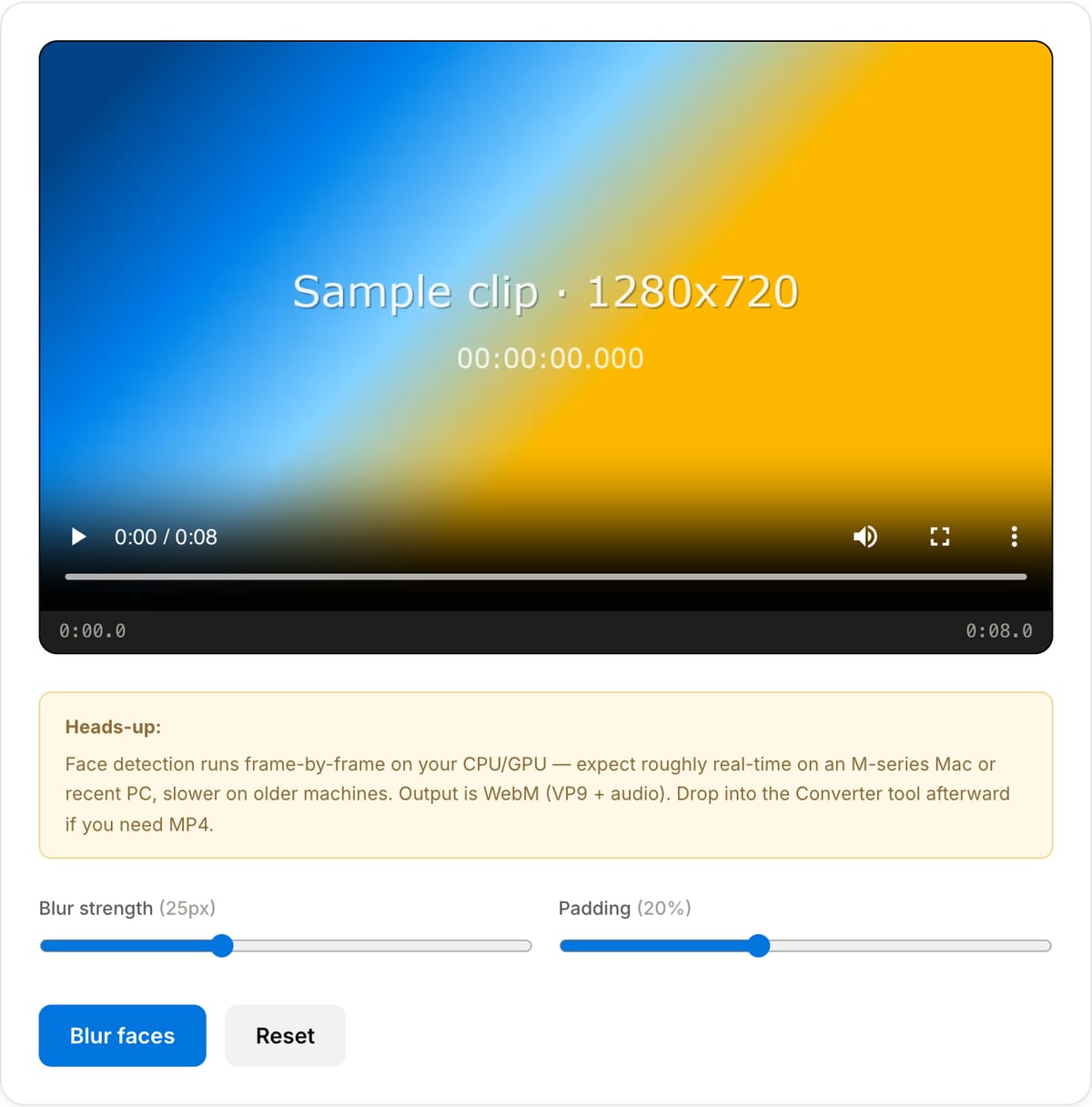
Popular task presets
Best for / not for
Best for
- Privacy redaction where faces should be obscured before sharing or publishing.
- Journalism, legal, HR, school, event, street, and bystander footage.
- Local processing of sensitive raw footage that should not be uploaded.
Not for
- Replacing legal review or manual redaction on high-risk material.
- Detecting every face in extreme blur, profile views, crowds, tiny faces, or heavy occlusion without review.
- Removing metadata, audio clues, or visible non-face identifiers by itself.
Best use cases for face blurring
- Anonymise witnesses, minors, students, patients, employees, protestors, or bystanders before publishing or sending footage.
- Prepare legal, HR, school, newsroom, security, or street footage where identities should be protected.
- Blur incidental faces in B-roll, event footage, dashcam clips, bodycam-style videos, or public-location recordings.
Detection and redaction details
| Detection model | MediaPipe face detection runs frame-by-frame in the browser and can detect multiple faces per frame. |
|---|---|
| Blur strength | Increase blur for stronger anonymisation; use lower values only when identity protection is not the main goal. |
| Padding | Adds margin around the detected face box to cover hairline, jaw movement, and small detector shifts. |
| Manual review | Always review the export. Small, side-profile, covered, or motion-blurred faces may need another pass or manual editing. |
Why this face blur tool is different
- Privacy redaction should not require sending raw footage to a third-party upload queue; detection and rendering happen locally.
- Soft elliptical blur looks less crude than hard rectangular masks while still obscuring facial features.
- Padding and strength controls let you tune the result for casual privacy, publication, or stricter anonymisation.
Task-focused FAQ
Do I still need to review the export?
Yes. Automated detection can miss small, side-profile, covered, or fast-moving faces. Always watch the final file before publishing.
Is blur better than pixelation?
Strong Gaussian blur is generally safer than coarse pixelation, which can sometimes preserve enough structure for AI enhancement.
Should I clean metadata before or after blurring?
Either order can work, but the safest workflow is to blur visible identifiers, then run Metadata Cleaner on the exported file.
Tutorials covering this tool
Frequently Asked Questions
How does face blurring work?
The tool runs Google’s MediaPipe BlazeFace detector on every frame of your video, then paints a gaussian blur over each detected face region. Both detection and rendering happen in your browser — no upload.
Will it catch every face?
BlazeFace is tuned for upright, reasonably-lit faces within ~2 metres of the camera. It may miss profile views, heavy occlusion, very small faces, or extreme angles. For high-stakes anonymisation, preview the output and fall back to manual masking for missed frames.
Does it work on license plates?
Not in this version — the detector is face-specific. A dedicated license-plate model would be a separate tool. If you need to anonymise a plate in a handful of frames, crop that region and blur with a crop + watermark combo.
Why does processing take a while?
Face detection runs per-frame. On an M-series Mac expect roughly real-time (a 2-minute video takes about 2 minutes). Older or low-power hardware can be 2-4× slower. Upload-based tools can appear faster because their queue time is hidden behind an opaque loading bar — but total wall-clock is often similar.
Why is the output WebM, not MP4?
Browsers can encode WebM (VP9 + Opus) natively via MediaRecorder but not MP4. If you need MP4, drop the output into our Video Converter — that step runs locally too.
Does my footage get uploaded?
No. Both the MediaPipe WASM runtime and your video stay in the browser. Open DevTools → Network tab while processing to verify.