Mute Video Online Free — Remove Audio
Remove audio from any video with one click. Create silent videos for social media, presentations, or background loops — instant processing, no upload.
Drag & drop your video here, or click to browse
Max file size: ~2 GB (memory permitting)
How to Use — Mute Video Online Free — Remove Audio
Upload your video
Drag and drop any video file (MP4, WebM, MOV, AVI) or click to browse. The file stays on your device — no server upload.
Click Mute Video
One click removes the entire audio track. The video stream is copied without re-encoding — zero quality loss.
Download the silent video
Download your muted video. File size is slightly smaller since the audio data has been stripped out.
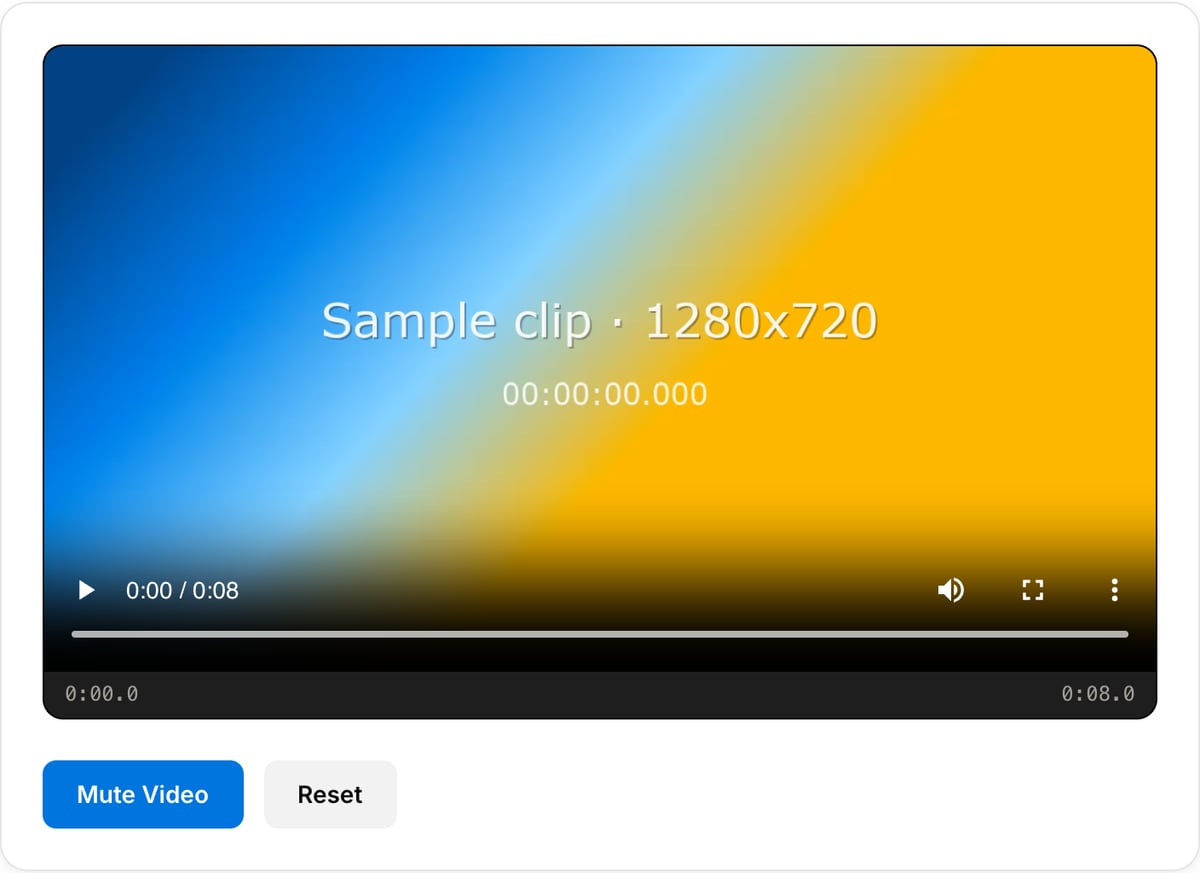
What the tool looks like
Popular task presets
Best for / not for
Best for
- Removing all sound from a video before posting, captioning, dubbing, or adding music.
- Cleaning screen recordings, tutorials, product demos, background clips, and social videos.
- Creating silent B-roll or website media that should autoplay without audio.
Not for
- Reducing noise while keeping speech. Use audio cleanup workflows before replacing the track.
- Muting only part of a clip or ducking music under dialogue.
- Separating voice from background music.
Best use cases for muting video
- Remove room noise, background conversation, music, or accidental microphone audio from a clip.
- Prepare a silent product demo, website loop, ad creative, meme, or social video.
- Strip sound before adding burned-in subtitles, a new voiceover, or a licensed music track.
Supported formats & limits
| Input containers | MP4, MOV, WebM, MKV, AVI, FLV, WMV, M4V |
|---|---|
| Input codecs | H.264, H.265, VP8, VP9, MPEG-4, MJPEG. Not AV1 — this WebAssembly build has no software AV1 decoder. |
| Output container | MP4 (default) — interoperable with iOS, Android, YouTube, Instagram, X |
| Output codec | H.264 video + AAC audio |
| Max file size | Up to ~2 GB (limited by browser memory) |
| Max duration | No hard limit — depends on file size |
| Cost | Free for any use. No signup. No watermark. |
Video Muter vs. the usual alternatives
| Feature | This tool | VEED (free) | Kapwing (free) | CapCut Online |
|---|---|---|---|---|
| Processing model | Runs locally in your browser | Upload-based project editor | Upload-based project editor | Upload-based online editor |
| File limits | No upload cap; practical limit is browser memory | Plan-specific upload limits | Plan-specific upload and export limits | Feature- and account-specific limits |
| Watermark on output | No watermark added | Free exports include a VEED watermark | Free exports include a Kapwing watermark | Standard edits can be watermark-free; templates/assets may add branding |
| Signup / account | No account for tools | Workspace/account flow | Workspace/account flow | CapCut account flow |
| Works offline | Yes after cache, subject to browser support | No | No | No |
| Best for | Private one-step file operations | Full editor, templates, AI tools | Collaboration, templates, AI tools | Social templates and timeline editing |
Vendor plan limits were checked on April 29, 2026 and can change by region, account state, and export option. Verify critical limits on the vendor pricing/help page before relying on them.
Why this muter is different
- Deletes the audio track instead of just lowering volume, so the exported file is genuinely silent.
- Useful before audio replacement, captioning, and autoplay website loops.
- No upload is important when accidental audio contains private speech or client information.
Task-focused FAQ
Does muting remove the audio track or just lower volume?
The tool removes the audio track, so the output has no hidden sound to recover.
Can I mute only one section?
This page is for muting the whole video. For section-level audio edits, use a timeline editor.
Should I extract audio before muting?
Extract it first if you might need the original audio later for transcription, archive, or remixing.
Tutorials covering this tool
Frequently Asked Questions
Is muting a video lossless?
Yes. The audio stream is removed without re-encoding the video. Video quality is identical to the original — only audio data is stripped. File size becomes slightly smaller.
Can I undo muting after downloading?
No — once audio is removed and downloaded, it is permanently gone from that file. Keep your original as a backup. Use Audio Replacer to add new audio if needed.
Muting vs. setting volume to 0?
Muting removes the audio stream entirely (smaller file, no audio data). Volume 0 keeps silent audio data in the file (same size, audio could theoretically be recovered).
Common use cases for muting?
Background videos for websites, removing ambient noise or private conversations, preparing footage for new voiceover, silent social media loops, removing copyrighted audio.