PNG to JPG, WebP, AVIF Online Free — GPT Image, DALL-E, Midjourney Ready
Convert AI-generated PNG to JPG, WebP, or AVIF in your browser. Lossless PNG output or adjustable quality for JPEG/WebP/AVIF.
Drop image (PNG/JPG/WebP/AVIF/HEIC)
Up to 50 MB
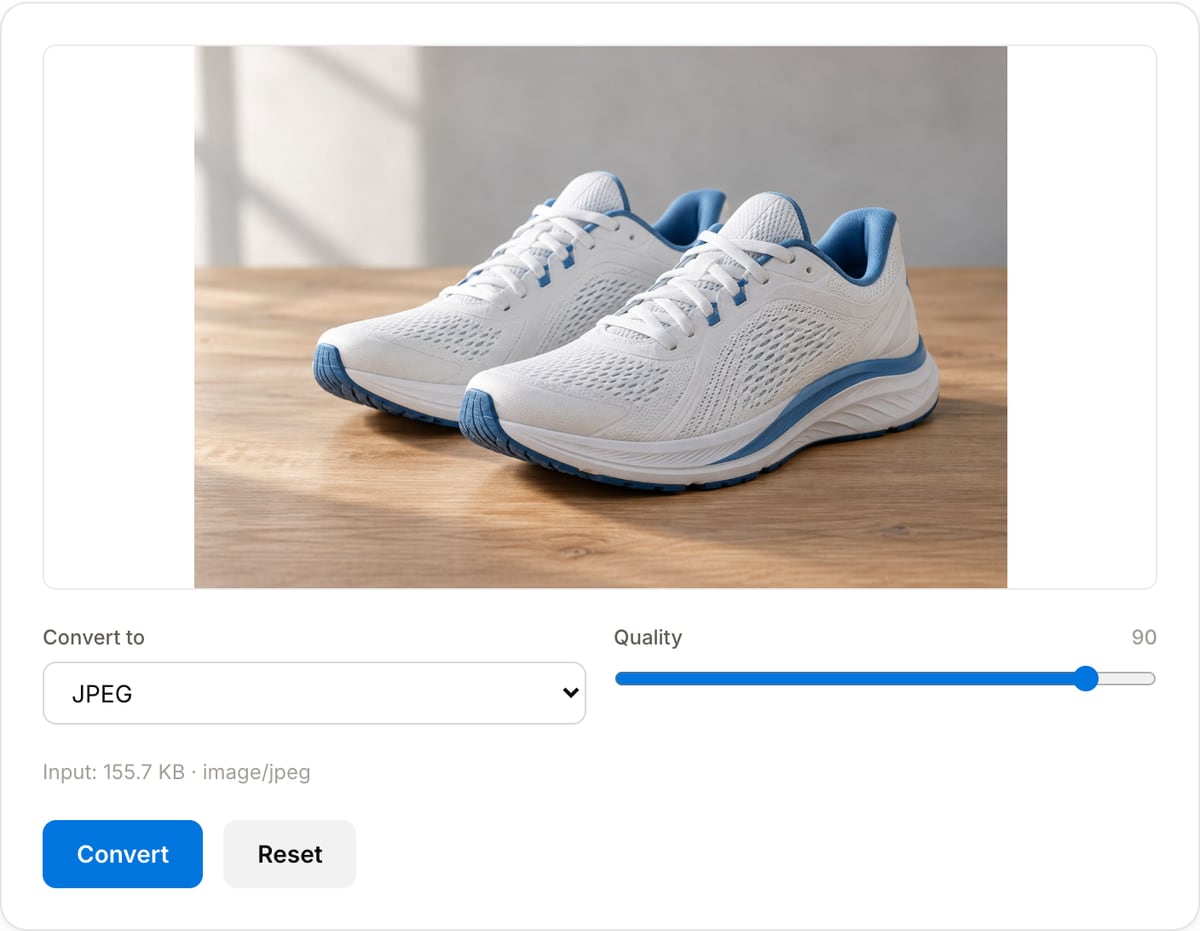
What the tool looks like
Popular task presets
Best for / not for
Best for
- Changing image format for compatibility, upload limits, web delivery, or file-size reduction.
- AI image exports, screenshots, phone photos, blog graphics, ecommerce images, and design handoffs.
- Creating JPEG/WebP/AVIF copies without uploading source artwork.
Not for
- Editing layers from PSD, Figma, or design files.
- Converting SVG vector artwork while preserving vectors.
- Professional color-managed print conversion.
When to convert between image formats
- AI generators export PNG by default. Most blog / Slack / Gmail flows expect JPG — one click saves 5-10× file size.
- Publishing to the web in 2026 — WebP and AVIF are natively supported in every evergreen browser and cut ~25-50% of page weight.
- Converting iPhone HEIC photos on Safari before sending to a Windows colleague who can't open them.
Supported formats & limits
| Input formats | PNG, JPG/JPEG, WebP, AVIF, GIF, BMP, HEIC (Safari), TIFF — anything your browser can decode |
|---|---|
| Output formats | PNG (lossless), JPEG (quality 10-100), WebP (quality 10-100), AVIF on Chrome/Edge 122+ and Safari 16.4+ |
| AI-generator native sizes | 1024×1024 (GPT Image / DALL-E square), 1024×1792 (portrait), 1792×1024 (landscape), 2048×2048 (Midjourney upscale) |
| Max file size | Up to 50 MB per image |
| Privacy | Zero uploads — Canvas API runs fully on-device. Open DevTools Network tab to verify. |
| Cost | Free for any use. No signup, no watermark. |
Image Converter vs. the usual alternatives
| Feature | This tool | VEED (free) | Kapwing (free) | CapCut Online |
|---|---|---|---|---|
| Processing model | Runs locally in your browser | Upload-based project editor | Upload-based project editor | Upload-based online editor |
| File limits | No upload cap; practical limit is browser memory | Plan-specific upload limits | Plan-specific upload and export limits | Feature- and account-specific limits |
| Watermark on output | No watermark added | Free exports include a VEED watermark | Free exports include a Kapwing watermark | Standard edits can be watermark-free; templates/assets may add branding |
| Signup / account | No account for tools | Workspace/account flow | Workspace/account flow | CapCut account flow |
| Works offline | Yes after cache, subject to browser support | No | No | No |
| Best for | Private one-step file operations | Full editor, templates, AI tools | Collaboration, templates, AI tools | Social templates and timeline editing |
Vendor plan limits were checked on April 29, 2026 and can change by region, account state, and export option. Verify critical limits on the vendor pricing/help page before relying on them.
Why convert here
- Canvas re-encode uses the same encoders your browser uses for displayed images — output is cached-quality.
- No upload — the only browser-native converter that respects your NDA on AI renders.
- Quality slider for lossy formats; PNG stays strictly lossless.
Task-focused FAQ
What is the safest image format for sharing?
JPEG is still the safest general-purpose format. Use PNG when transparency or lossless sharp edges matter.
When should I use WebP or AVIF?
Use WebP or AVIF for websites and apps where smaller page weight matters and your audience uses modern browsers.
Can this convert HEIC?
HEIC support depends on the browser. Safari can decode HEIC more reliably than most desktop Chromium builds.
Frequently Asked Questions
How do I convert a GPT Image 2 / DALL-E / Midjourney PNG to JPG?
Upload the PNG, pick JPEG, choose quality (90 is a safe default), click Convert. AI-generated 1024×1024 PNGs usually drop from 3-5 MB to 200-400 KB as JPEG with no visible quality loss unless the image has sharp geometric edges.
When should I choose WebP or AVIF instead of JPEG?
WebP is ~25% smaller than JPEG at equivalent quality and supports transparency — use it for web publishing when you don't need old-browser fallback. AVIF is smaller again (another 20-30%) but browser encode support is still uneven — it works in Chrome/Edge 122+ and Safari 16.4+.
Will transparency survive the conversion?
PNG → WebP: yes (alpha preserved). PNG → JPEG: no (JPEG has no alpha — any transparent pixels become white). PNG → AVIF: yes. If your GPT Image 2 export has a transparent background and you need to keep it, convert to WebP or PNG.
Does the site upload my image?
No. The canvas encoder is purely in-browser. Open DevTools → Network while converting — no requests leave your machine. Safe for private AI renders, client work, or anything under NDA.
Can I convert HEIC (iPhone photos)?
The browser must be able to decode HEIC. Safari on macOS/iOS decodes natively; Chrome and Firefox don't. For cross-browser HEIC conversion, convert on your phone's Photos app first, or use a desktop tool.