Rotate and Flip Image Online — 90°, 180°, Mirror (Free, No Upload)
Rotate 90° / 180° / 270° and mirror horizontally or vertically. Lossless. Runs in-browser.
Drop image (PNG/JPG/WebP/AVIF)
Up to 50 MB
What the tool looks like
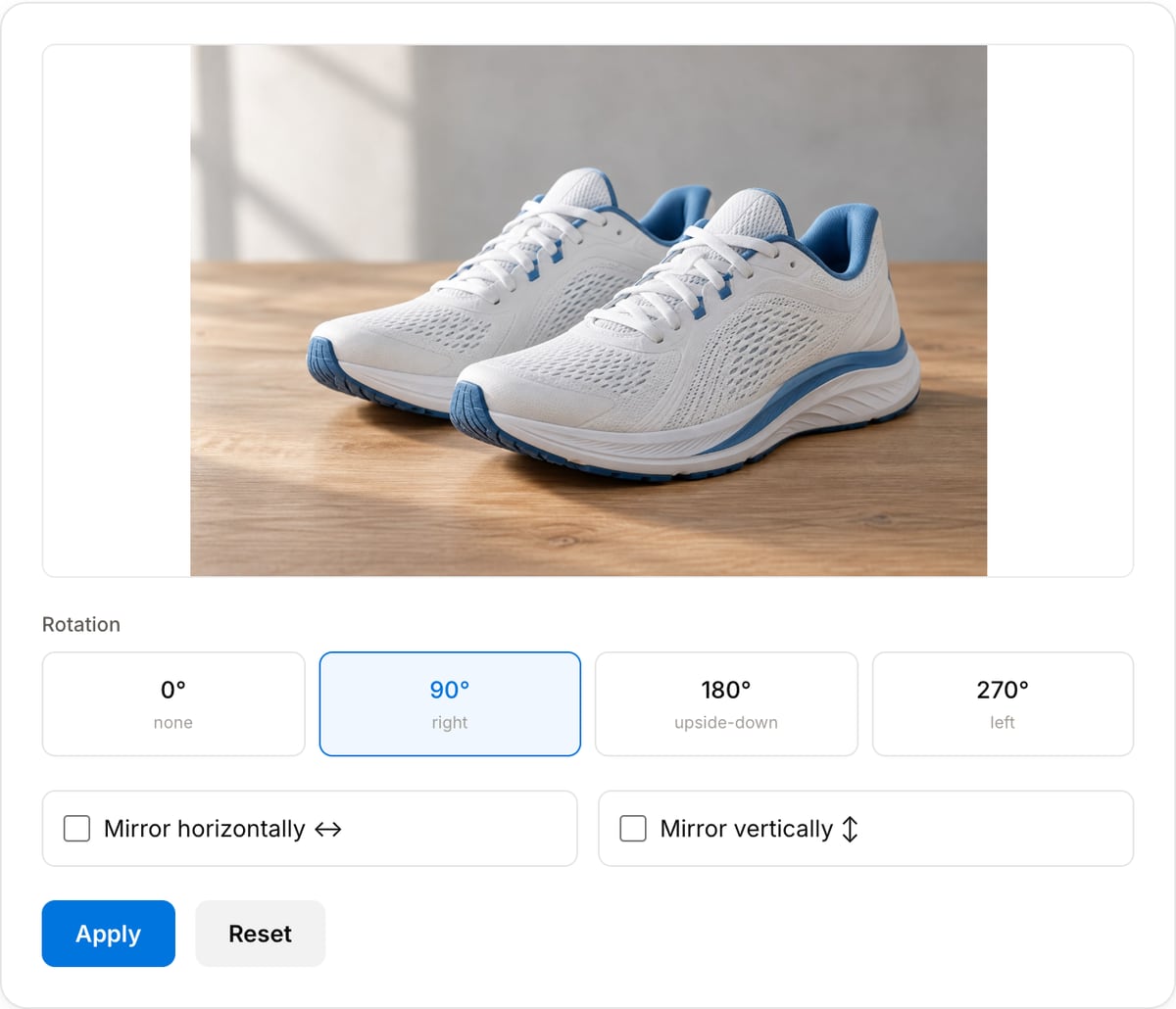
Popular task presets
Best for / not for
Best for
- Correcting sideways photos, scanned documents, screenshots, AI renders, and product images.
- Quick 90/180/270 degree rotations and simple horizontal/vertical mirroring.
- Preparing an image before crop, resize, compression, or metadata cleaning.
Not for
- Perspective correction for documents shot at an angle.
- Straightening a tilted horizon by an arbitrary angle.
- Layered image editing, masks, or non-destructive transforms.
Best use cases for rotating images
- Fix a photo or screenshot that opens sideways because the orientation tag was wrong or ignored.
- Rotate product images, scanned pages, AI renders, and social assets before cropping to final size.
- Mirror a reference image or selfie when left/right orientation matters.
Supported formats & limits
| Input formats | PNG, JPG/JPEG, WebP, AVIF, GIF, BMP, HEIC (Safari), TIFF — anything your browser can decode |
|---|---|
| Output formats | PNG (lossless), JPEG (quality 10-100), WebP (quality 10-100), AVIF on Chrome/Edge 122+ and Safari 16.4+ |
| AI-generator native sizes | 1024×1024 (GPT Image / DALL-E square), 1024×1792 (portrait), 1792×1024 (landscape), 2048×2048 (Midjourney upscale) |
| Max file size | Up to 50 MB per image |
| Privacy | Zero uploads — Canvas API runs fully on-device. Open DevTools Network tab to verify. |
| Cost | Free for any use. No signup, no watermark. |
Image Rotator vs. the usual alternatives
| Feature | This tool | VEED (free) | Kapwing (free) | CapCut Online |
|---|---|---|---|---|
| Processing model | Runs locally in your browser | Upload-based project editor | Upload-based project editor | Upload-based online editor |
| File limits | No upload cap; practical limit is browser memory | Plan-specific upload limits | Plan-specific upload and export limits | Feature- and account-specific limits |
| Watermark on output | No watermark added | Free exports include a VEED watermark | Free exports include a Kapwing watermark | Standard edits can be watermark-free; templates/assets may add branding |
| Signup / account | No account for tools | Workspace/account flow | Workspace/account flow | CapCut account flow |
| Works offline | Yes after cache, subject to browser support | No | No | No |
| Best for | Private one-step file operations | Full editor, templates, AI tools | Collaboration, templates, AI tools | Social templates and timeline editing |
Vendor plan limits were checked on April 29, 2026 and can change by region, account state, and export option. Verify critical limits on the vendor pricing/help page before relying on them.
Why this image rotator is different
- Exports real rotated pixels instead of relying on fragile orientation metadata.
- Keeps the tool focused on orientation fixes, then hands off naturally to crop and resize tools.
- Local processing protects private photos, client screenshots, and unpublished image assets.
Task-focused FAQ
Why does my photo show sideways in some apps?
Some apps ignore orientation metadata. Exporting a real rotated image makes the correction portable.
Does rotating change image dimensions?
A 90 or 270 degree rotation swaps width and height. A 180 degree rotation keeps dimensions the same.
Can I straighten a slightly tilted photo?
This tool handles fixed right-angle rotation and mirroring, not arbitrary-angle horizon straightening.
Frequently Asked Questions
What does each rotation mean?
90° turns the image to the right (top becomes right edge). 180° flips it upside-down. 270° turns left (top becomes left edge). 0° keeps rotation unchanged — use it when you only want to mirror without rotating.
Can I combine rotation with mirror?
Yes. Pick a rotation, then tick one or both "Mirror" checkboxes. Combining 180° + mirror horizontal is the same as mirror vertical, so the tool applies both operations in one pass and produces the final result.
Does it lose quality?
90° / 180° / 270° rotations are lossless — pixels move but values don't change. Output PNG is lossless. Mirror is also pixel-exact.
Why would I need to rotate / flip a GPT Image 2, DALL-E, or Midjourney output?
Often to orient a subject consistently — GPT Image 2 and Midjourney occasionally generate side-facing characters, and mirror-H reverses their pose to match your composition. Rotation is also useful to repurpose a DALL-E landscape (1792×1024) as portrait (1024×1792) after a crop, without re-running the AI prompt.
Does my AI render upload anywhere?
No. The canvas transform runs entirely in your browser. Open DevTools → Network tab — zero uploads. Your in-progress Midjourney / DALL-E / GPT Image 2 exports stay private.