Visuals
6 tutorials
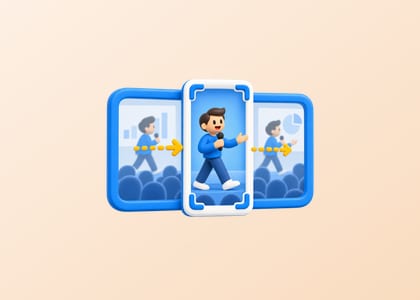
Landscape to Vertical, With the Crop Following the Speaker
It runs a face detector four times a second and keeps the biggest box. Knowing that tells you which shots pan like a camera operator and which get mangled.
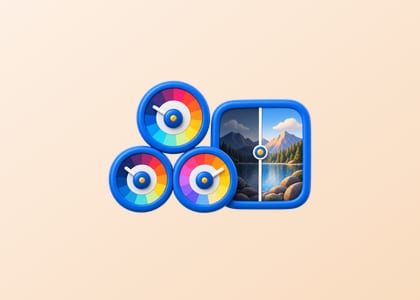
Color Grading Basics: Cinematic Looks with Wheels and Curves
Color grading is the step that transforms ordinary footage into cinematic imagery. This tutorial explains how to use color wheels, curves, and LUTs to build your grading intuition fast.

Mask and Shape Animations in Video Editing
Learn how to create compelling mask and shape animations to reveal, highlight, and stylize footage using keyframes across Premiere Pro, DaVinci Resolve, and Final Cut Pro.

Overlay Blending Modes in Video Editing
Master blending modes like Multiply, Screen, Overlay, and Soft Light to composite textures, light leaks, and visual layers with professional-looking results.
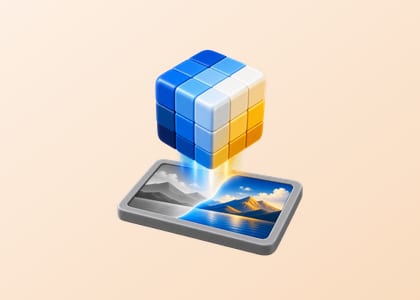
LUT Application: Transform Your Footage with Color Looks
Learn what LUTs are, how to find and organize them, and how to apply them correctly in Premiere Pro, DaVinci Resolve, and Final Cut Pro.

Transition Effects: From Cuts to Creative Visual Flow
Understand every major video transition — from the invisible straight cut to creative effects — and know exactly when and how to use each one.
What visuals covers
Everything that decides how a frame looks once the cut is locked: exposure, white balance, contrast, and the grade on top of them. The order matters more than the tools — correcting a shot so it is accurate, then matching it to the shots around it, then giving the whole sequence a look. Reversing that order is why so many graded videos have one shot that will not sit with the rest.
| Correct | Make the shot accurate: neutral whites, recoverable highlights, shadows that are not crushed. |
|---|---|
| Match | Make the shots agree with each other, which is where most of the time goes. |
| Grade | Apply the look last, to a sequence that already agrees with itself. |
If you came here for one operation rather than a tutorial, these run in the browser and take seconds: