Video Filters Online — Brightness, Contrast, Saturation Free
Adjust brightness, contrast, saturation, and gamma with a live preview. Exports the equivalent FFmpeg result locally.
Drag & drop your video here, or click to browse
Max file size: ~2 GB (memory permitting)
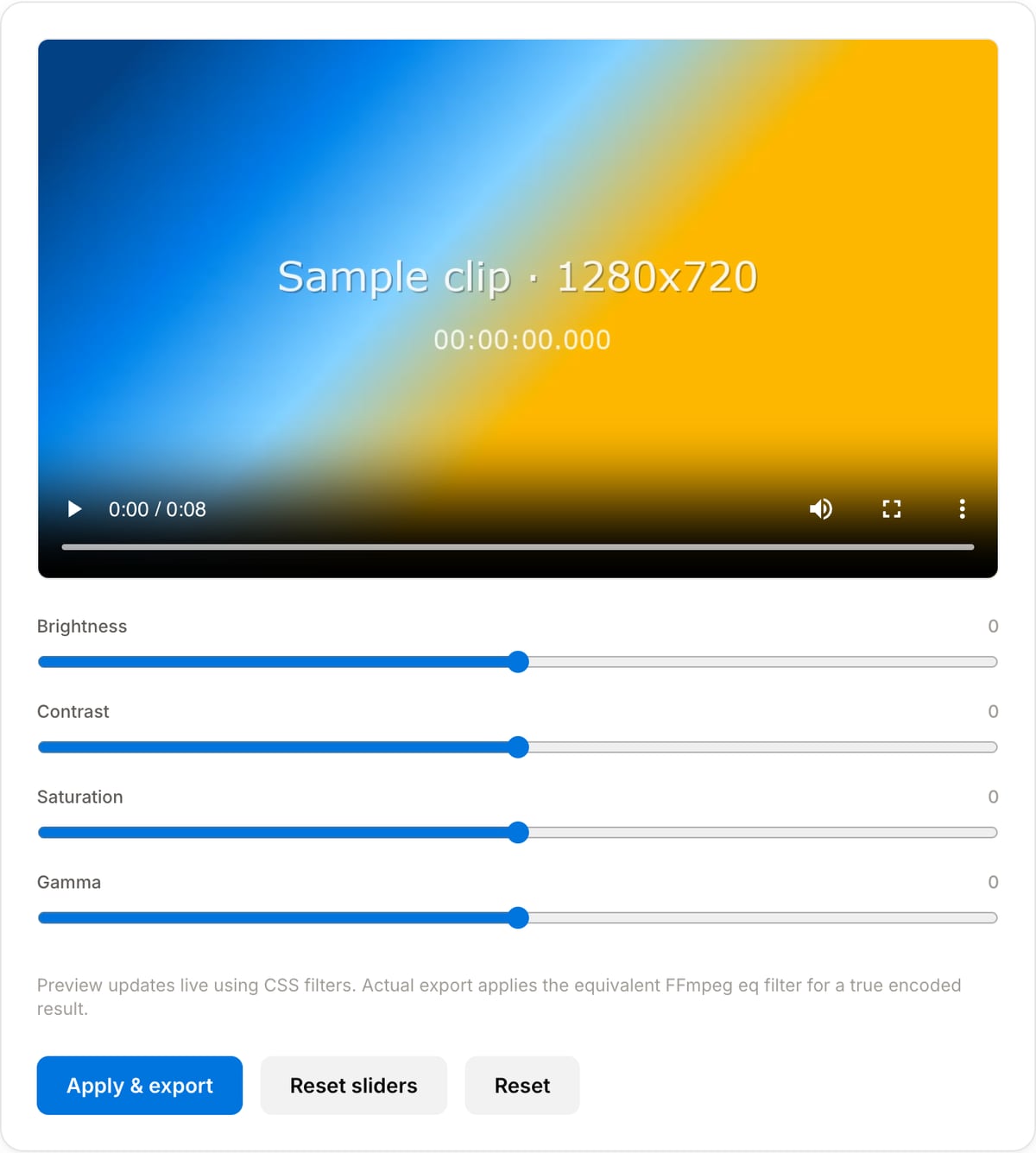
What the tool looks like
Popular task presets
Best for / not for
Best for
- Basic visual corrections for screen recordings, phone clips, product demos, tutorials, and social videos.
- Small brightness, contrast, saturation, and gamma adjustments before sharing.
- A quick polish pass when opening a full color-grading app is unnecessary.
Not for
- Professional color grading with scopes, LUT management, masks, or shot matching.
- Fixing severely underexposed, clipped, or noisy footage.
- Beauty filters, AI enhancement, object masks, or skin retouching.
Best use cases for video filters
- Brighten a dark phone clip, add contrast to a flat screen recording, or reduce oversaturated footage.
- Make product demos, course clips, and internal videos look clearer before publishing.
- Create a consistent basic look before extracting a thumbnail or compressing a review copy.
Supported formats & limits
| Input containers | MP4, MOV, WebM, MKV, AVI, FLV, WMV, M4V |
|---|---|
| Input codecs | H.264, H.265, VP8, VP9, MPEG-4, MJPEG. Not AV1 — this WebAssembly build has no software AV1 decoder. |
| Output container | MP4 (default) — interoperable with iOS, Android, YouTube, Instagram, X |
| Output codec | H.264 video + AAC audio |
| Max file size | Up to ~2 GB (limited by browser memory) |
| Max duration | No hard limit — depends on file size |
| Cost | Free for any use. No signup. No watermark. |
Video Filter Tool vs. the usual alternatives
| Feature | This tool | VEED (free) | Kapwing (free) | CapCut Online |
|---|---|---|---|---|
| Processing model | Runs locally in your browser | Upload-based project editor | Upload-based project editor | Upload-based online editor |
| File limits | No upload cap; practical limit is browser memory | Plan-specific upload limits | Plan-specific upload and export limits | Feature- and account-specific limits |
| Watermark on output | No watermark added | Free exports include a VEED watermark | Free exports include a Kapwing watermark | Standard edits can be watermark-free; templates/assets may add branding |
| Signup / account | No account for tools | Workspace/account flow | Workspace/account flow | CapCut account flow |
| Works offline | Yes after cache, subject to browser support | No | No | No |
| Best for | Private one-step file operations | Full editor, templates, AI tools | Collaboration, templates, AI tools | Social templates and timeline editing |
Vendor plan limits were checked on April 29, 2026 and can change by region, account state, and export option. Verify critical limits on the vendor pricing/help page before relying on them.
Why this filter tool is different
- The controls map to practical FFmpeg-style adjustments instead of decorative social filter names.
- Live preview helps avoid overcorrecting before the longer export step.
- Files stay local, which is useful for client footage, unreleased demos, and internal recordings.
Task-focused FAQ
Can this apply LUTs?
No. This page is for basic brightness, contrast, saturation, and gamma changes, not LUT-based grading.
Will filters reduce quality?
The video is re-encoded after filters are applied, so keep a source master and use a quality preset that preserves detail.
Should I filter before making a thumbnail?
Yes if the source is too dark or flat. Correct the video first, then generate the thumbnail frame.
Tutorials covering this tool
Frequently Asked Questions
Is the preview accurate?
The live preview uses CSS filters — very close to the final result but not pixel-identical. The exported file applies the FFmpeg eq filter which is what players actually render. For critical grading work, export and compare.
Which filters are available?
Brightness, Contrast, Saturation, and Gamma — the four knobs that cover 90% of casual colour fixes. For LUTs, split-toning, or curve-based grading use a dedicated NLE.
Does it re-encode the video?
Yes — filters require re-encoding. Output is MP4 H.264 at CRF 23 (visually lossless). Audio is stream-copied and untouched.