Boomerang Video Maker — Free, No Upload
Turn a short clip into a forward-and-reverse boomerang loop. Adjustable speed. Runs in your browser — no upload, no watermark.
Drag & drop your video here, or click to browse
Max file size: ~2 GB (memory permitting)
What the tool looks like
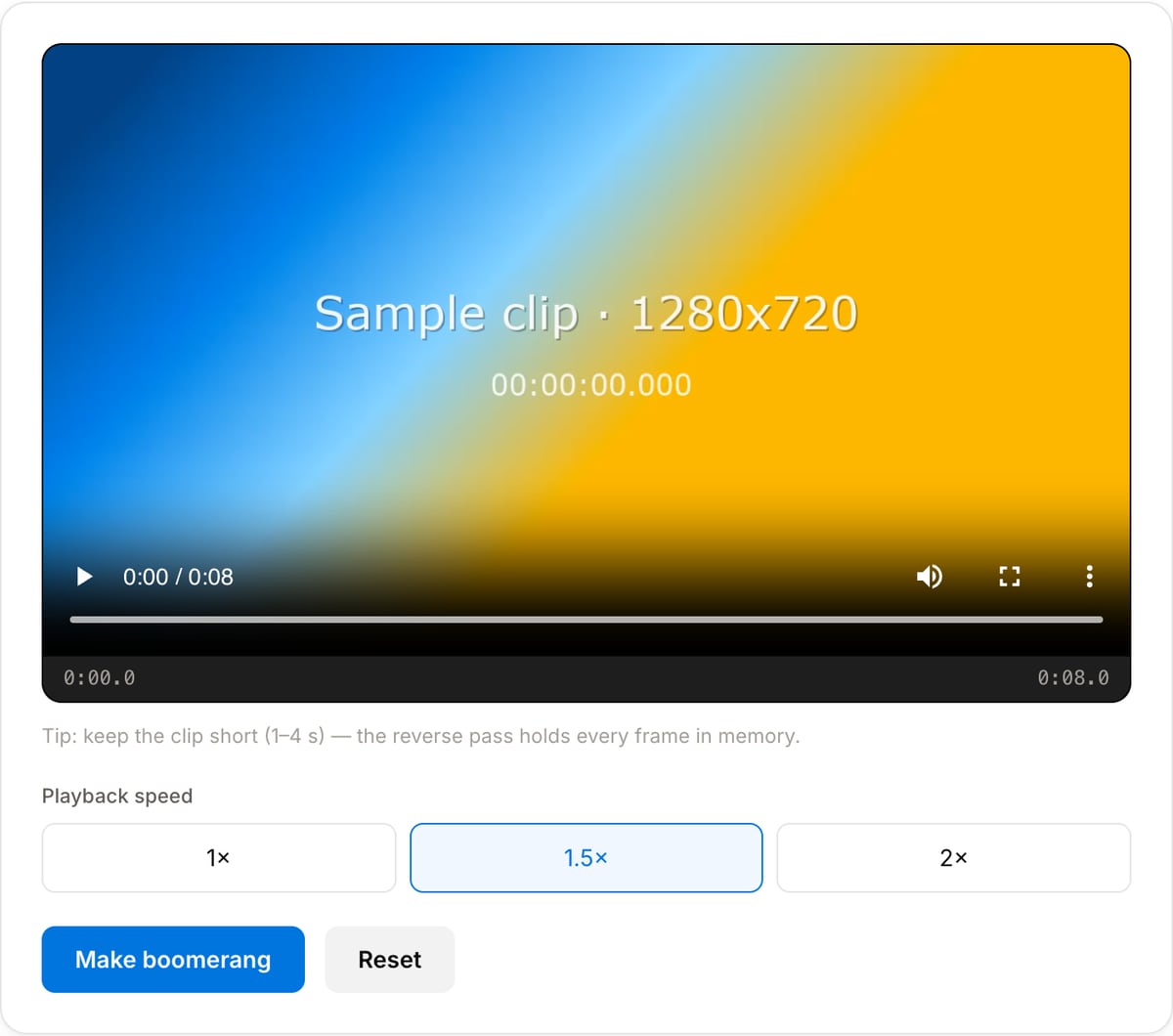
Popular task presets
Best for / not for
Best for
- Short clips of one motion — a pour, a jump, a door opening, a hair flip.
- Product shots that should loop seamlessly in a feed or on a page.
- Making an Instagram-style boomerang from footage you already have rather than shooting it in the app.
Not for
- Anything with speech — reversed dialogue is unusable, so the output is silent.
- Long clips. Reversing holds every frame in memory, so a minute of 4K will exhaust the tab.
- Footage where the motion does not return to where it started; the loop point will visibly jump.
When to make a boomerang
- Turning a one-second product motion into a loop for a shop page or an ad.
- Rescuing a clip that is too short to stand on its own — forward and back doubles the runtime and makes it feel deliberate.
- Making the Instagram boomerang effect from an existing recording, when the app version is no longer an option or the footage came from a proper camera.
- Building a looping reaction or sticker to drop into a longer edit.
Supported formats & limits
| Input containers | MP4, MOV, WebM, MKV, AVI, FLV, WMV, M4V |
|---|---|
| Input codecs | H.264, H.265, VP8, VP9, MPEG-4, MJPEG. Not AV1 — this WebAssembly build has no software AV1 decoder. |
| Output container | MP4 (default) — interoperable with iOS, Android, YouTube, Instagram, X |
| Output codec | H.264 video + AAC audio |
| Max file size | Up to ~2 GB (limited by browser memory) |
| Max duration | No hard limit — depends on file size |
| Cost | Free for any use. No signup. No watermark. |
Why use this boomerang maker
- Forward and reversed in one pass, with a speed-up option, which is the whole effect in a single step.
- No account and no app install — the phone apps that do this want a login and add a watermark.
- Audio is dropped on purpose. Reversed sound is almost never usable, and leaving it in is the most common way a homemade boomerang goes wrong.
- Runs locally, so a clip that is not meant to be published yet does not get uploaded to make a preview.
Task-focused FAQ
How long can the clip be?
Keep it to a few seconds. The reverse pass holds decoded frames in memory, so a long or high-resolution clip will run the tab out of memory before it finishes.
Why is the result silent?
Because half of it plays backwards. Reversed audio is unusable in almost every case, so it is removed rather than left in.
Why does the loop jump?
The motion in the clip does not end where it started. Trim to a section that begins and ends in roughly the same position and the turn becomes invisible.
Frequently Asked Questions
What is a boomerang video?
A short clip that plays forward and then immediately backward, creating a seamless back-and-forth loop — the effect Instagram popularized.
How long should my clip be?
Keep it short, ideally 1–4 seconds. The reverse pass holds every frame in memory, so long clips can be slow or run out of memory in the browser.
Why is there no sound?
Boomerangs are silent by design — reversed audio sounds odd, so the audio track is dropped.
Does it upload my video?
No. The boomerang is built locally in your browser with FFmpeg WebAssembly.