Flip Video Online — Horizontal, Vertical & 180° (Free)
Mirror video horizontally, vertically, or rotate 180°. Audio stays untouched. No upload, no watermark, runs in-browser.
Drag & drop your video here, or click to browse
Max file size: ~2 GB (memory permitting)
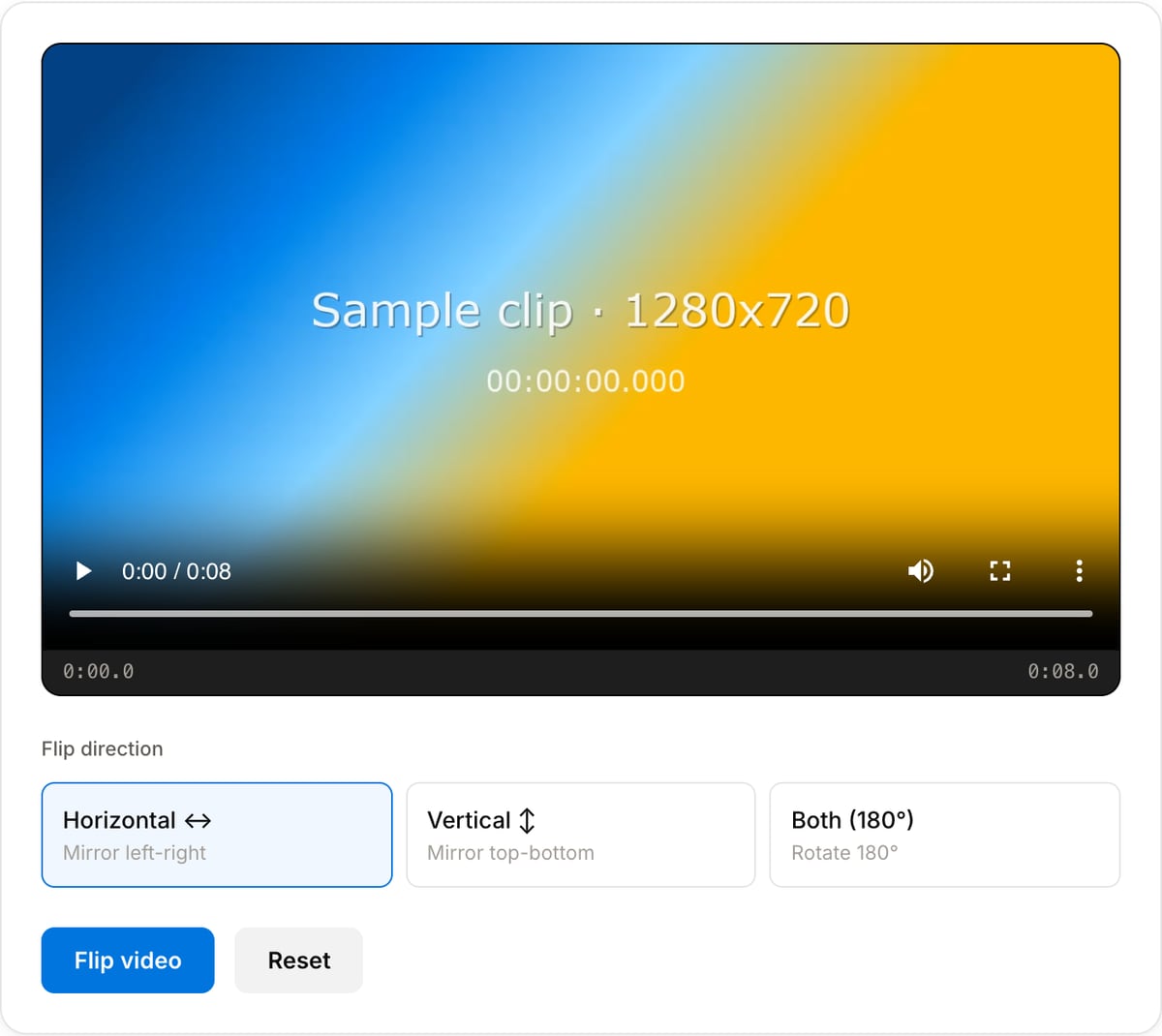
What the tool looks like
Popular task presets
Best for / not for
Best for
- Mirrored webcam captures, reversed text on screen recordings, and front-camera clips that look backwards.
- Horizontal or vertical flip corrections where the frame size should stay the same.
- Quick visual fixes before adding captions, replacing audio, or publishing.
Not for
- Sideways orientation problems. Use Video Rotator for 90-degree fixes.
- Correcting lens distortion, perspective, or tilted horizons.
- Creative mirror effects with masks, transitions, or split-screen layouts.
Best use cases for flipping video
- Correct mirrored webcam, selfie, or screen-recorded footage where text and gestures appear backwards.
- Flip vertical video when the source came from a front camera or mirrored capture app.
- Create a simple reflection-style effect for a short social clip without opening a timeline editor.
Supported formats & limits
| Input containers | MP4, MOV, WebM, MKV, AVI, FLV, WMV, M4V |
|---|---|
| Input codecs | H.264, H.265, VP8, VP9, MPEG-4, MJPEG. Not AV1 — this WebAssembly build has no software AV1 decoder. |
| Output container | MP4 (default) — interoperable with iOS, Android, YouTube, Instagram, X |
| Output codec | H.264 video + AAC audio |
| Max file size | Up to ~2 GB (limited by browser memory) |
| Max duration | No hard limit — depends on file size |
| Cost | Free for any use. No signup. No watermark. |
Video Flipper vs. the usual alternatives
| Feature | This tool | VEED (free) | Kapwing (free) | CapCut Online |
|---|---|---|---|---|
| Processing model | Runs locally in your browser | Upload-based project editor | Upload-based project editor | Upload-based online editor |
| File limits | No upload cap; practical limit is browser memory | Plan-specific upload limits | Plan-specific upload and export limits | Feature- and account-specific limits |
| Watermark on output | No watermark added | Free exports include a VEED watermark | Free exports include a Kapwing watermark | Standard edits can be watermark-free; templates/assets may add branding |
| Signup / account | No account for tools | Workspace/account flow | Workspace/account flow | CapCut account flow |
| Works offline | Yes after cache, subject to browser support | No | No | No |
| Best for | Private one-step file operations | Full editor, templates, AI tools | Collaboration, templates, AI tools | Social templates and timeline editing |
Vendor plan limits were checked on April 29, 2026 and can change by region, account state, and export option. Verify critical limits on the vendor pricing/help page before relying on them.
Why this flipper is different
- Exports a real flipped file instead of relying on player transforms that disappear after upload.
- Keeps the workflow focused: choose horizontal or vertical flip, preview, export.
- Local processing is useful for private webcam recordings, classes, demos, and client captures.
Task-focused FAQ
Should I use flip or rotate?
Use flip when the image is mirrored left-to-right or top-to-bottom. Use rotate when the whole video is sideways.
Will flipping change video dimensions?
No. Horizontal and vertical flips keep the same width and height.
Can flipping fix reversed text?
Yes, if the text appears mirrored because of webcam or capture settings.
Frequently Asked Questions
What is the difference between flip and rotate?
Flip mirrors the pixels along an axis (text becomes reversed). Rotate turns the whole frame 90° or 180° without mirroring. If your video came out flipped from a front camera, use Flip. If it came out sideways, use the Rotator tool.
Does flipping reduce quality?
No. The video is re-encoded at visually-lossless quality, but no upscaling or filtering is applied beyond the flip itself. The output looks identical to the input, just mirrored.
Can I flip only part of the video?
Not in this tool. Trim the section you want with the Trimmer tool first, flip it here, then merge it back using the Merger tool.
Is the audio affected?
No. Audio is stream-copied (untouched). Only the video track is transformed.