Burn Subtitles into Video — SRT, VTT, ASS Hardsub
Hardcode captions into video for TikTok, Reels, Shorts, courses, and players that strip subtitle tracks. Supports SRT, VTT, and ASS.
Drag & drop your video here, or click to browse
Max file size: ~2 GB (memory permitting)
How to Use — Burn Subtitles into Video — SRT, VTT, ASS Hardsub
Load video + subtitles
Drop your video (MP4/MOV/WebM/MKV) and pick an SRT, VTT, or ASS file. Both stay on your device.
Adjust style
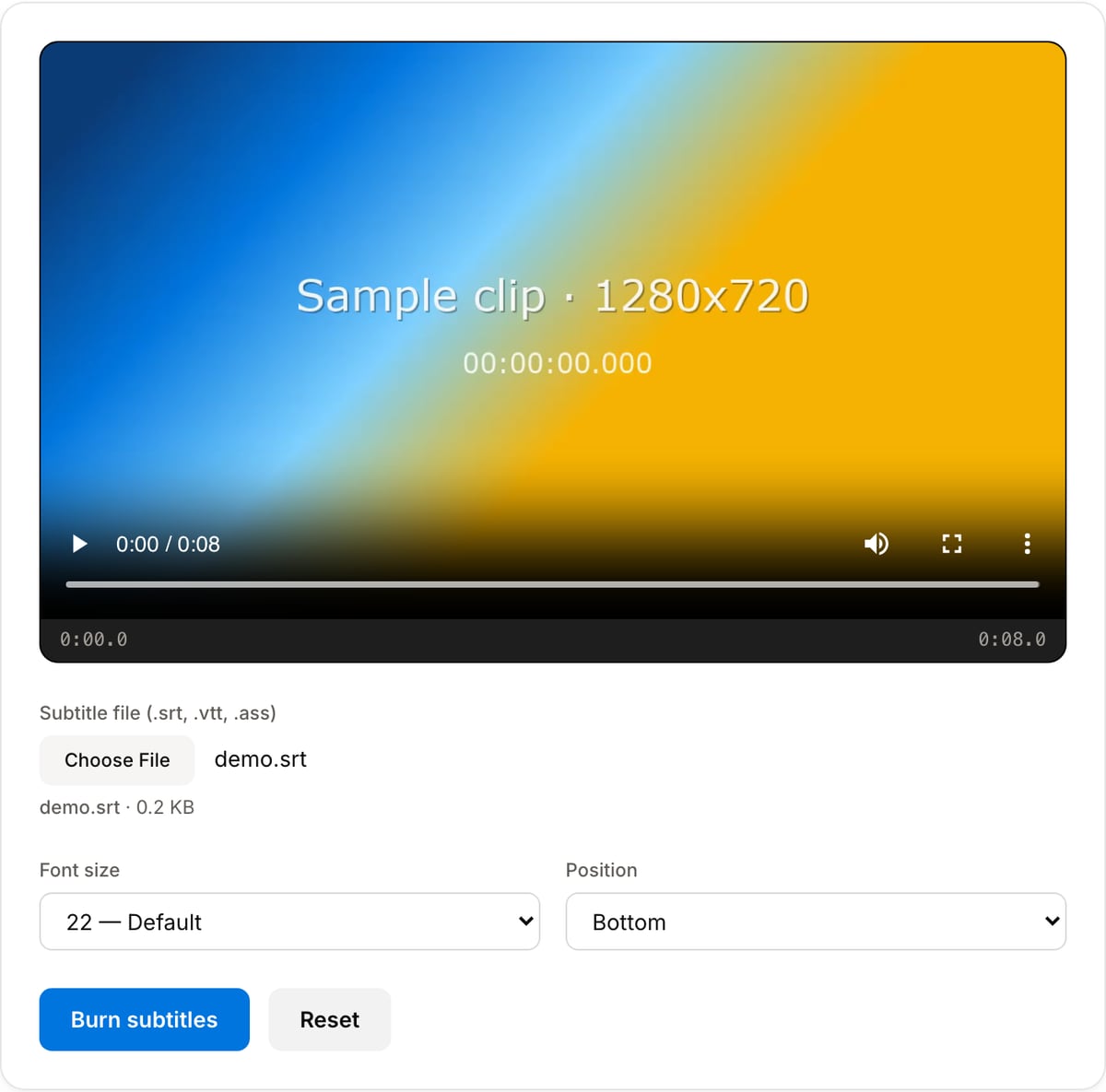
Choose font size and placement. For fully custom look (font family, color, outline), author an ASS file — your styling is preserved.
Burn and download
Click Burn Subtitles. Output is MP4 with captions baked into the pixels — will show on Instagram, TikTok, X, YouTube Shorts, and anywhere else.
What the tool looks like
Popular task presets
Best for / not for
Best for
- Permanent subtitles for TikTok, Reels, Shorts, courses, demos, ads, and LMS uploads.
- SRT/VTT captions that need quick size/position control.
- ASS/SSA files where styling must survive platform uploads.
Not for
- Selectable multi-language subtitle tracks; hardsubs are always visible.
- Editing subtitle timing manually line by line.
- Cases where viewers must be able to turn captions off.
Best use cases for burned-in subtitles
- Publish to TikTok, Instagram Reels, YouTube Shorts, X, LinkedIn, or LMS players where separate subtitle tracks can be ignored or stripped.
- Make tutorials, sales demos, training videos, and course modules readable with sound off.
- Deliver translated or compliance captions that must remain visible regardless of the player, device, or upload platform.
Subtitle input and styling details
| Use SRT | Best for simple captions with timestamps and plain text. The tool can apply size and placement quickly. |
|---|---|
| Use VTT | Best when your subtitle source comes from web captions or browser-based tools. |
| Use ASS/SSA | Best for styled subtitles: colors, outlines, karaoke timing, position, and advanced typesetting. |
| Output behavior | Captions become part of the video pixels, so they cannot be turned off or lost by the destination platform. |
Subtitle Burner vs. the usual alternatives
| Feature | This tool | VEED (free) | Kapwing (free) | CapCut Online |
|---|---|---|---|---|
| Processing model | Runs locally in your browser | Upload-based project editor | Upload-based project editor | Upload-based online editor |
| File limits | No upload cap; practical limit is browser memory | Plan-specific upload limits | Plan-specific upload and export limits | Feature- and account-specific limits |
| Watermark on output | No watermark added | Free exports include a VEED watermark | Free exports include a Kapwing watermark | Standard edits can be watermark-free; templates/assets may add branding |
| Signup / account | No account for tools | Workspace/account flow | Workspace/account flow | CapCut account flow |
| Works offline | Yes after cache, subject to browser support | No | No | No |
| Best for | Private one-step file operations | Full editor, templates, AI tools | Collaboration, templates, AI tools | Social templates and timeline editing |
Vendor plan limits were checked on April 29, 2026 and can change by region, account state, and export option. Verify critical limits on the vendor pricing/help page before relying on them.
Why this subtitle burner is different
- Designed for hardsubs, not subtitle preview: the output is ready for platforms that do not preserve soft subtitle tracks.
- Preserves ASS styling for professional captions while still offering quick controls for simple SRT/VTT jobs.
- Runs locally with FFmpeg WASM, so unreleased courses, legal clips, and internal training videos do not need to be uploaded.
Task-focused FAQ
When should I burn subtitles instead of uploading an SRT file?
Burn subtitles when the destination might strip tracks, ignore styling, or play without captions by default.
Can I remove burned subtitles later?
No. Hardsubs become part of the pixels. Keep an original clean master and a separate subtitle file.
Why use ASS instead of SRT?
ASS supports positioning, outlines, colors, fonts, and advanced styling. SRT is best for simple captions.
Tutorials covering this tool
Frequently Asked Questions
What is the difference between burned (hardcoded) and soft subtitles?
Burned subtitles are drawn directly onto the video pixels — they always show, on any player, but cannot be turned off or translated. Soft subtitles are a separate track stored inside the file; players can toggle them. Use burned subtitles for social media (Instagram, TikTok, X) where soft subtitle tracks are stripped.
Which subtitle formats are supported?
SRT (SubRip), VTT (WebVTT), and ASS/SSA (Advanced Substation Alpha). SRT is the most common — one exported from YouTube, Premiere, or auto-captioning tools will work directly.
Can I customise the font size and position?
Yes. Choose font size (18–36) and position (top/middle/bottom) before burning. For full styling control (custom font, color, outline width) use an ASS file — the tool will honor its styling.
Does the tool upload my video?
No. Both your video and the subtitle file stay on your device. Subtitle burning runs locally using FFmpeg compiled to WebAssembly. Open DevTools → Network tab to verify zero uploads.
Why are my subtitles not showing after burning?
Most common causes: (1) SRT timestamps are out of sync — use the SRT Offset tool to shift them. (2) The SRT encoding is non-UTF-8 (older Chinese/Japanese files are often GBK/Shift-JIS). Re-save as UTF-8 in a text editor. (3) Font size is too small for the video resolution; increase it.