Add a Scoreboard to a World Cup Clip — Free, No Upload
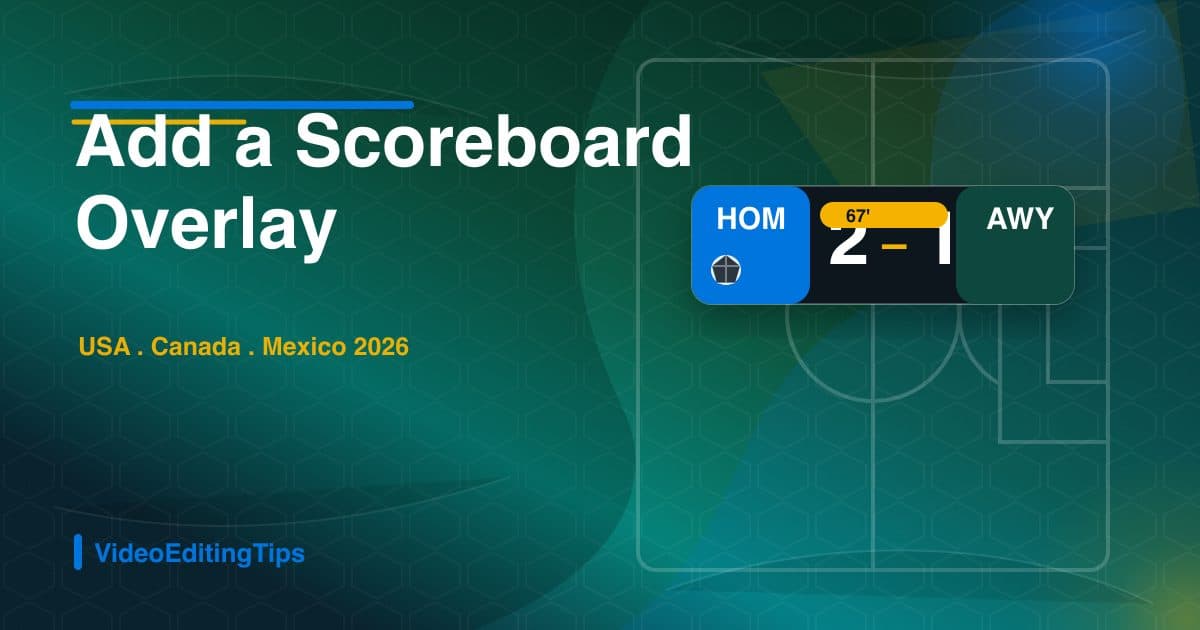
Give your clip a broadcast feel: overlay a scoreboard with home and away abbreviations, the score, and a running match timer — for example HOM 2 - 1 AWY — right in the browser.
Step-by-step
Trim the clip first
Open the Video Trimmer and cut to the passage you want to score over — the goal or key chance. A tight 10-30 second clip keeps the scoreboard relevant to what is on screen.
Add the scoreboard overlay
Open the Scoreboard Overlay, enter three-letter team abbreviations (for example HOM and AWY), set the score and the match clock, and place the bug in the top-left or top-center like a real broadcast.
Add a title card and export
Use the Video Text tool to drop a short title card on the front (your team's name or the matchday), then export. The scoreboard is baked into the pixels and survives any re-upload.
Recommended settings
| Scoreboard fields | Home / away abbrev, score, match timer |
|---|---|
| Overlay position | Top-left or top-center bug |
| Aspect ratio | 16:9 or 9:16 (matches source) |
| Recommended clip length | 10-30 seconds |
| Codec / format | H.264 + AAC in MP4 |
Quality check before publishing
- Play the first and last three seconds to catch bad trims, black frames, missing audio, or a visible jump at the end.
- Confirm the exported file matches the important settings above, especially duration, aspect ratio, resolution, codec, and file size.
- Preview once on the target platform or device before deleting the original source file.
- If the clip will be reposted publicly, strip metadata first and verify no private names, GPS data, or device fingerprints remain.
Tools you may also need
FAQ
What abbreviations should I use?
Stick to the three-letter format broadcasters use, like HOM 2 - 1 AWY for a generic home and away matchup. The Scoreboard Overlay lets you set any abbreviations and score, so match it to the teams in your clip.
Can I add a running match clock?
Yes. The Scoreboard Overlay includes a match timer field so the on-screen clock matches the moment in the clip, just like a live feed.
Does this run in my browser?
Yes — every step in this guide uses an in-browser FFmpeg WebAssembly tool. Your video never uploads to a server and never leaves your device.